Server status
section > select “VK Video live”
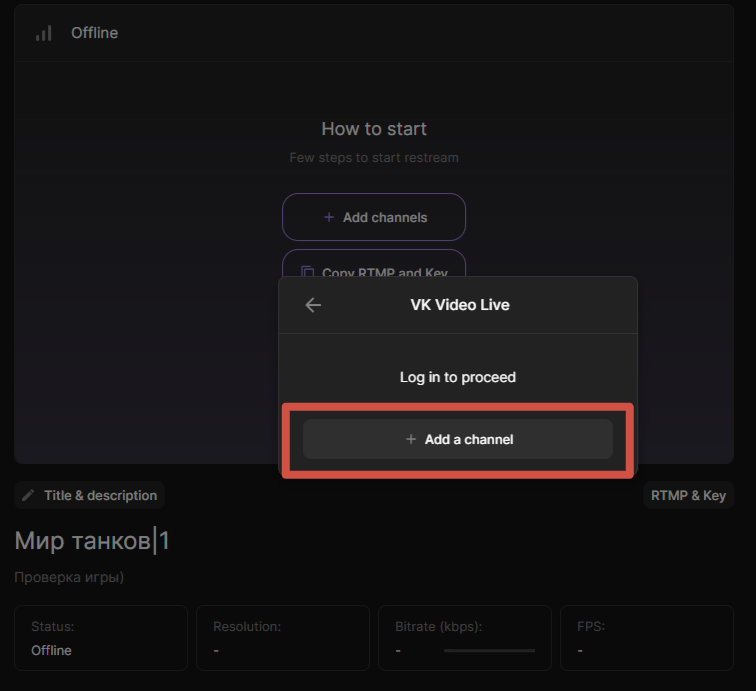
If you are not logged in to VK Video Live, a login window will pop up. Click “+Add channel”
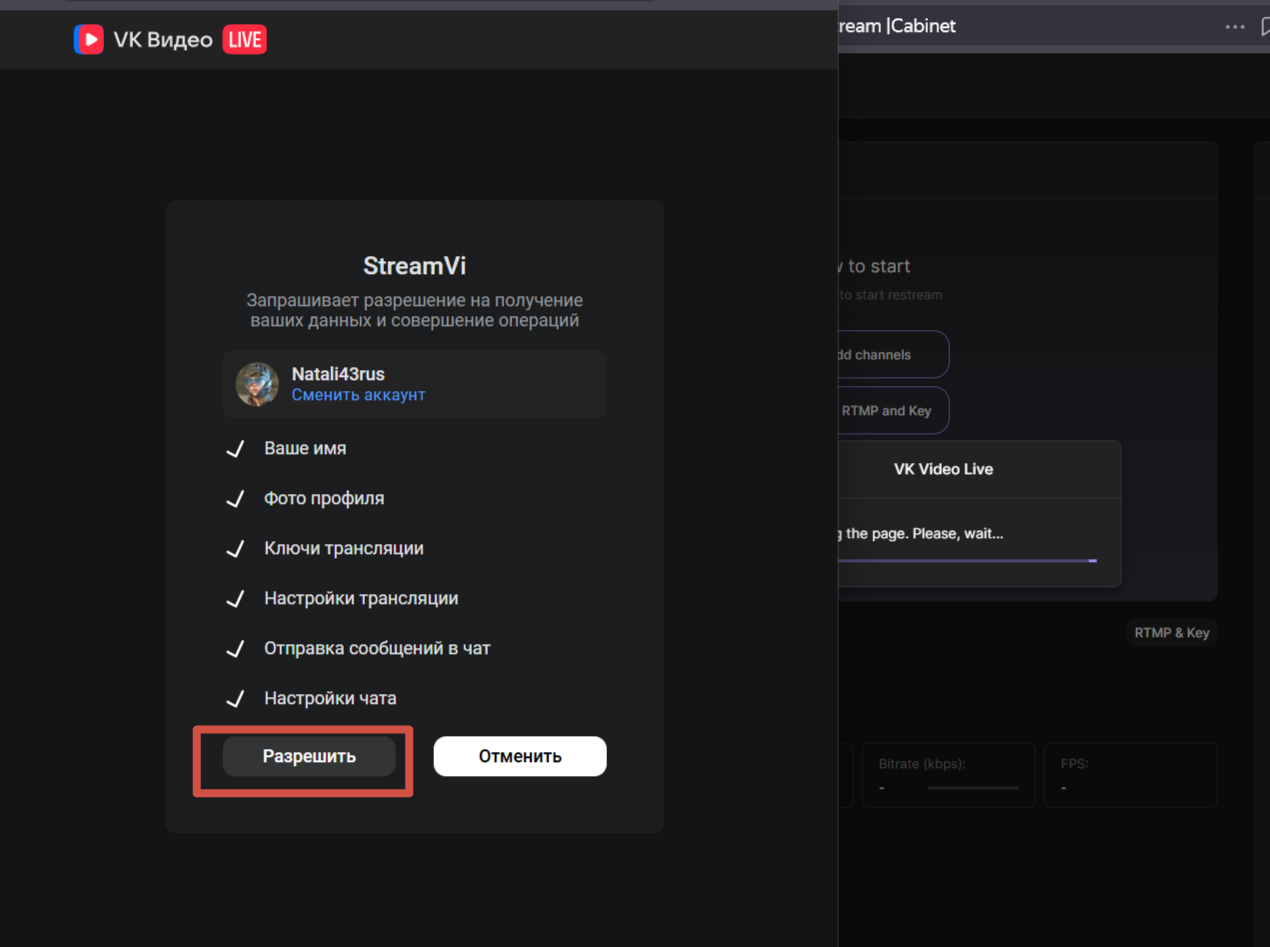
In the next pop-up window, click “Allow”:
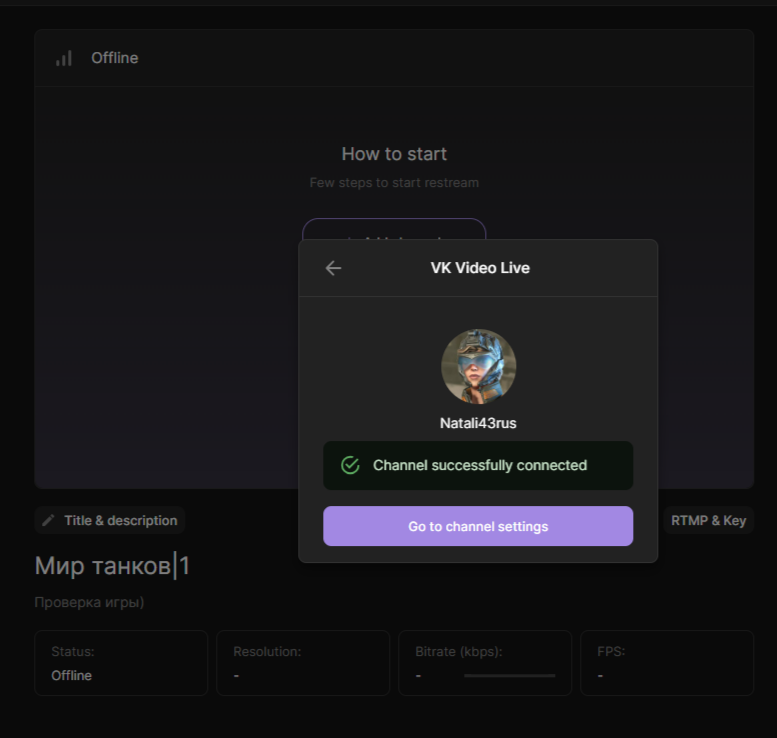
After allowing the channel to receive data, the channel will be added
 Country: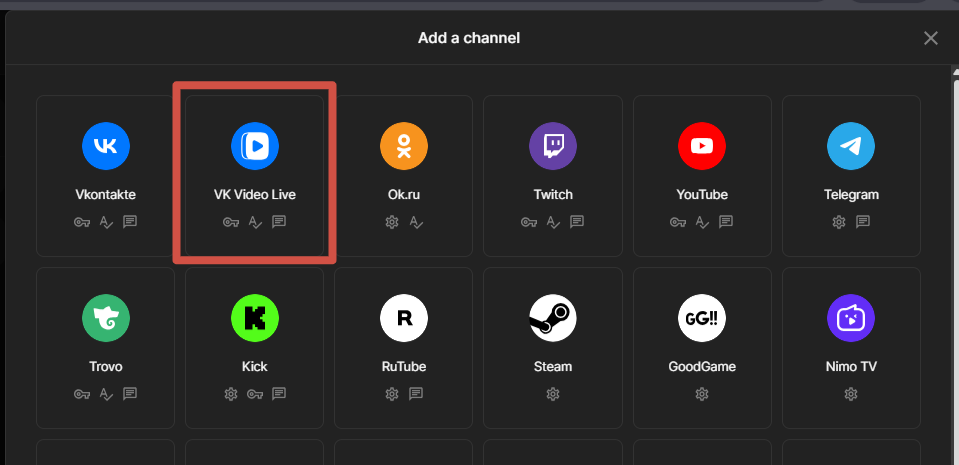


 Русский
 Английский