ru

Adding channels

A channel connects a destination for your broadcast: a page or community, a streaming service, or a server configured with manual credentials. For Telegram messages, connecting a group to chat is separate from sending video.

Connect a platform

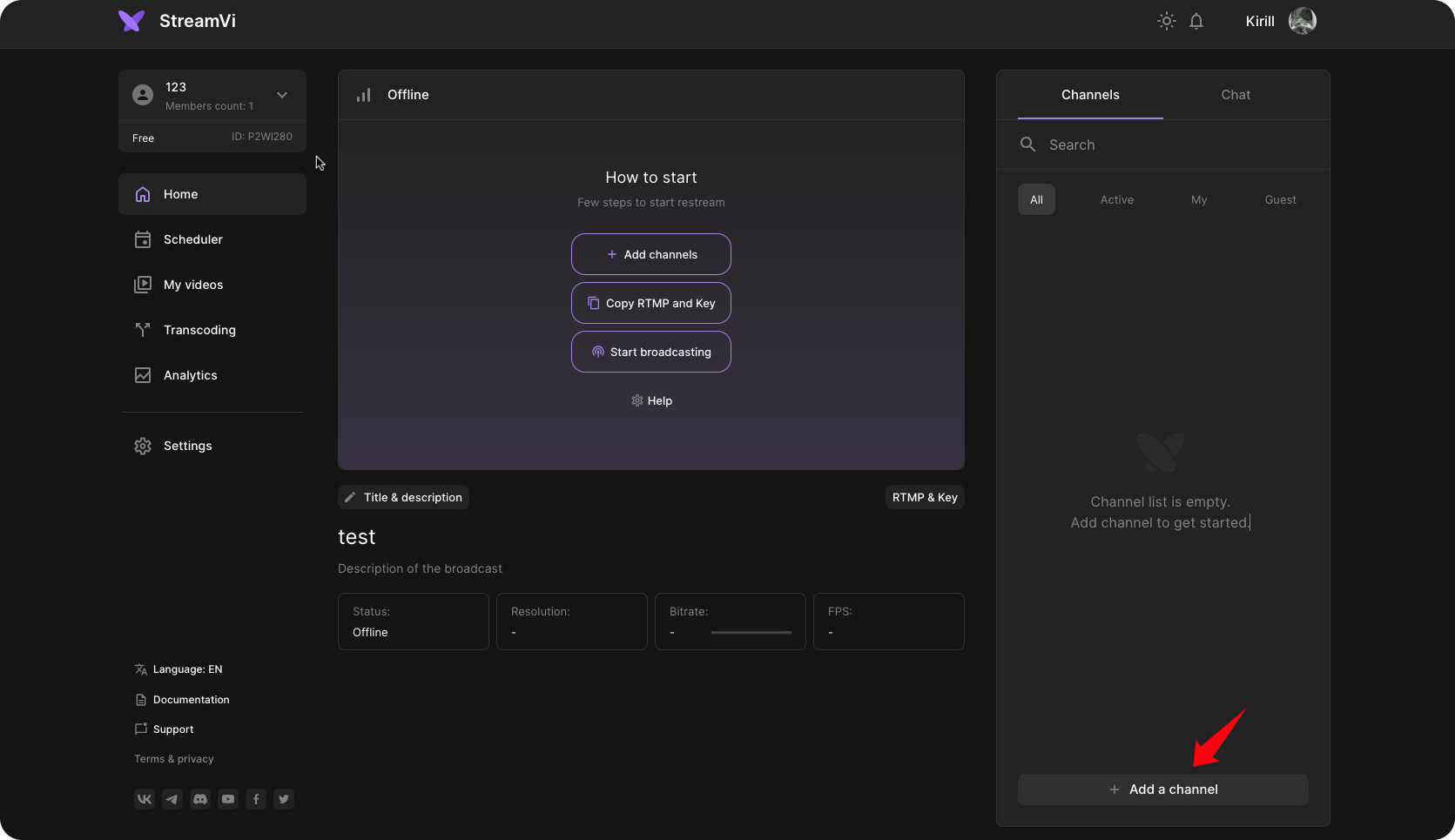
Open Home. On a phone, open the Channels tab first. Select Add a channel.

Adding channels. 1. Add a channel

In the dialog, select the channel's platform.

Adding channels. 2. select the channel's platform

Follow the selected connection's instructions. For platform sign-in, use the correct account and grant the requested access. For a manual connection, enter the address and key supplied by the destination platform. Connection methods can differ even for the same platform.

If the form offers a channel URL field, enter the channel page address on the destination platform and follow the hint. This field does not replace a server address or stream key.

After a successful connection, check the channel in the selected project's channel list. Select its row to open settings. The switch beside the channel enables or disables sending to it; broadcasting also requires an incoming stream. See Starting a broadcast.

If the platform is not listed

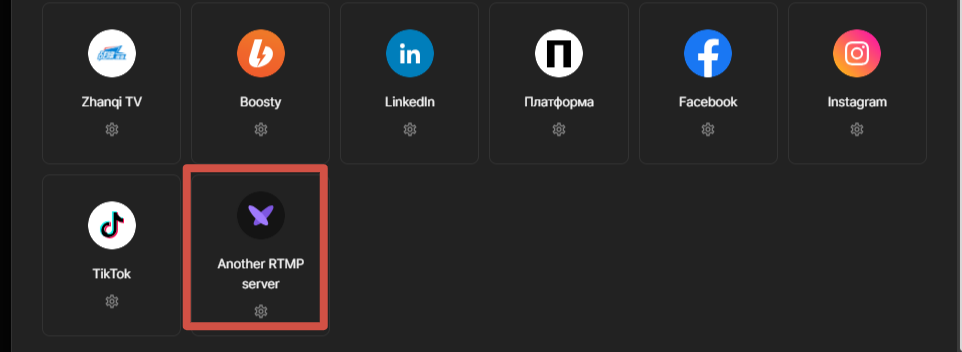
Check whether the destination supports a manual RTMP or SRT connection. For RTMP, select Another RTMP server, set a name, and enter the server address and stream key from the destination platform's dashboard.

Connecting another RTMP server

For SRT, use the corresponding connection and full SRT URL. See the separate RTMP and SRT field instructions. Do not enter StreamVi's incoming stream key here.

If connection fails

Check the account, access to the intended page or community, and destination credentials. For an authorization window, check whether your browser blocked it. If the error repeats, contact StreamVi support through the Cabinet menu with the platform name, time and error text. An access issue on the destination platform may require that platform's support.

For an existing channel, check its available reconnection action first. Do not delete it merely to sign in again.

Platform instructions