Русский
 Английский

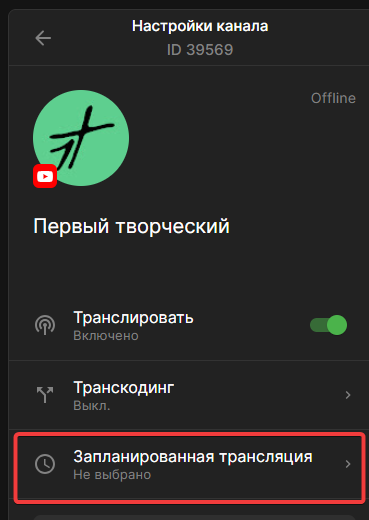
Scheduled broadcast
How to choose a scheduled broadcast on YouTube
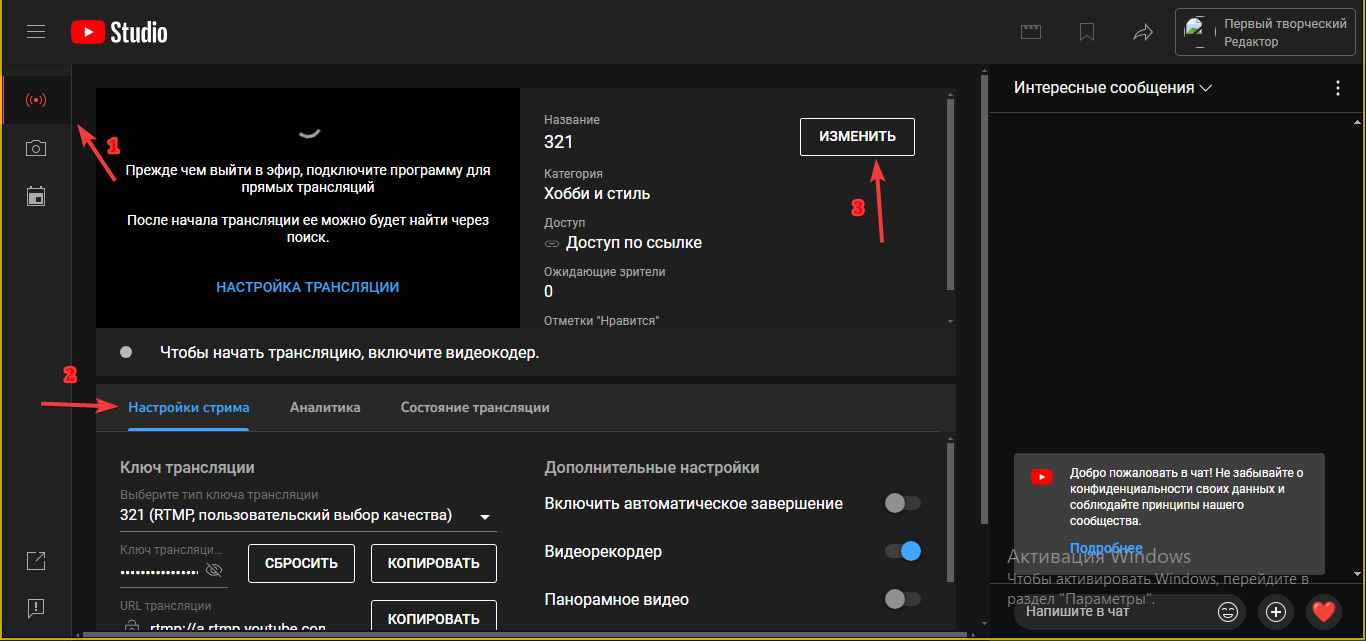
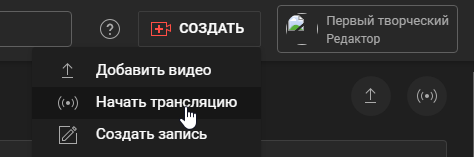
To schedule a YouTube broadcast, log in to the YouTube creative studio, click "Create" -> "Start Streaming”
💡 Broadcast planning via the "Management" section (recommended method)
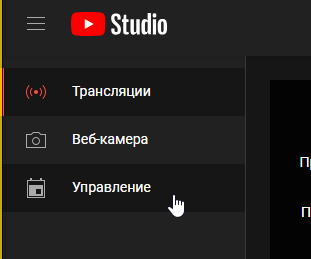
Go to the "Management” section
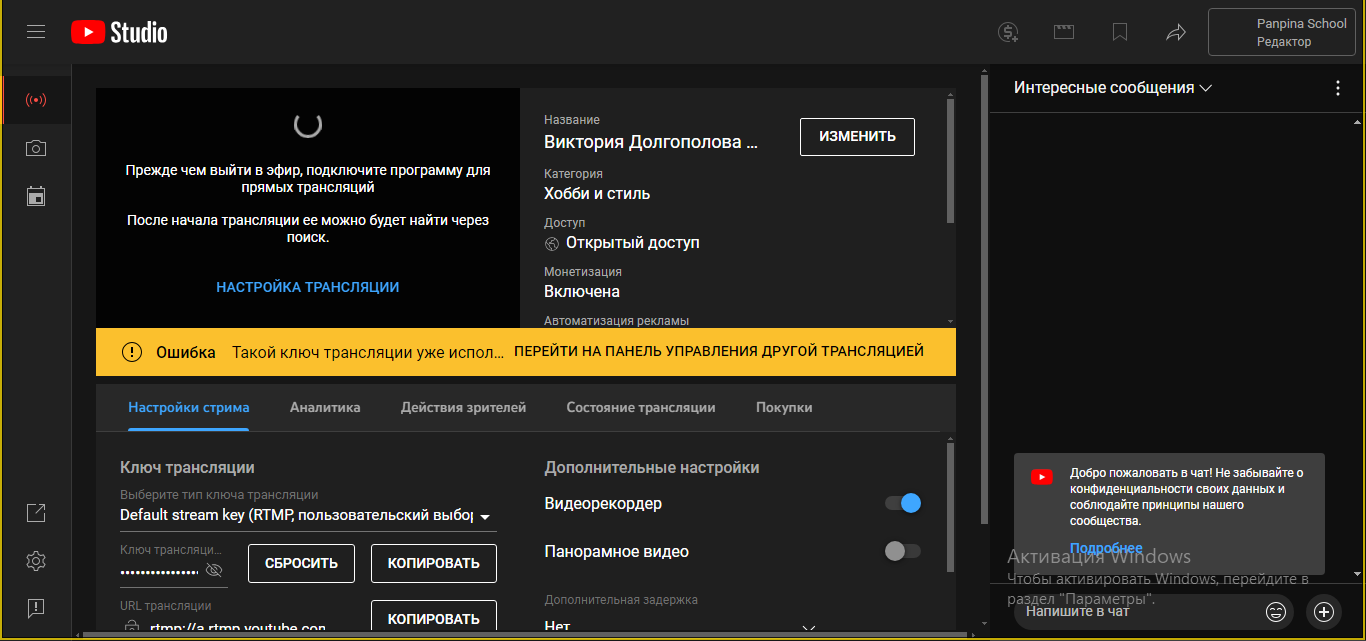
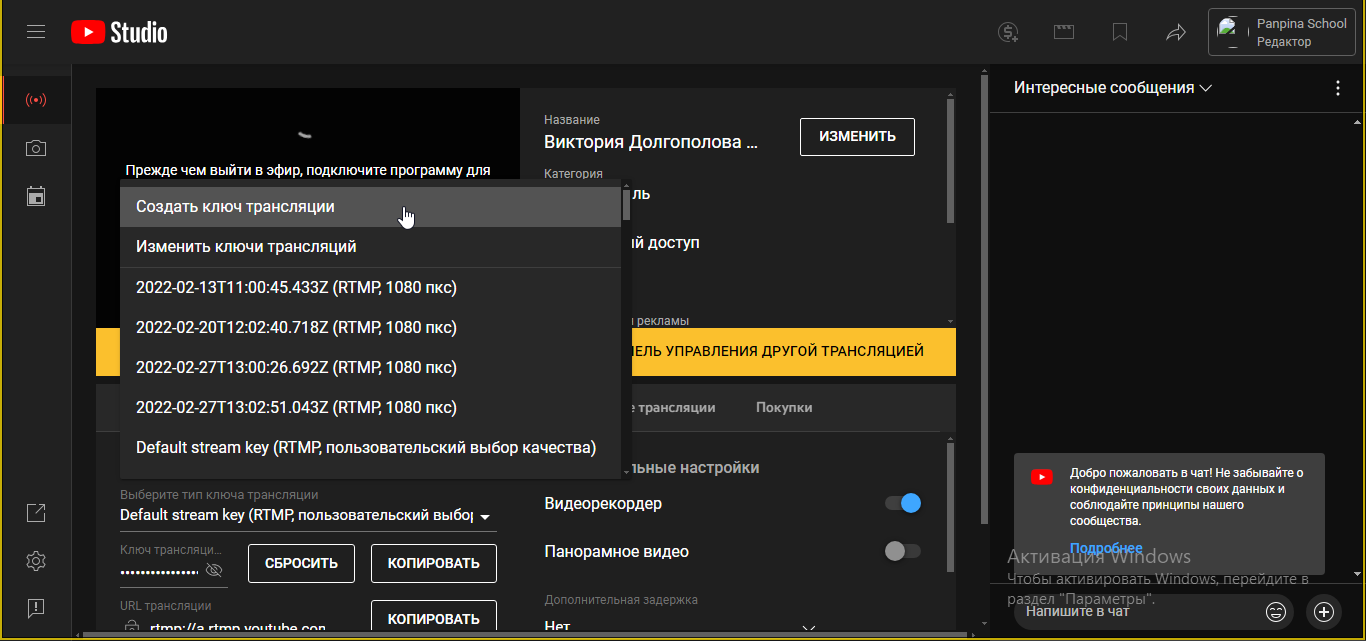
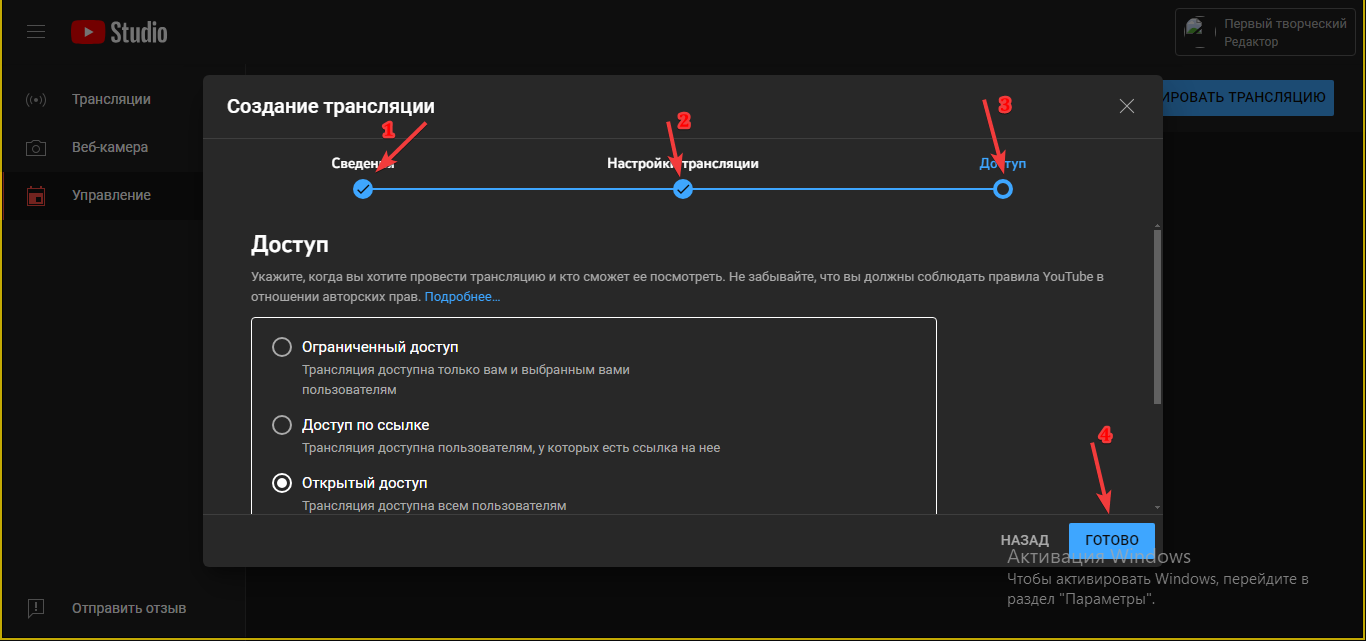
Click "Schedule a broadcast" and select "Create a new one" or "Reuse settings" from an existing broadcast.
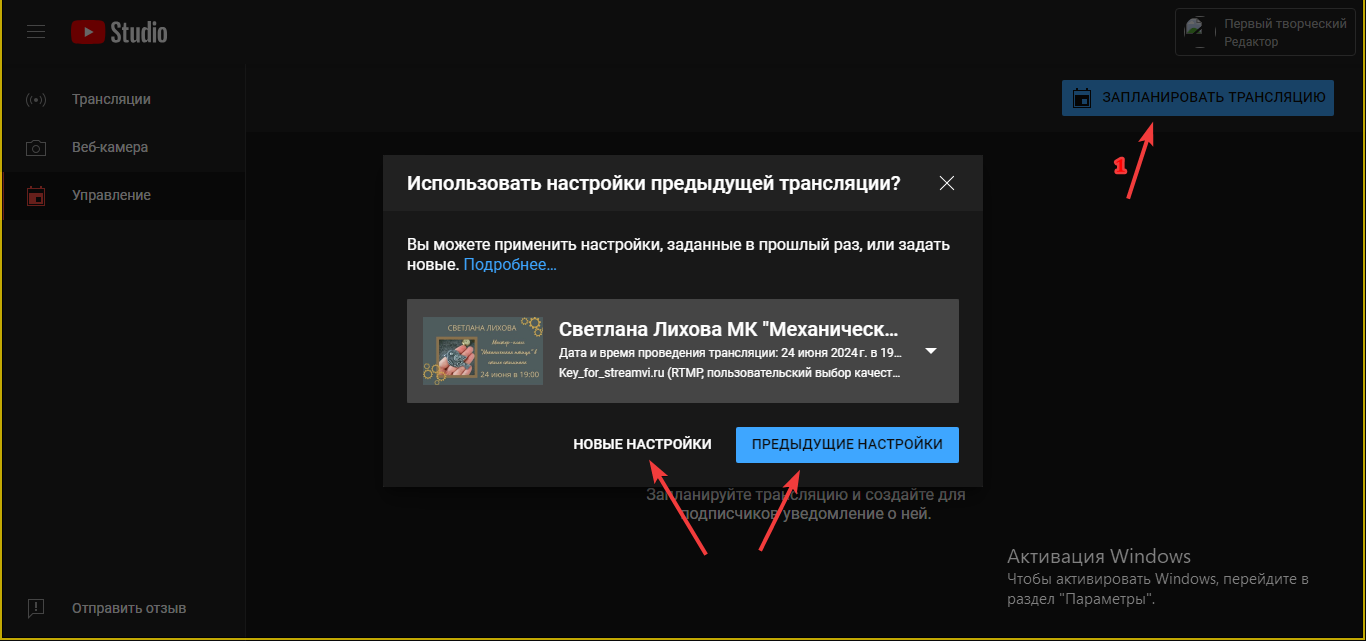
In the window that opens, specify the necessary parameters and click “Done”
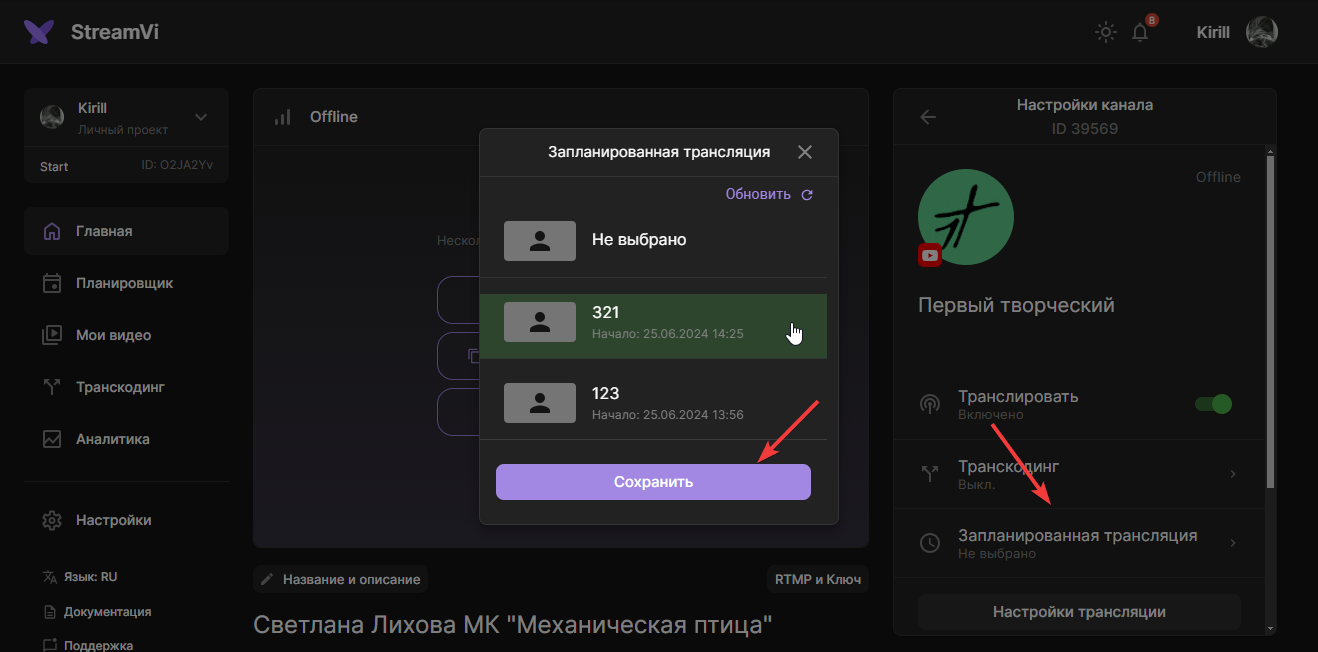
Then go to the channel settings on streamvi, select your created broadcast and click “Save”
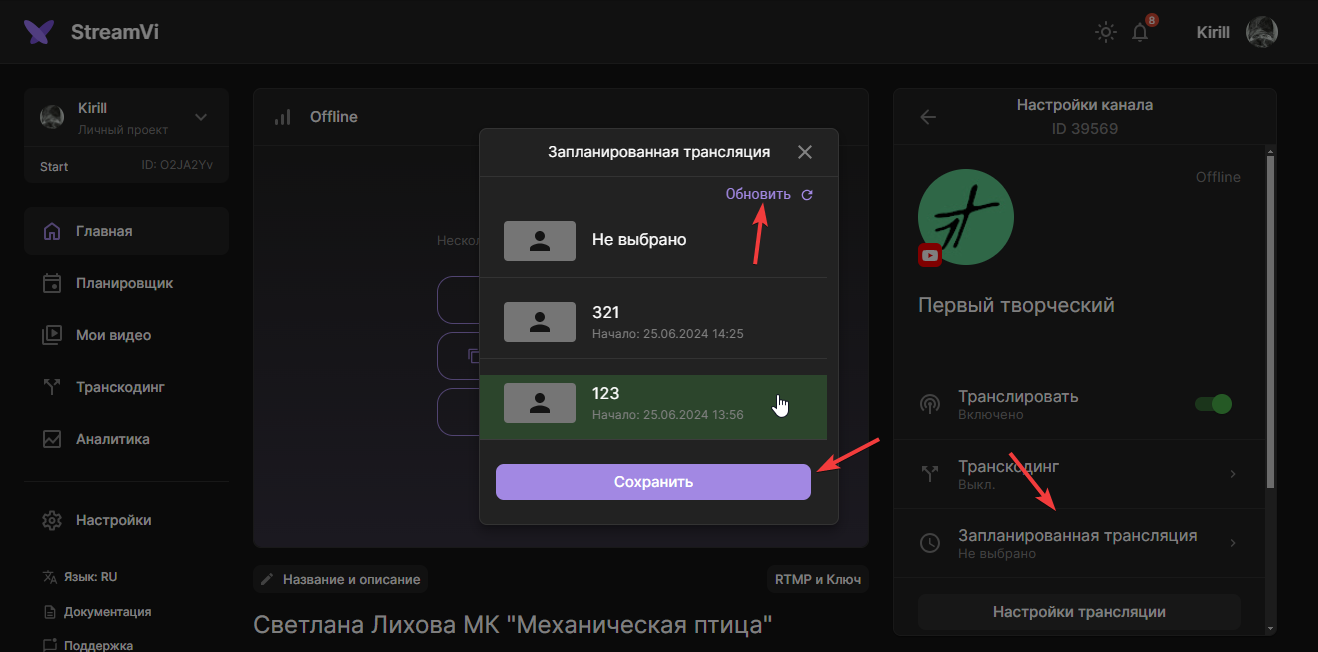
💡 If your scheduled broadcast is not displayed in the menu, click the refresh button