Русский
 Английский

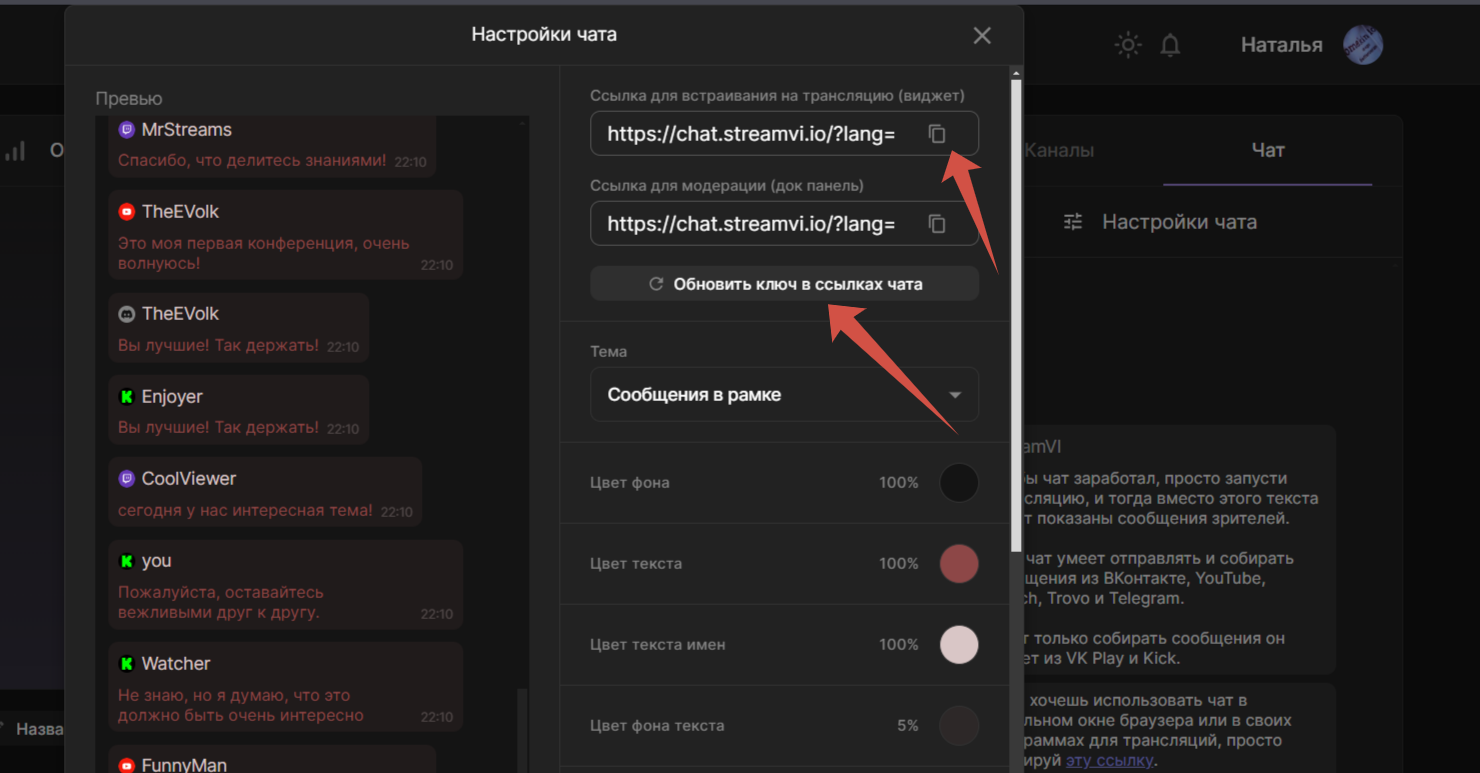
You can change the background and text color to make the chat fit harmoniously into the broadcast.
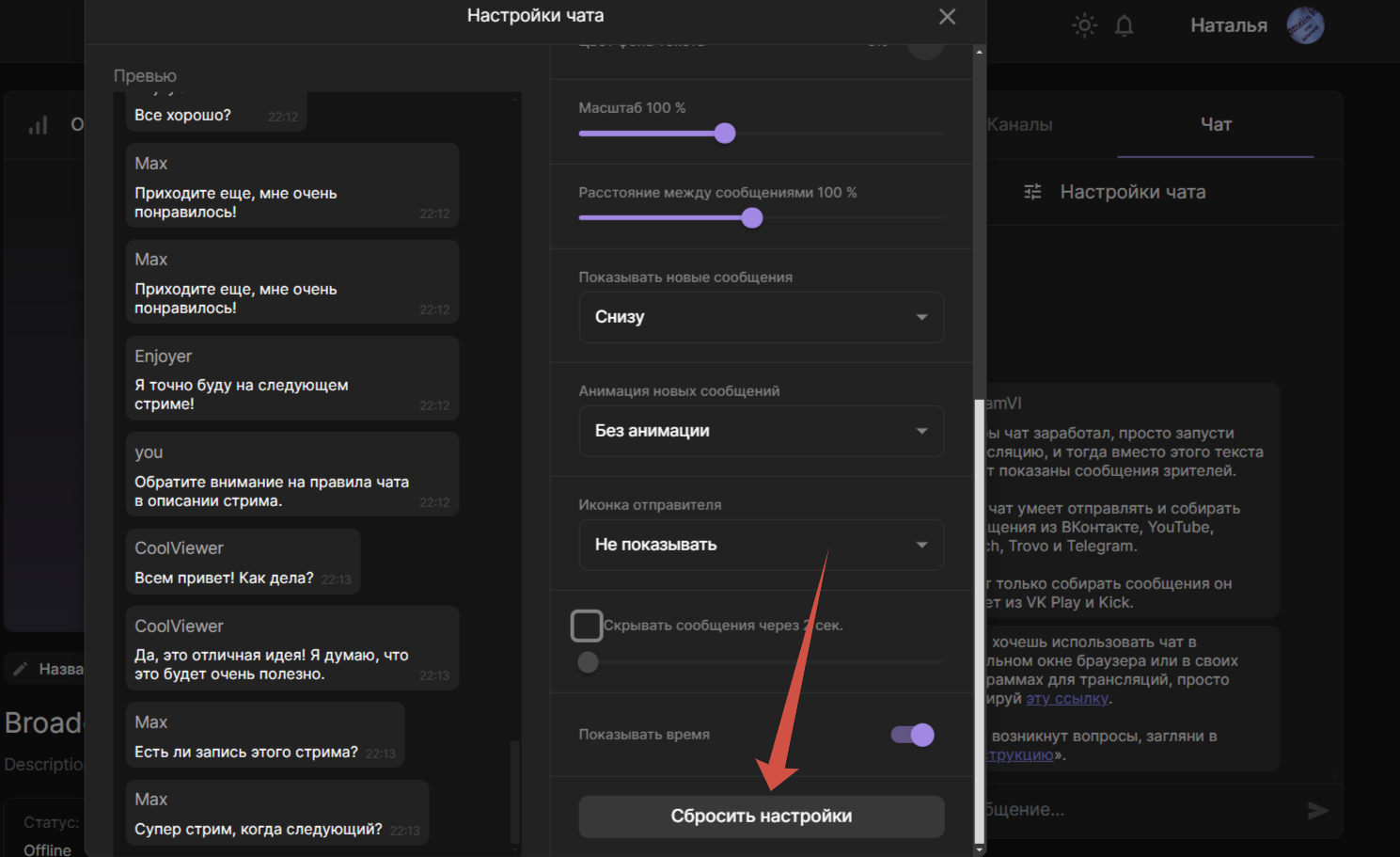
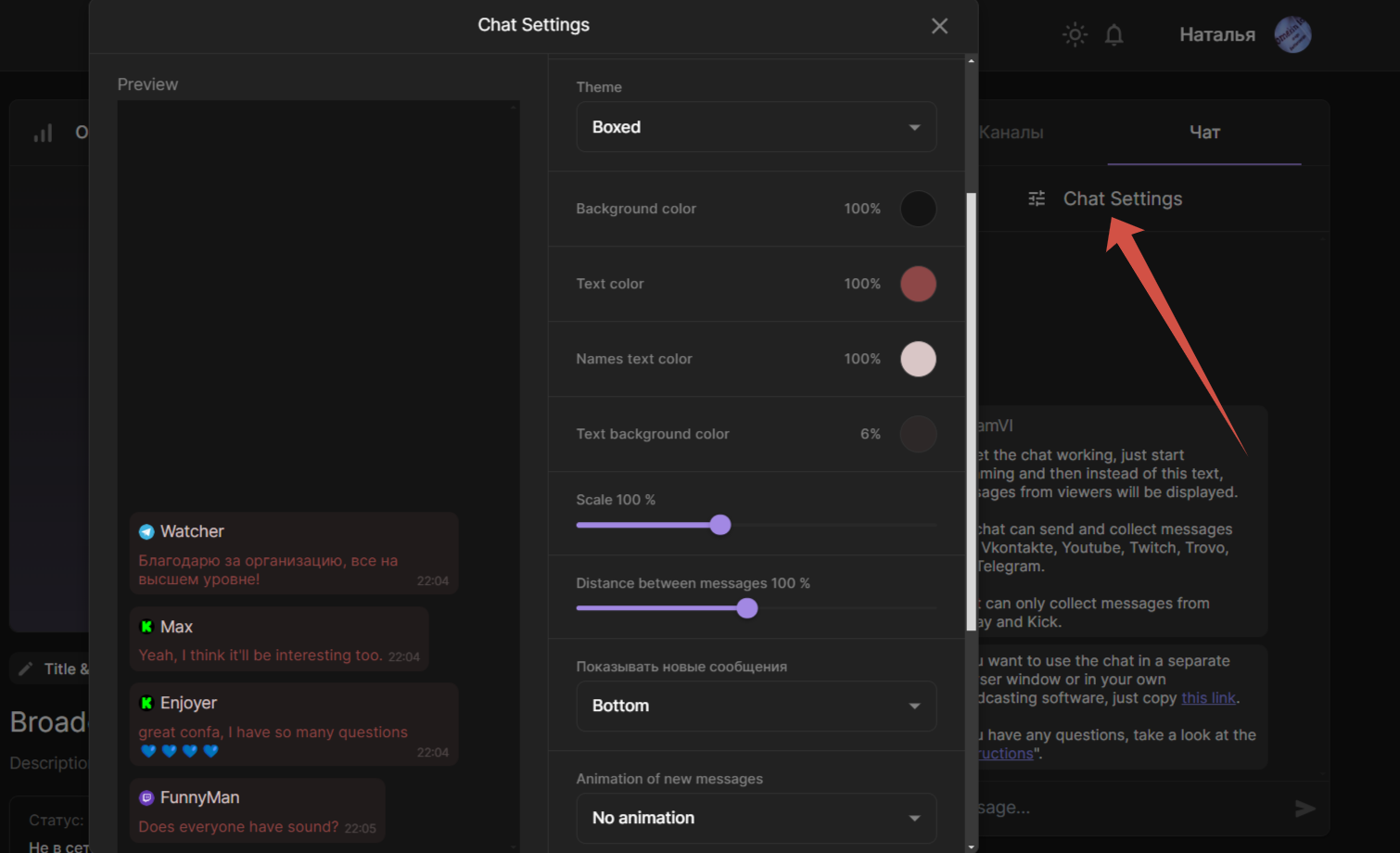
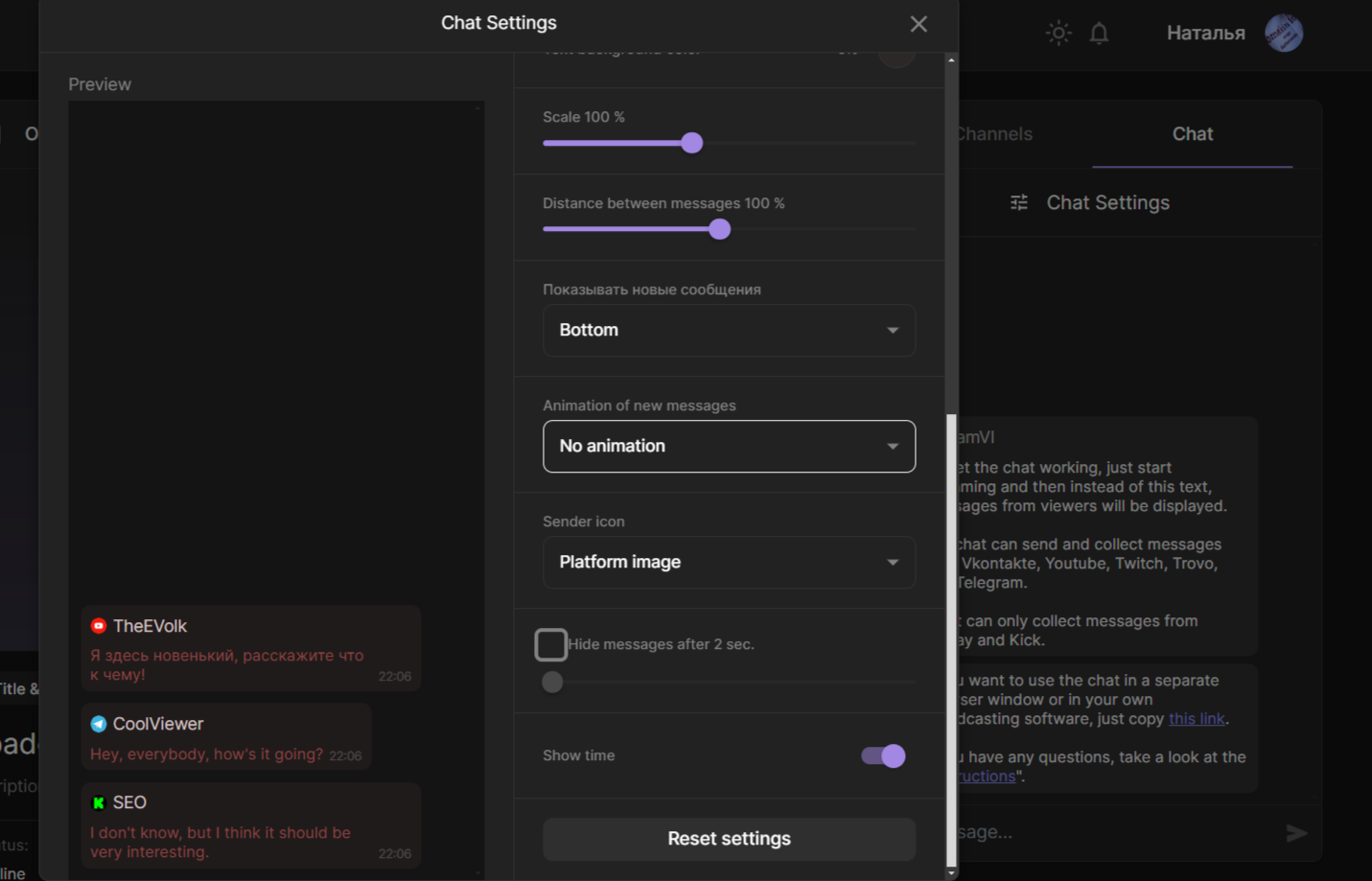
In the Chat Settings section, change the color, size, and other settings as you wish.
A common question we get is: “How do I make the chat background transparent?”, to do this, select the “Background color” option to 0%:
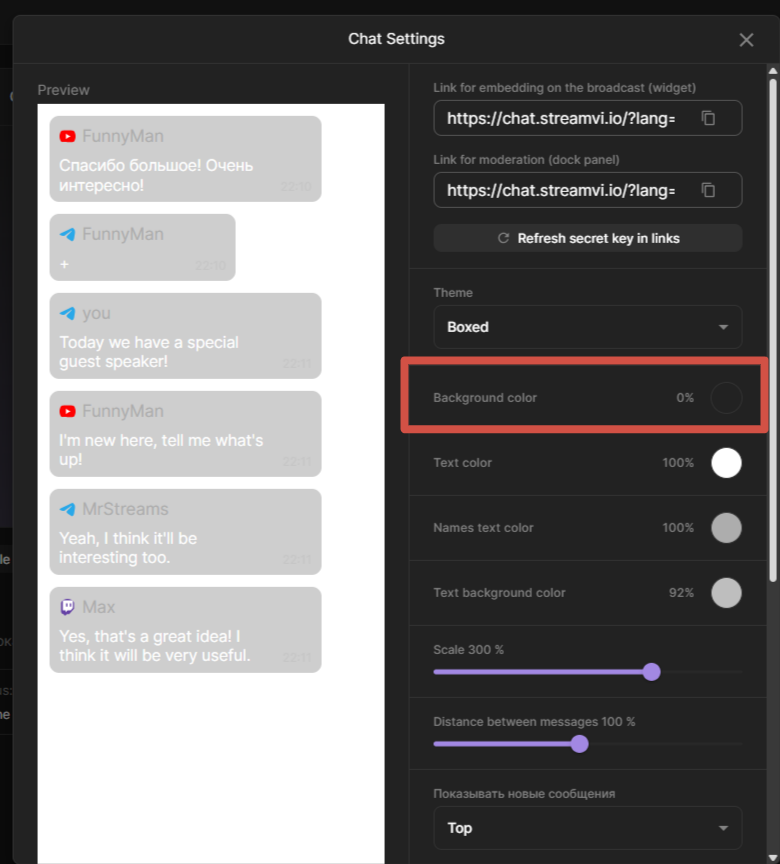
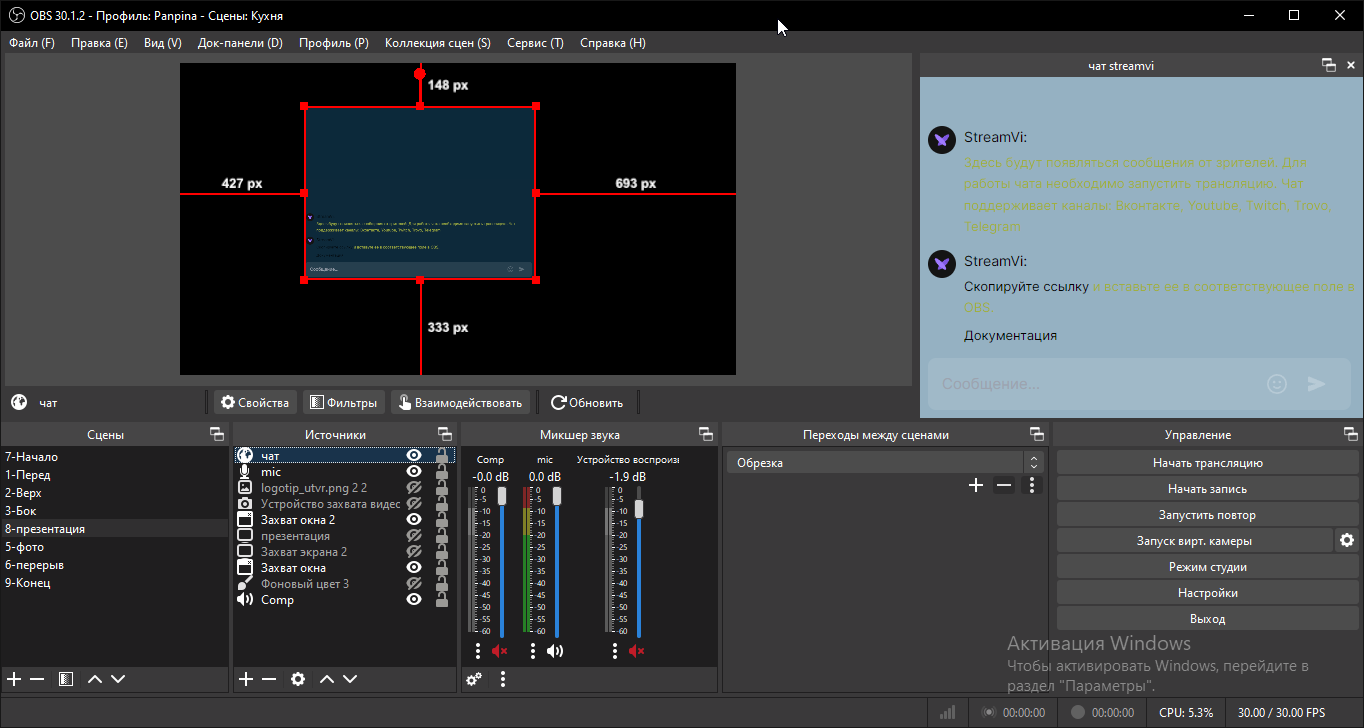
In order for all your settings to be applied in the OBS, you need to update the link, copy and change it in the appropriate OBS points.
The “Reset settings” button resets all changes.