Русский
 Английский

Adding Chat to OBS
Adding a chat on top of the broadcast in OBS
This option will allow you to show the chat to all viewers.
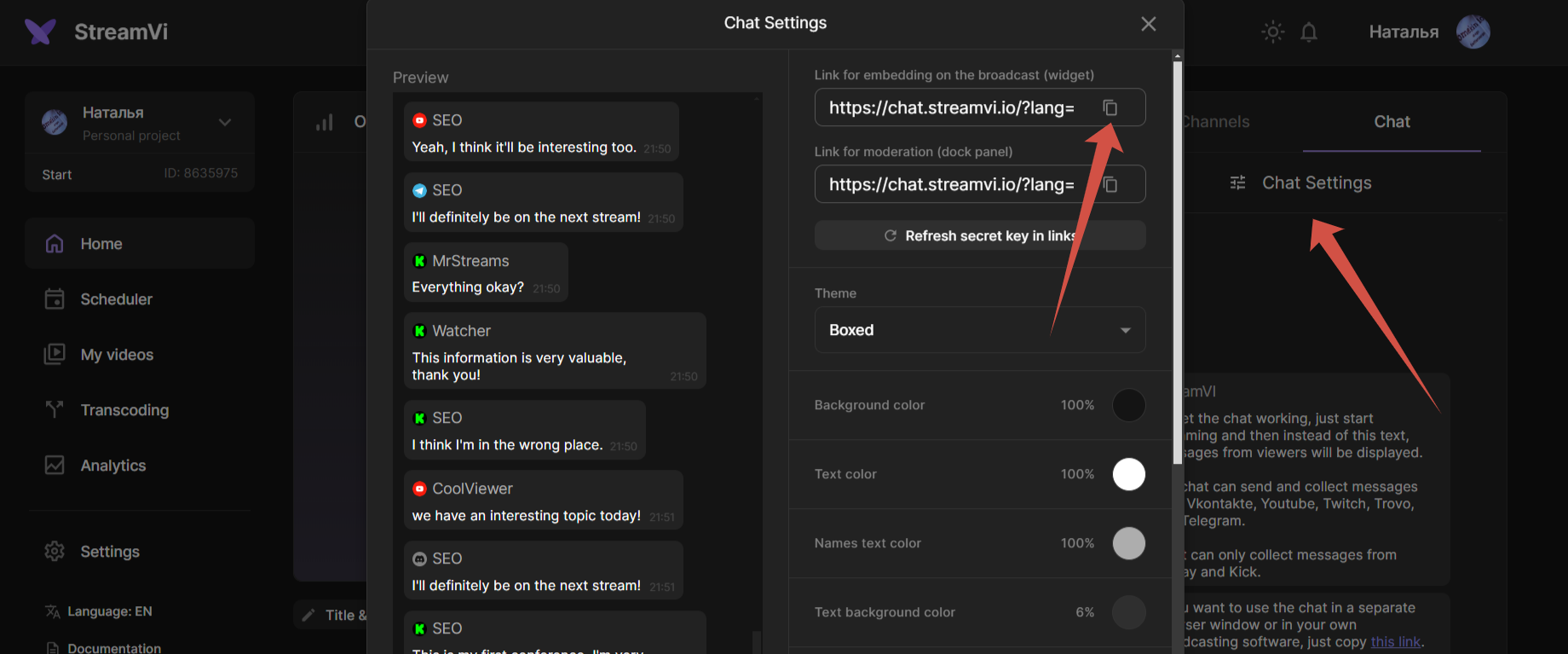
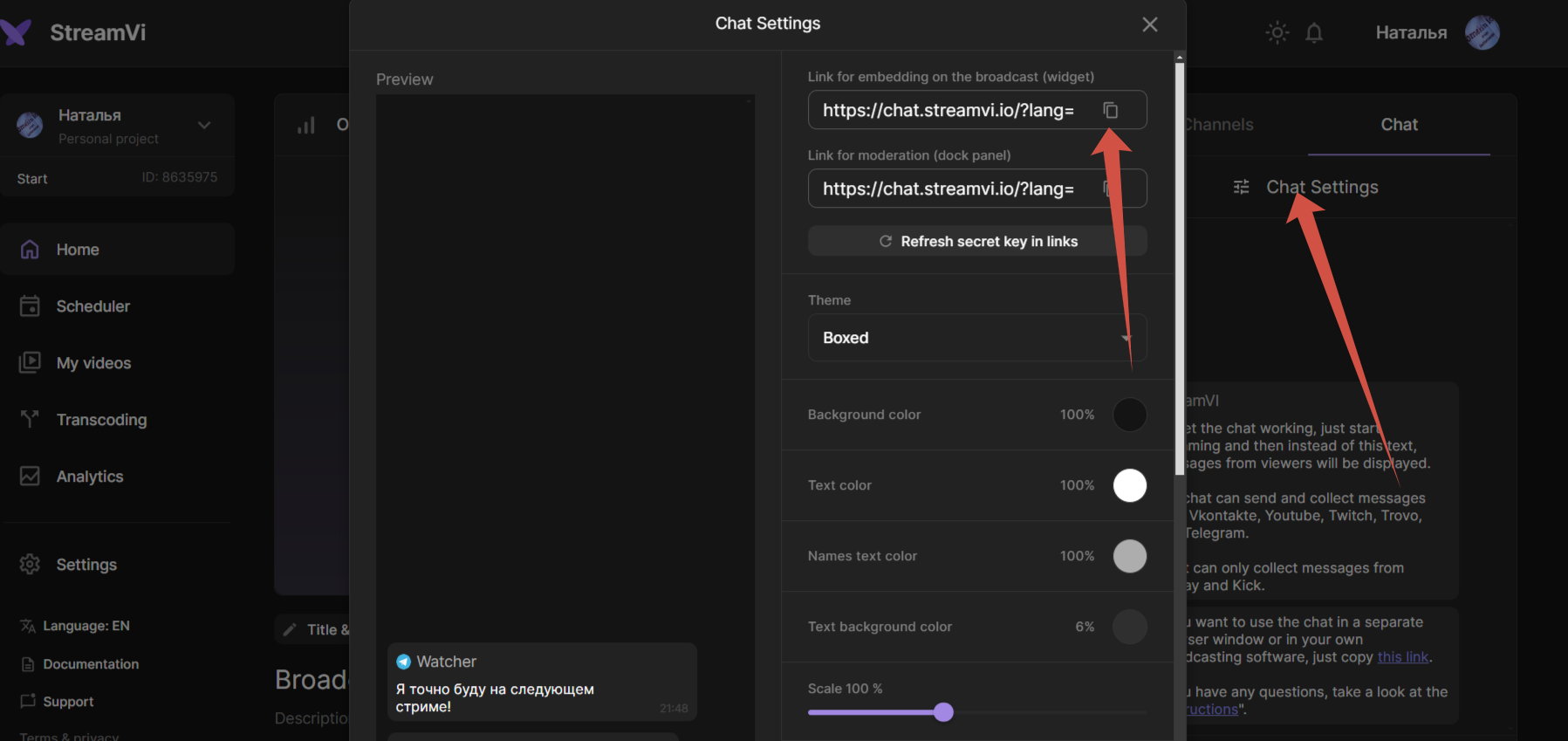
Go to the Chat section - Chat Settings and copy the link to the chat widget
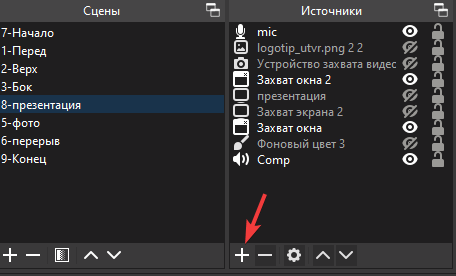
In the OBS program, in the Sources section, click add
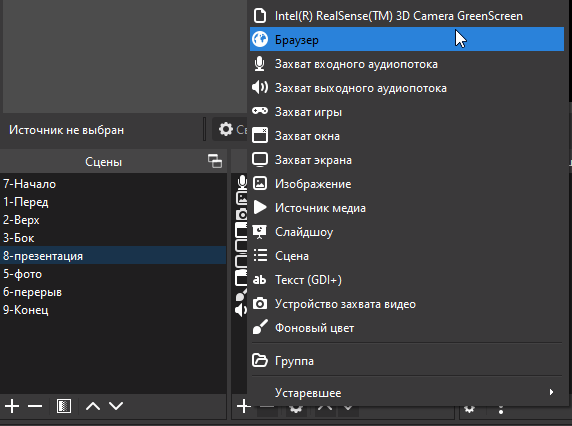
Select "Browser”
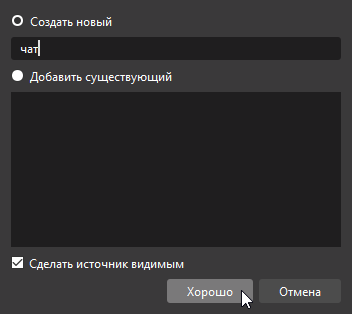
Enter the name and click OK
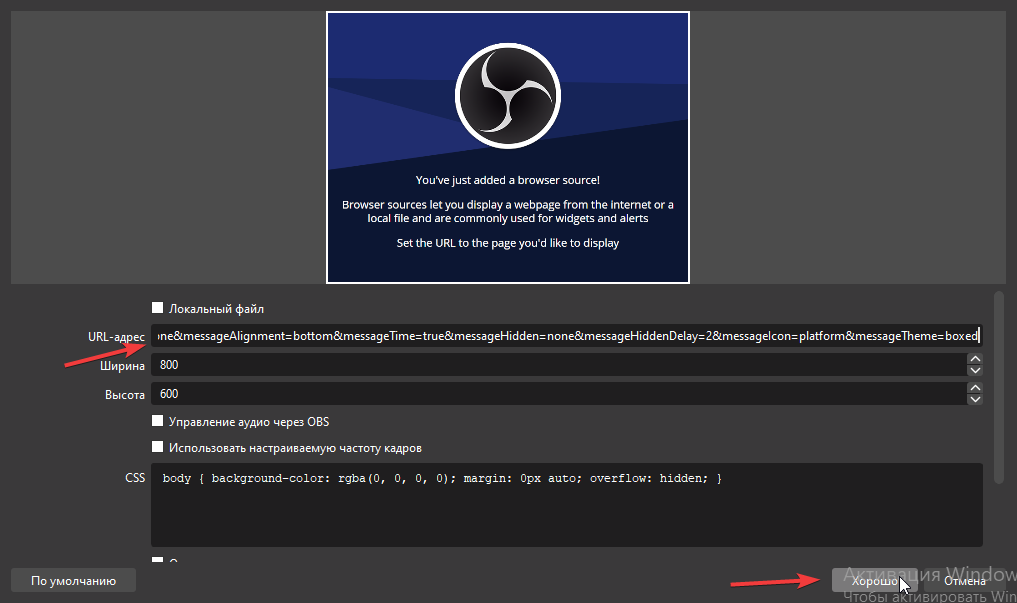
Paste the copied widget link onto the chat widget and click OK
Move the chat to the desired location

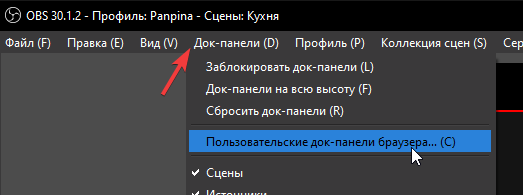
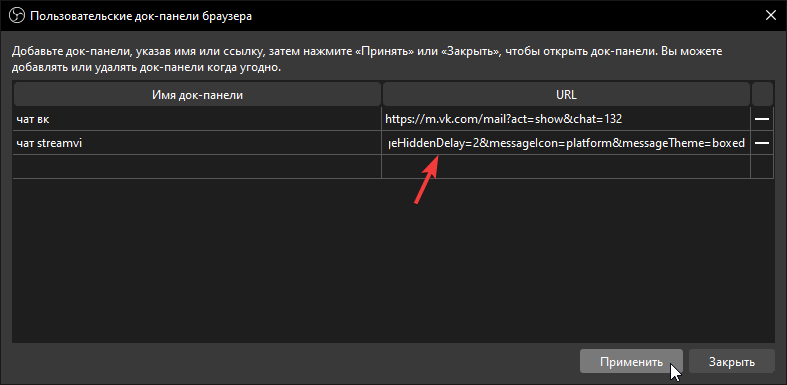
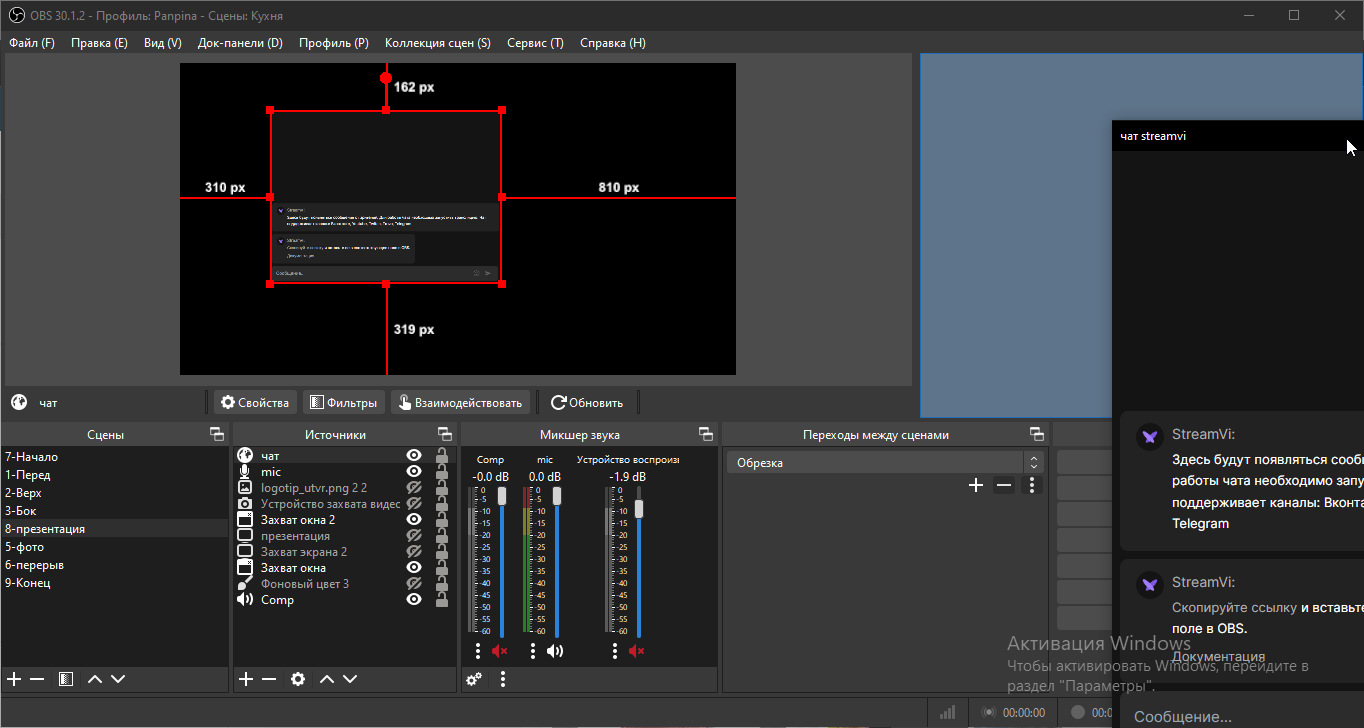
Adding a chat to OBS for quick access
This option will allow you to show the chat for you in the OBS program without showing it to viewers.