Русский
 Английский

Settings
Changing the name, icon, and members in the organization.
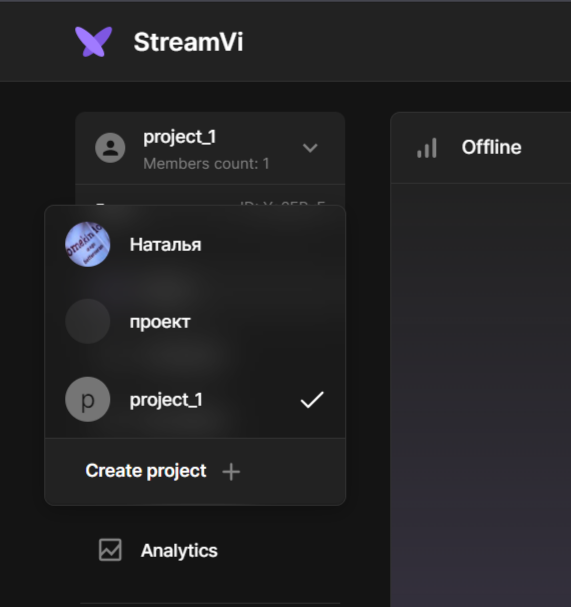
Hover over the profile and select the created project from the menu that opens.
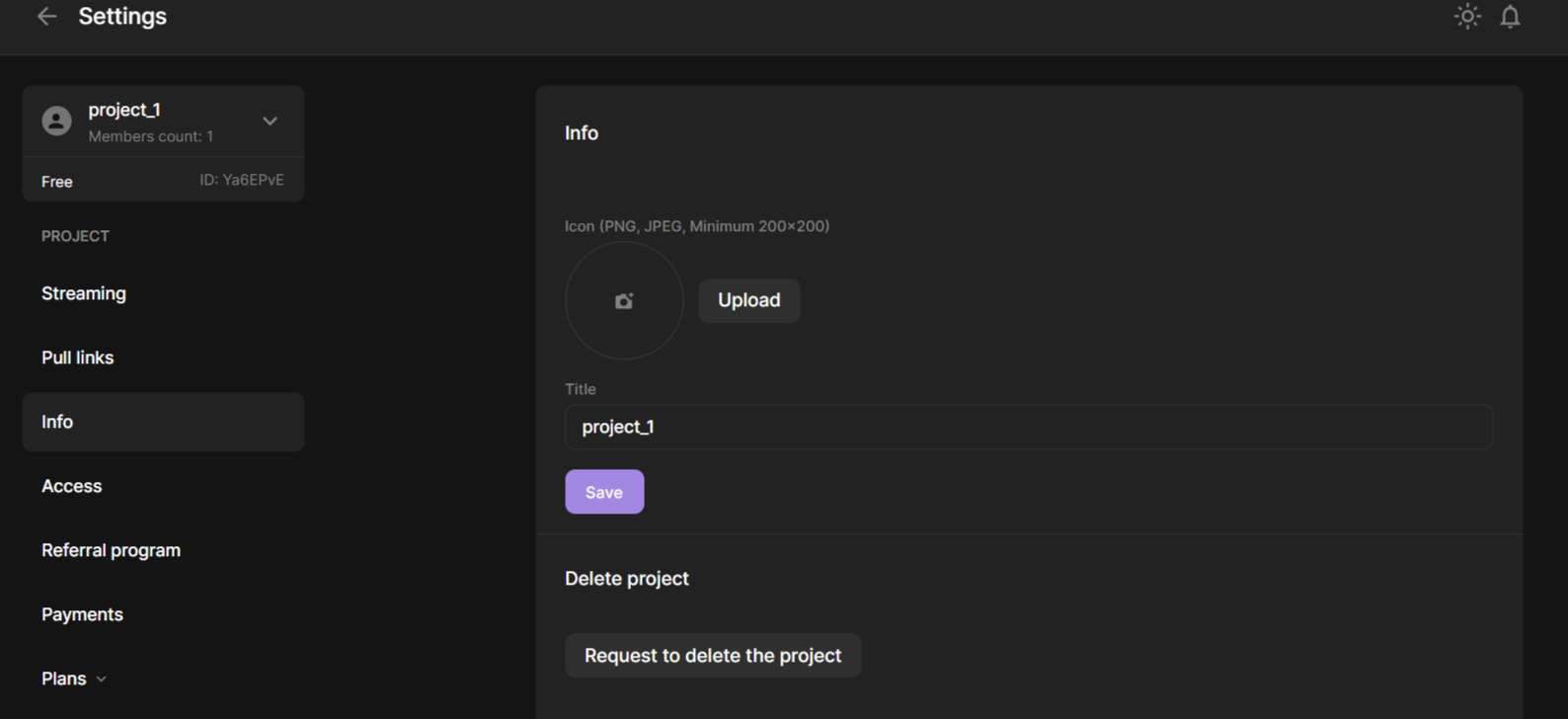
Go to “Settings” - “Information” to change the name and picture of the project
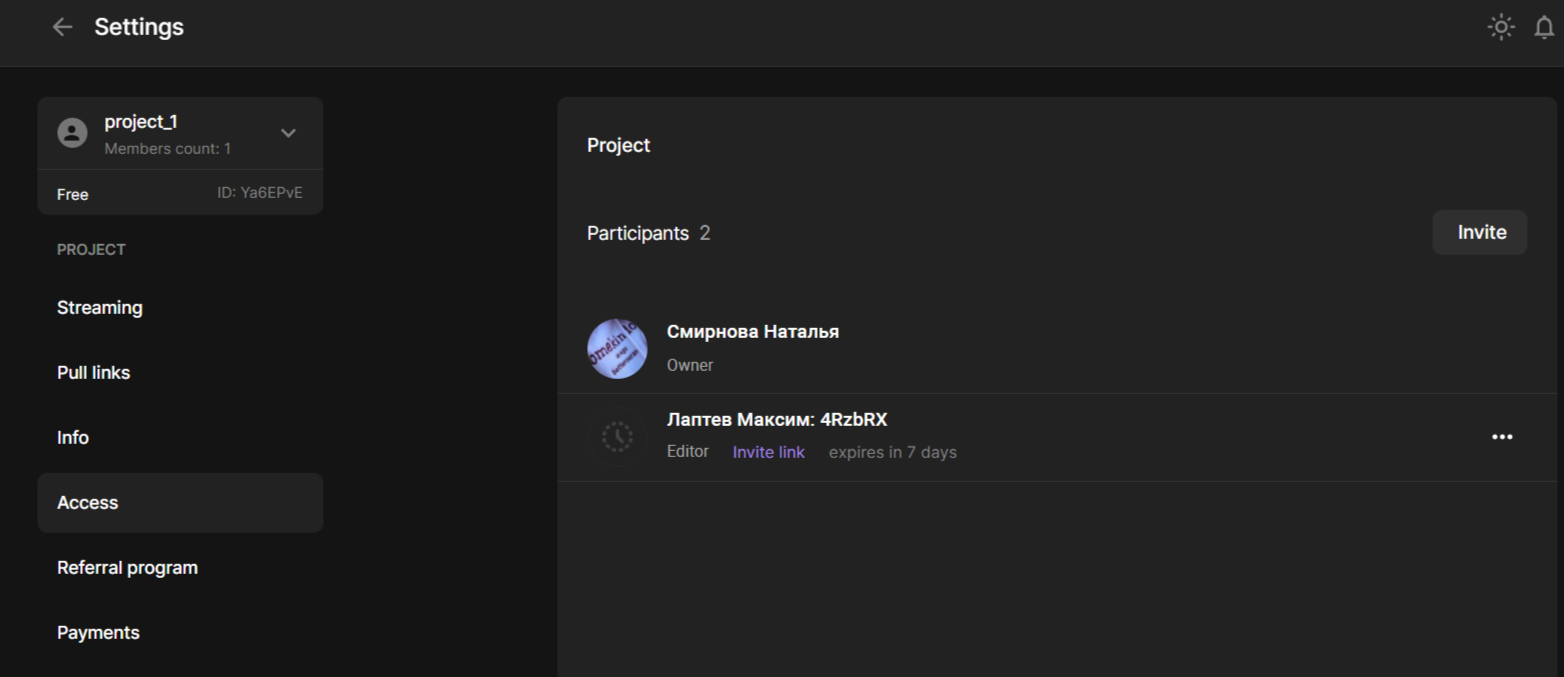
To change or delete users, click Access