
PC programs
To send a stream to StreamVi, use an application that can publish video to a custom RTMP server.
Choose an application
| Application | Operating systems |
|---|---|
| OBS | Windows, macOS, Linux |
| Streamlabs Desktop | Windows, macOS |
| XSplit | Windows |
| vMix | Windows |
Check system requirements on the application's website. Screenshots show an example interface; controls may move between versions.
Connect and start
First, add channels. In the required project, open Home → RTMP and Key and copy the server address and key into your application. The stream setup guide illustrates the Cabinet steps.
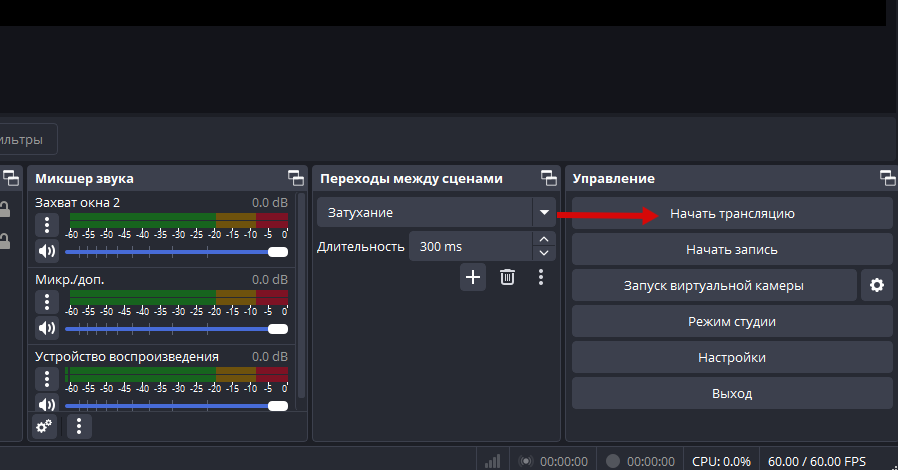
Enable the required project channels. Then start sending video from your configured application; in OBS, for example, click Start Streaming.
Check the incoming stream in StreamVi, then the picture and sound on each destination platform. If the stream does not appear, return to stream startup checks and diagnostics.