
Projects
A project groups channels, broadcast settings, videos, schedules, plans and balance. Check the selected project above the left menu before making changes.
Your personal project is created at registration and is labelled Personal project. Change its name and avatar in your account profile. Create a team project for collaboration; it has separate project information and member access settings.
Click the project card above the left menu and select the project from the opened list. On a phone, first open the sidebar using the header menu button.
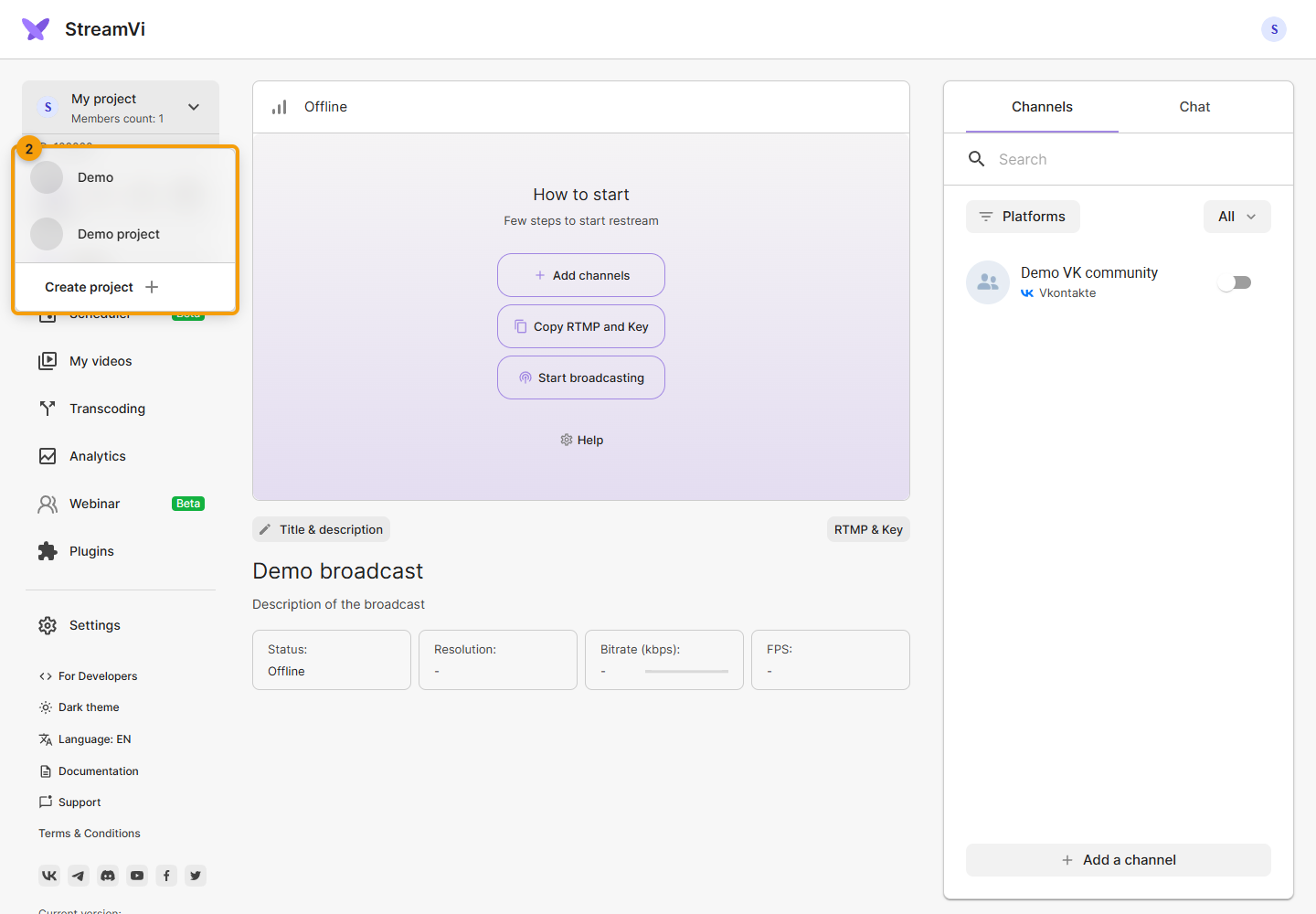
The screenshot shows demo projects. Each project has its own stream key: check your encoder settings after switching.
One project is intended for one incoming broadcast distributed to several channels. Use separate projects with suitable plans for independent simultaneous broadcasts.
Project settings
Open Settings in the selected project. The following sections are available:
- Streaming - encoder connection and stream options, including pausing and disconnect protection.
- Pull links - create links to receive the project's stream.
- Project information - name, icon, deleting a project or leaving it.
- Access - invitations, roles and member management.
- Activity history - view project events.
- Referral program - referral links and earnings.
- Payments - top-ups, transactions and payment settings.
- Plans - restreaming, transcoding, storage and webinars, service expiry dates and auto-renewal.
Your user profile, sign-in methods, apps and notifications are in the separate Account section.