
Sign in to Desktop
Open StreamVi Desktop and click Sign in via website. Keep the application open. In the browser that opens, sign in with the required account, then click Confirm sign-in to the app. After confirmation, return to Desktop and check the selected project.
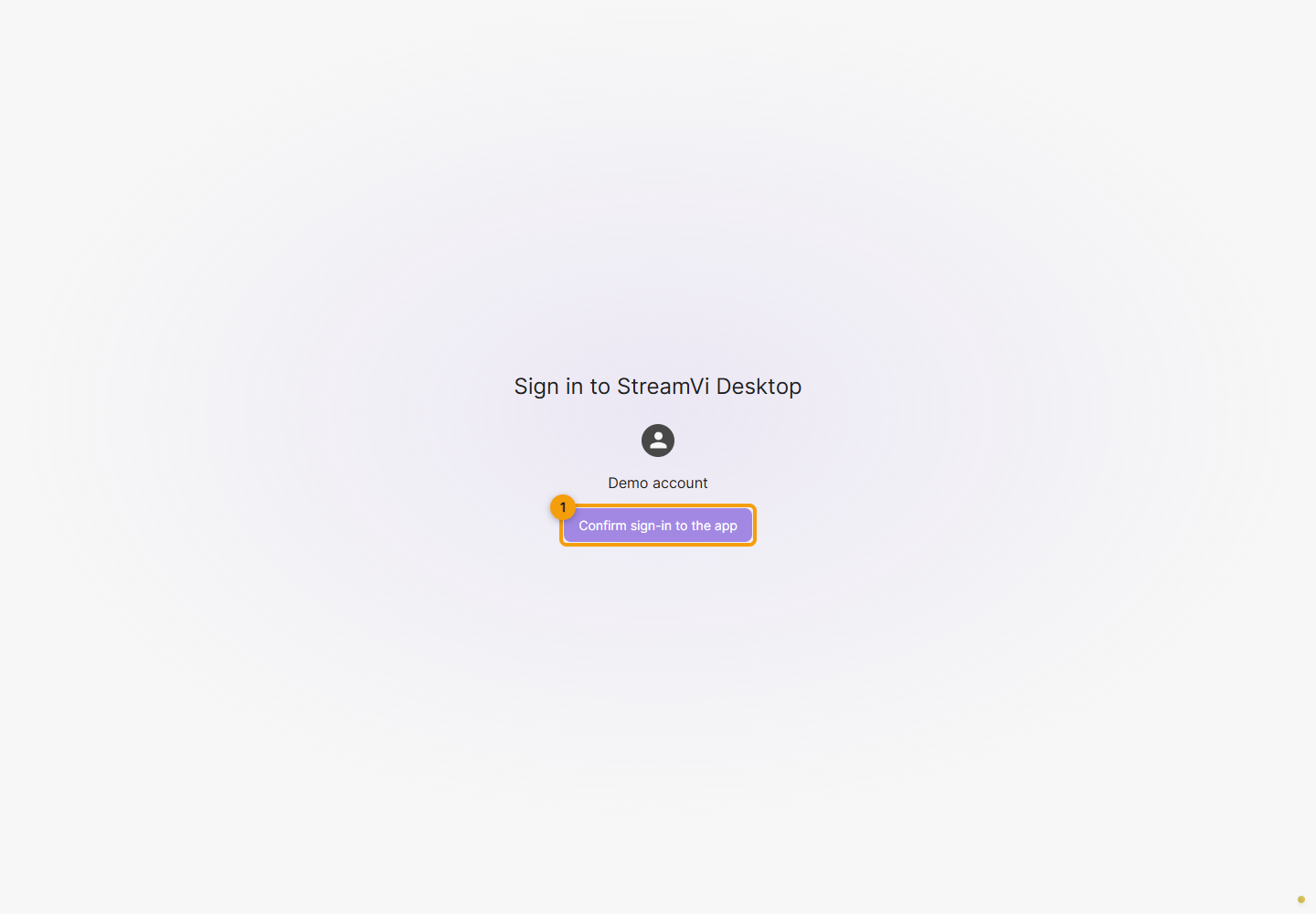
Signing in on the website alone does not confirm Desktop sign-in. If the page asks you to start from the application instead of showing a confirmation button, return to Desktop and click Sign in via website again: opening the page directly or reusing a saved page does not replace a new application request.
If Could not confirm sign-in appears, retry confirmation. If the error persists, start a new sign-in from the application. When contacting support, include the Desktop version, operating system and error text; do not send your password or the full confirmation-page address.