
Bonus plan
If you receive a bonus-plan link, open it in a browser signed in to StreamVi. After checking the link, the Cabinet displays the offer in a Bonus dialog. This dialog has no separate field for entering a code manually.
Check the offered plan name and select a project. Then click Get bonus. For teamwork, you can first create a team project. Check the selected project before confirming.
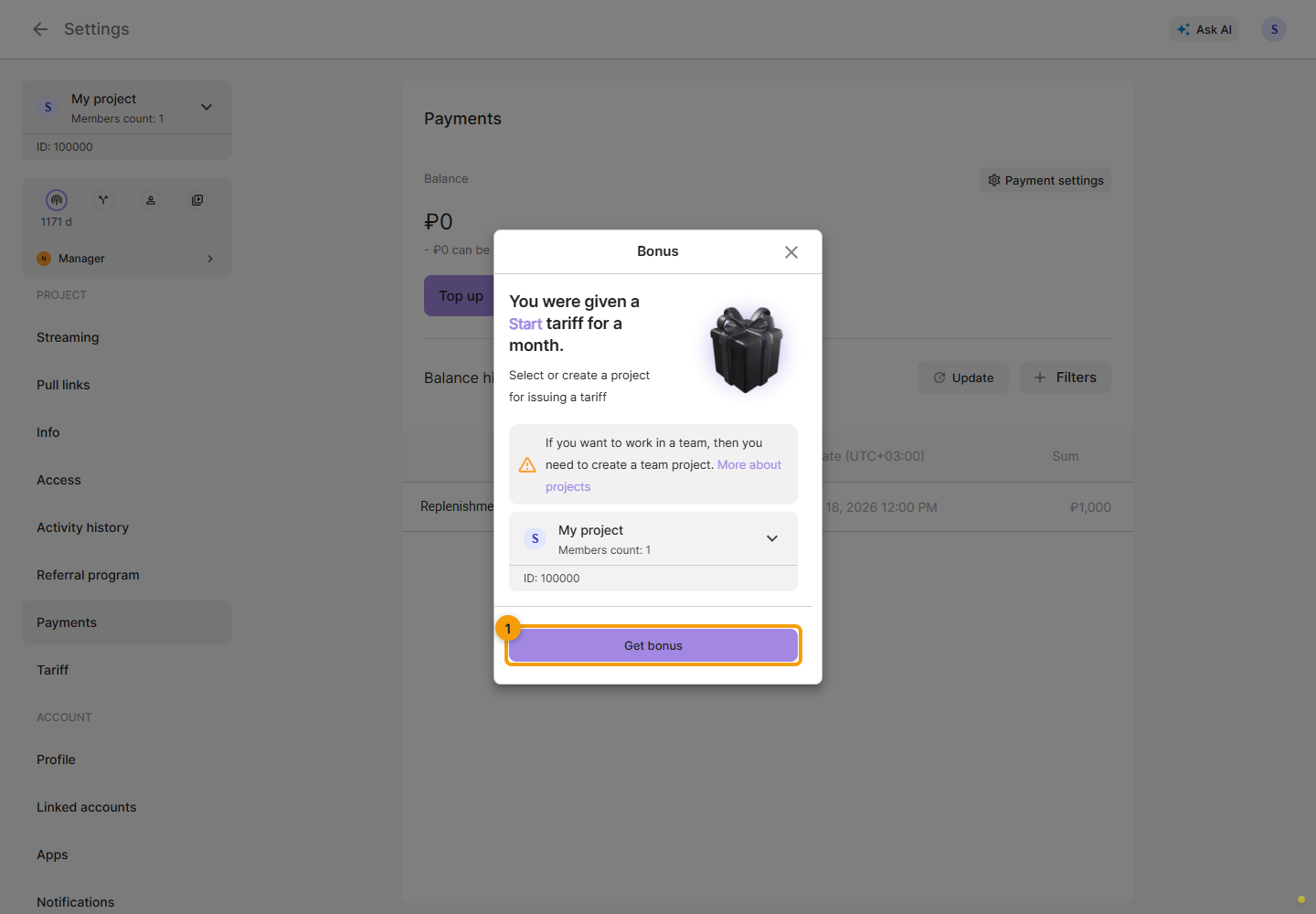
Wait for Bonus received. The dialog reports either a plan being issued or the balance being credited with the cost of a plan. Click Go to project and verify the result in Settings → Plan or Settings → Payments, according to the message.
If you close the dialog before receiving the bonus, reopen the original link. If checking the link or receiving the bonus fails, follow the error message; opening the dialog alone does not mean the bonus was received.