
TON
Open Settings → Payments in the intended project.
In Top up balance, check the selected payment method. For TON, the row must show that method. If another method is selected, click the row, change the payment settings and save them.
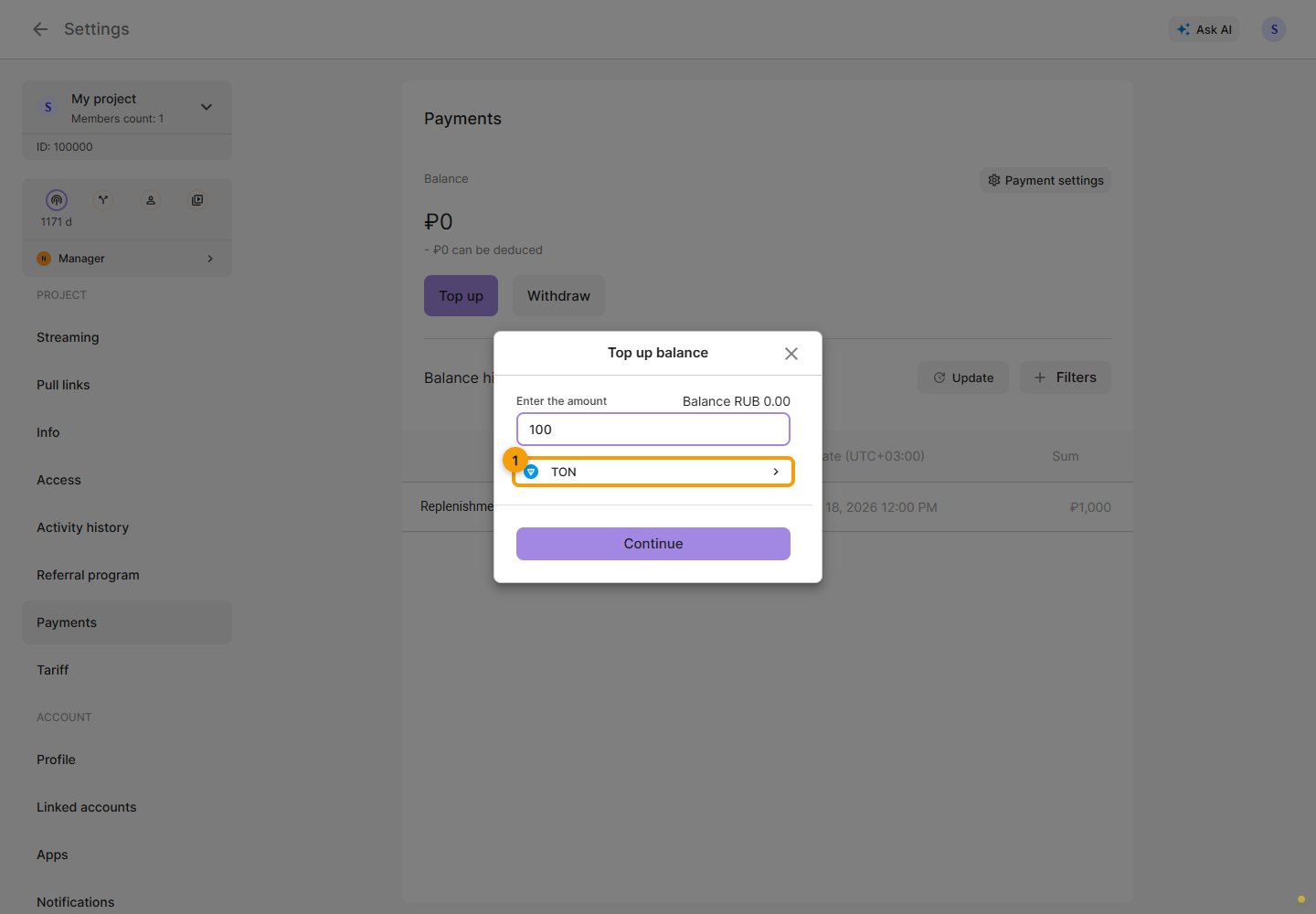
Enter the top-up amount in the project currency and click Continue. In the connection window, choose a TON wallet and confirm the connection in it. Then check the network, amount and transaction details in the wallet before confirming. If the Cabinet reports the wrong TON network, check the network in the current request and reconnect your wallet. If the error message names a different network from the request, do not confirm the transaction and contact support.
After payment, check the balance and transaction history. If it did not complete, check payment errors.