
Dedicated server
Open Settings → Stream in the intended project.
A dedicated server is available on the Custom plan. If you see Feature unavailable, use Upgrade plan to open restream plans.
Click Create dedicated server, then select a country and city from the list.
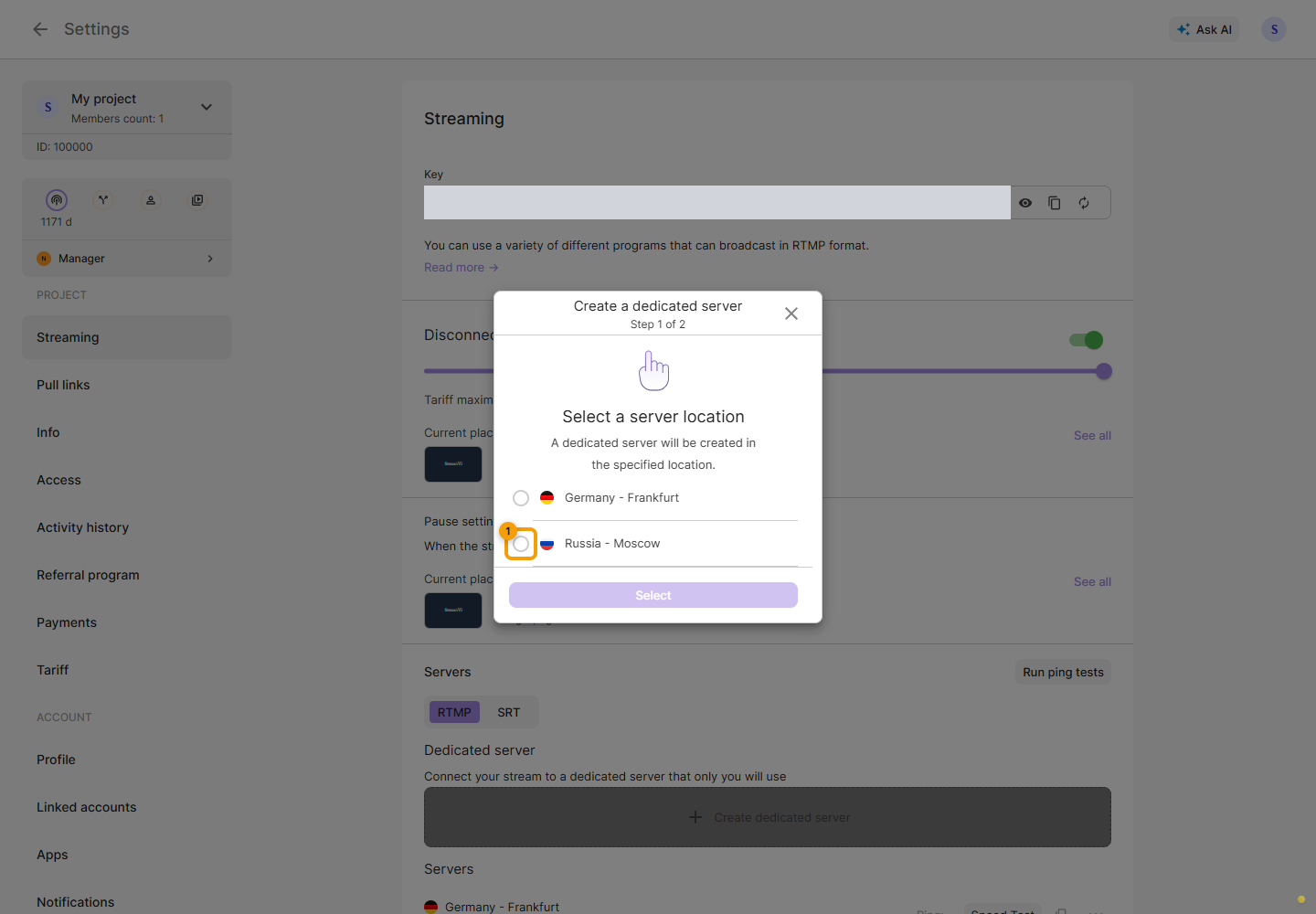
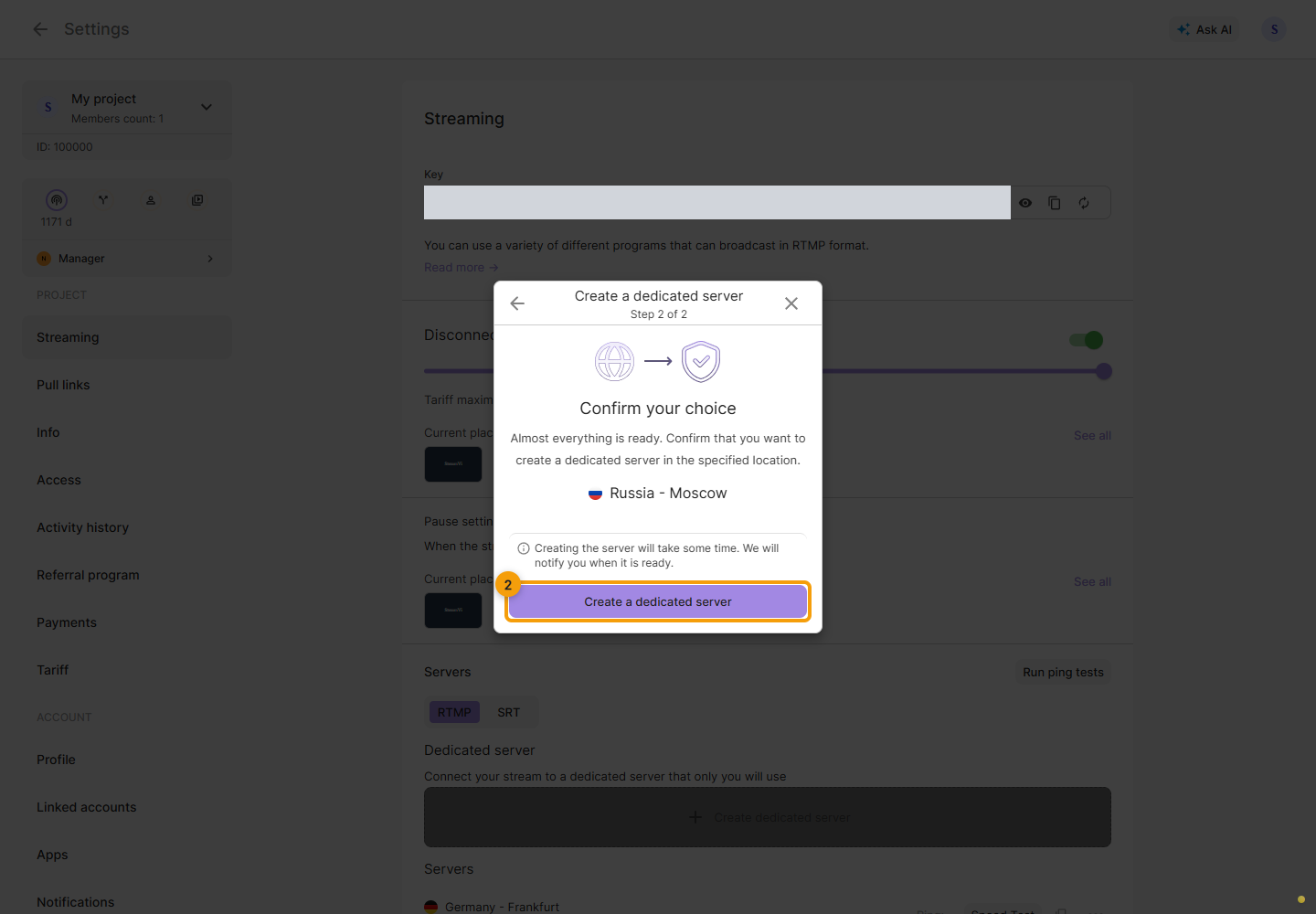
Click Select, check the location on the next step and confirm creation. Go back if you need to change it.
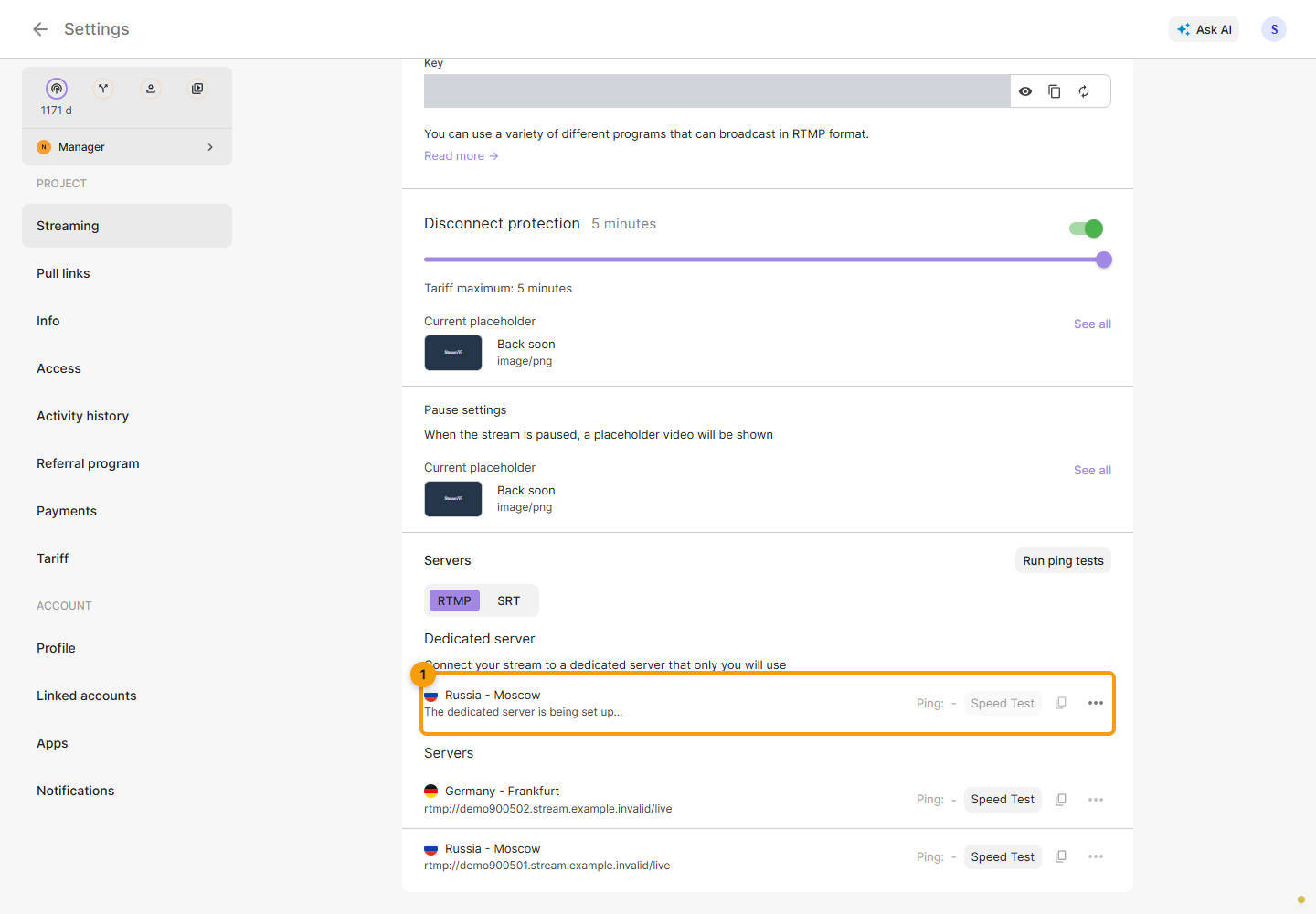
Wait for server setup to finish. Copying the address and running a speed test are unavailable until the server is ready and has an address for the selected protocol. Then choose RTMP or SRT and use the copy button to transfer the address to your encoder. The displayed address may hide some connection details.
To change the location, open the server ⋯ menu → Change server location. Select the new location and review the confirmation as above.
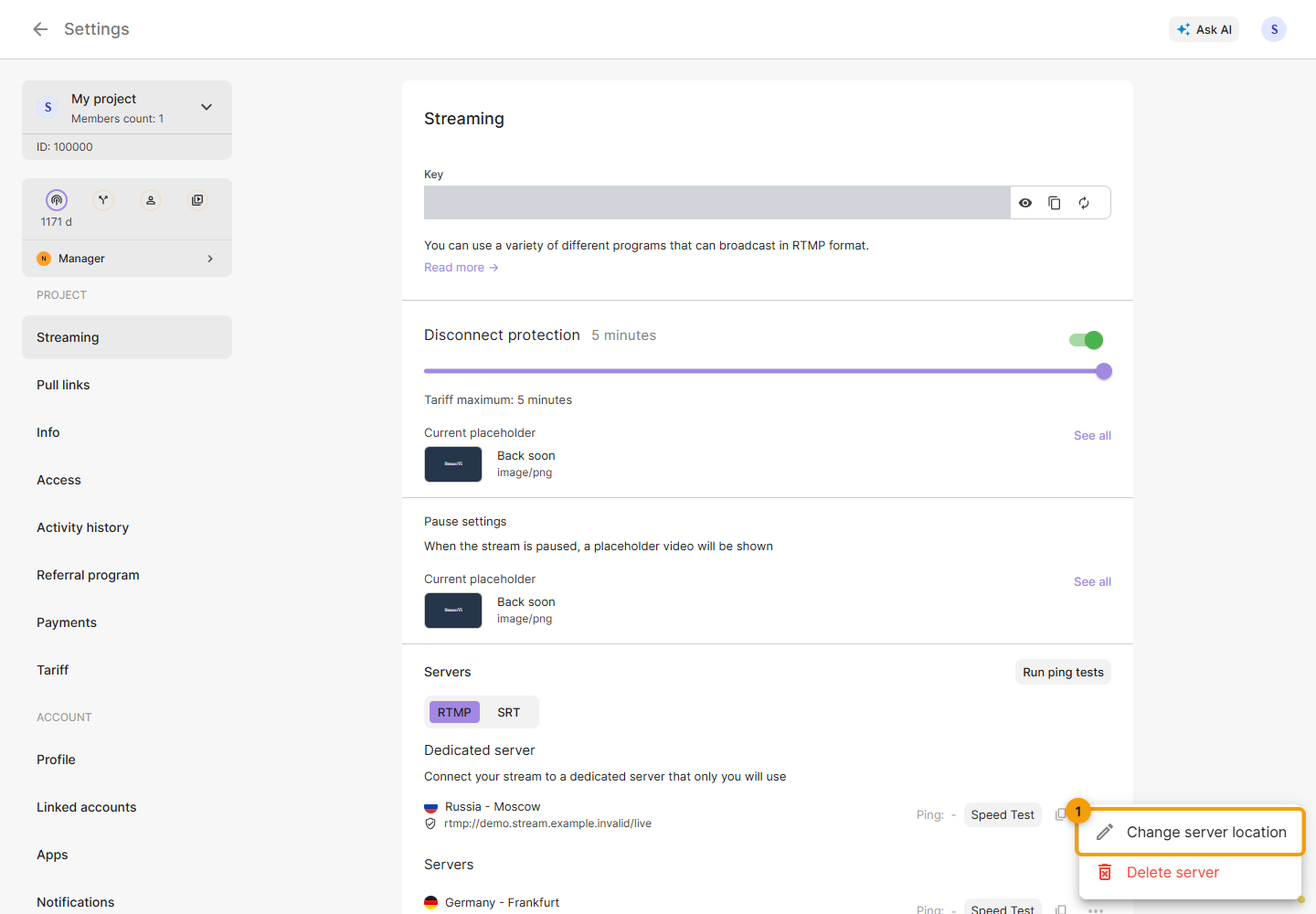
The cabinet separately warns that the current dedicated server will be deleted. Once the new server is ready, copy its address into your encoder again. Delete server in the same menu also requires confirmation. Switch the encoder to another server before deleting it.