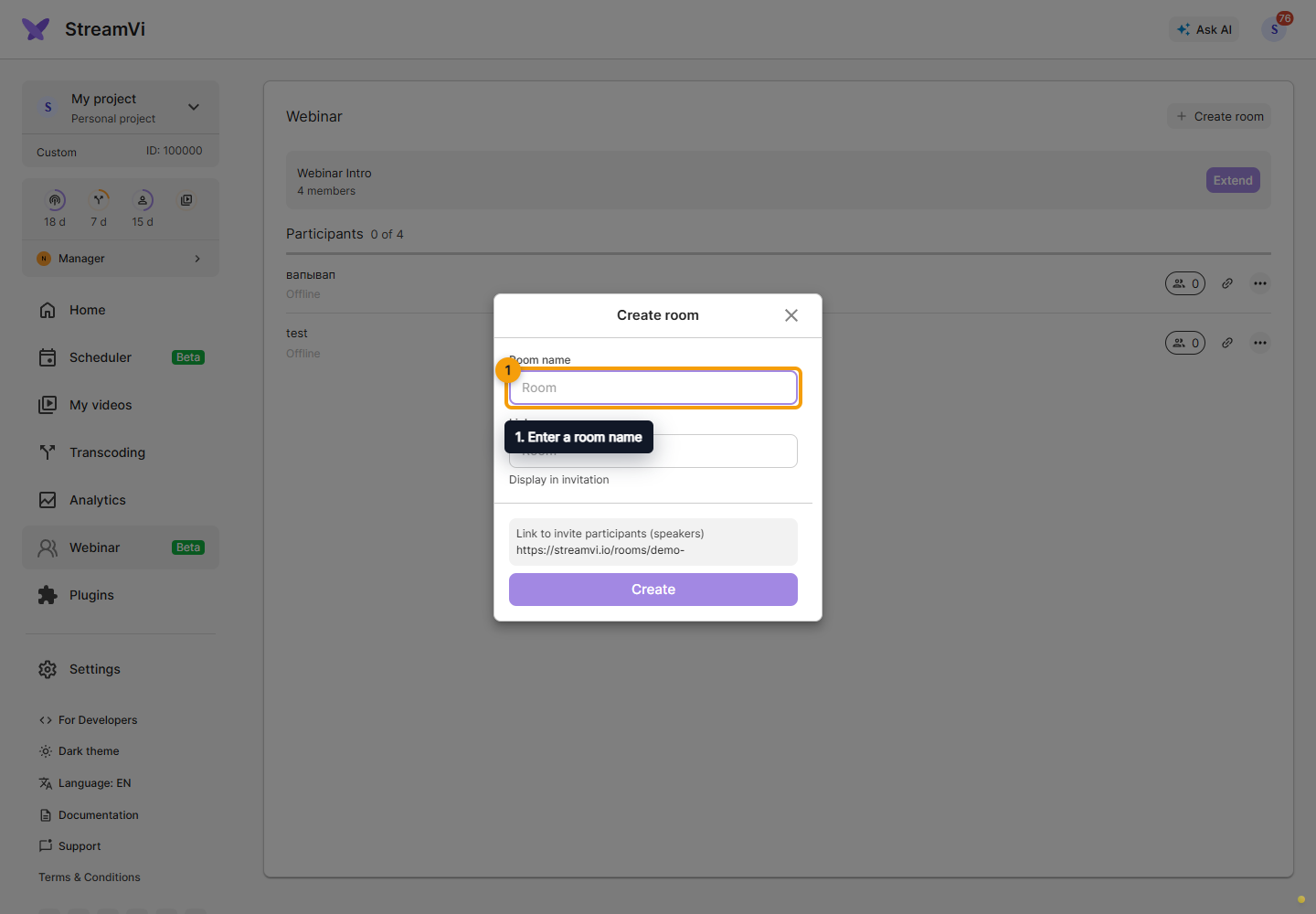
Create a room
Open Webinars in the intended project.
Creating a room requires an active webinar plan. It defines the resolution and participant limit; selection and payment are under Settings → Tariff → Webinar.
Return to Webinar and click Create room. Enter a room name and link name, each from 1 to 100 characters. The link name accepts only Latin letters and digits, without spaces. Check the preview address below the field and click Create.