
Referral program
Open Settings → Referral program for the selected project. This page shows reward terms, your referral link and credit history. Follow the terms and currency displayed in the Cabinet.
Copy the referral link with the button beside it in the Cabinet on streamvi.io and share it with the person you want to invite to the service.
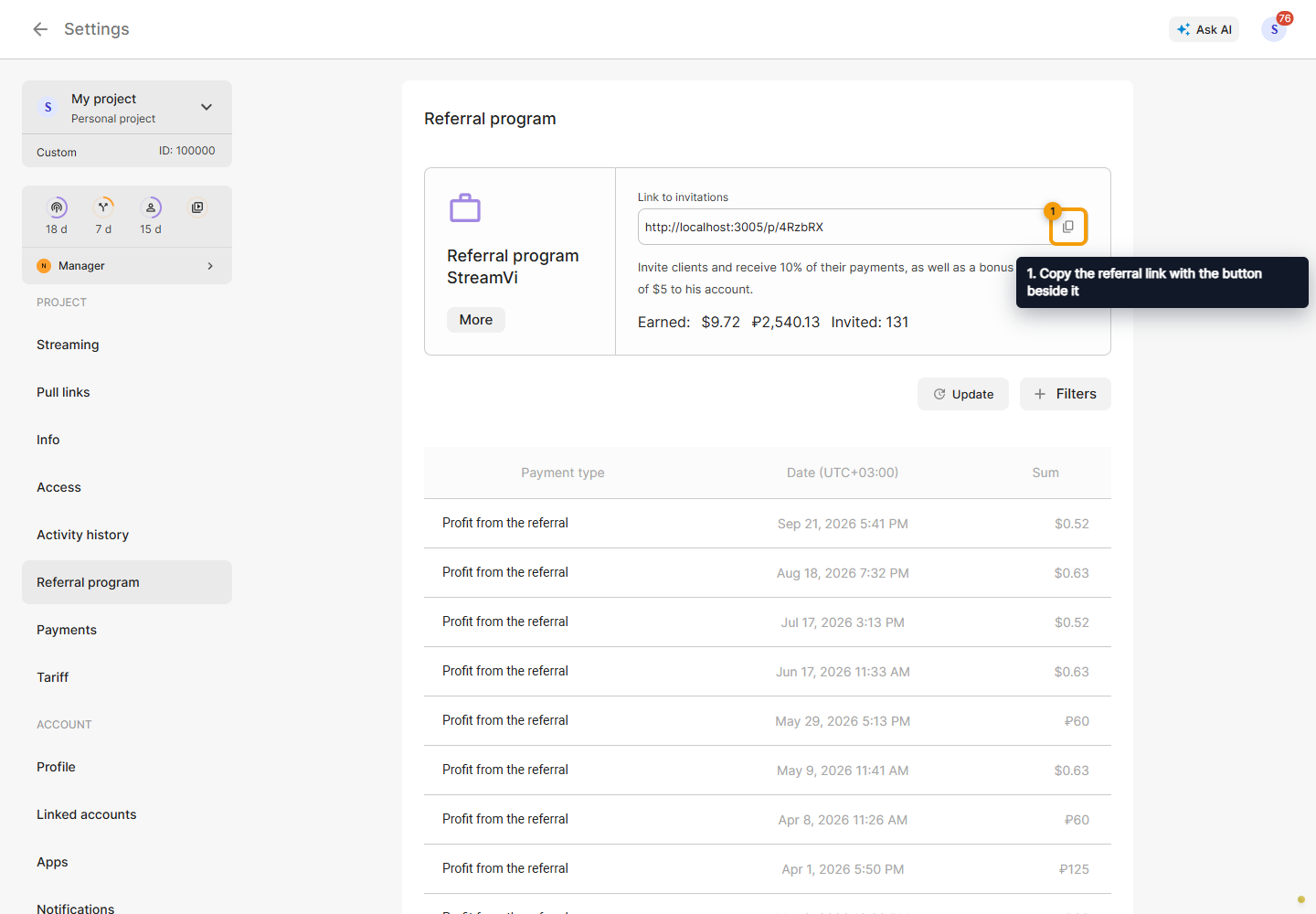
A referral link participates in the rewards program. It does not grant access to projects, channels or integrations. Use a member invitation to collaborate on a project.
Click Filters in the history and choose a period boundary: Date from or Date until.
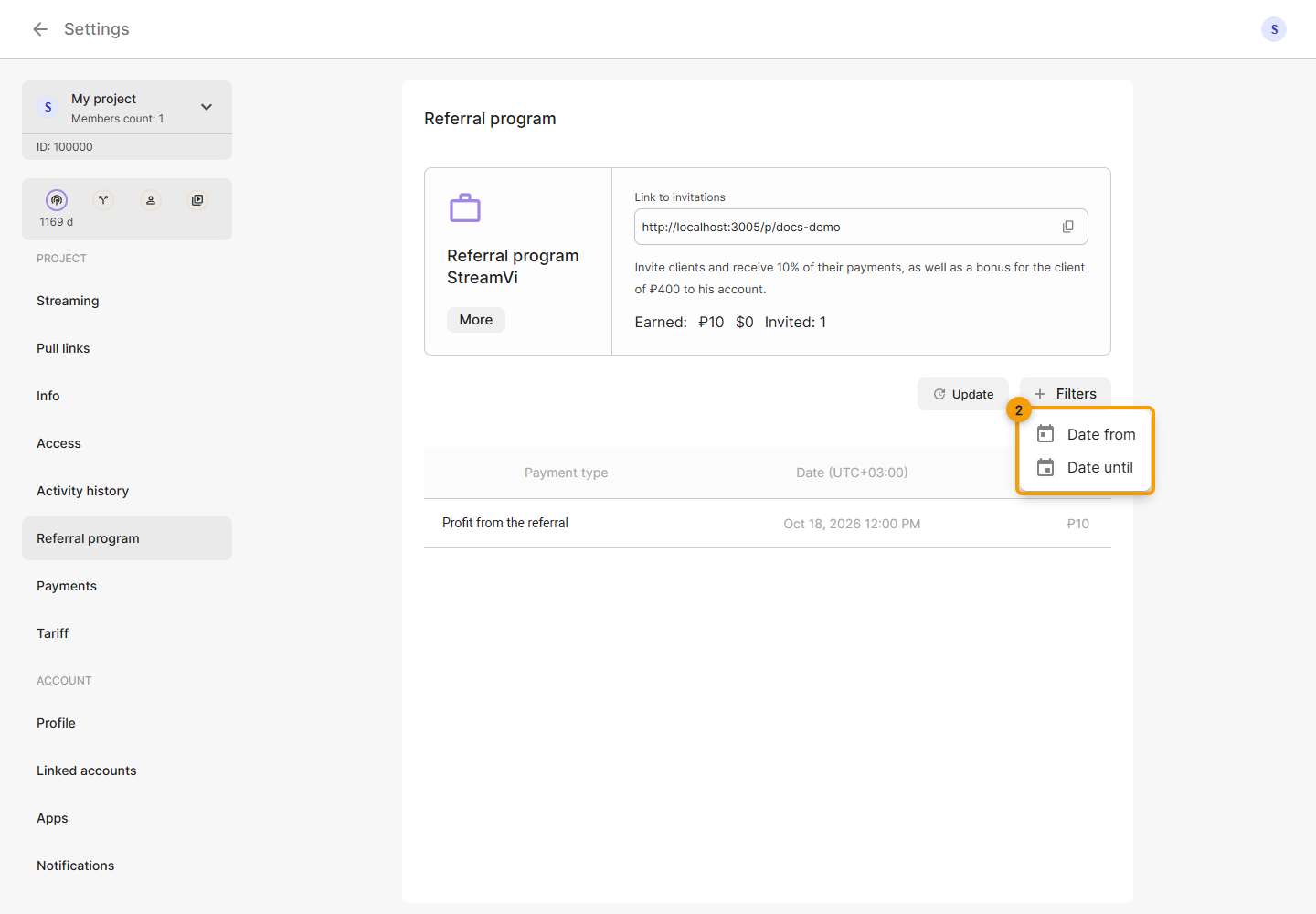
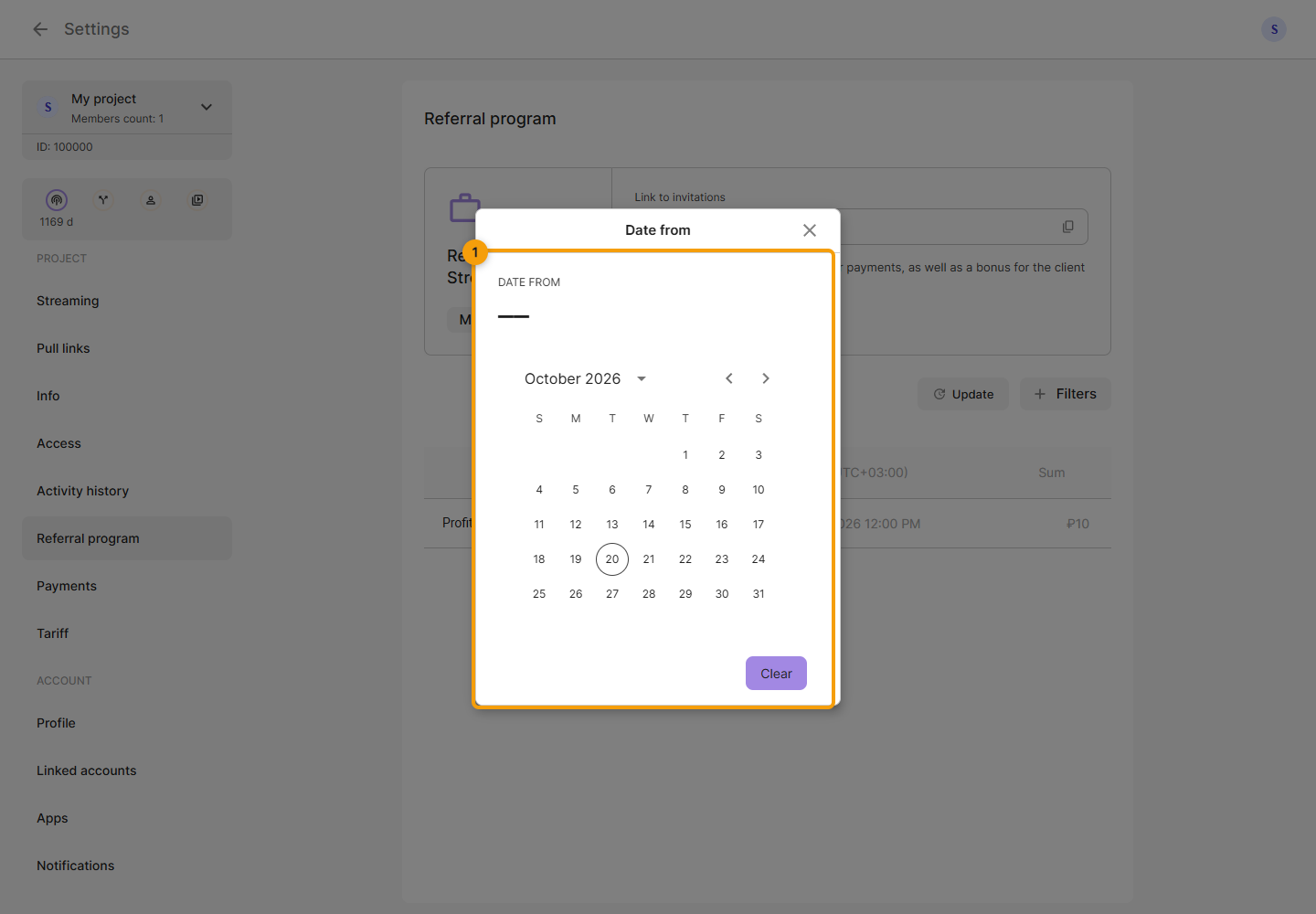
Select a date in the calendar. The calendar closes and the history updates using that boundary.
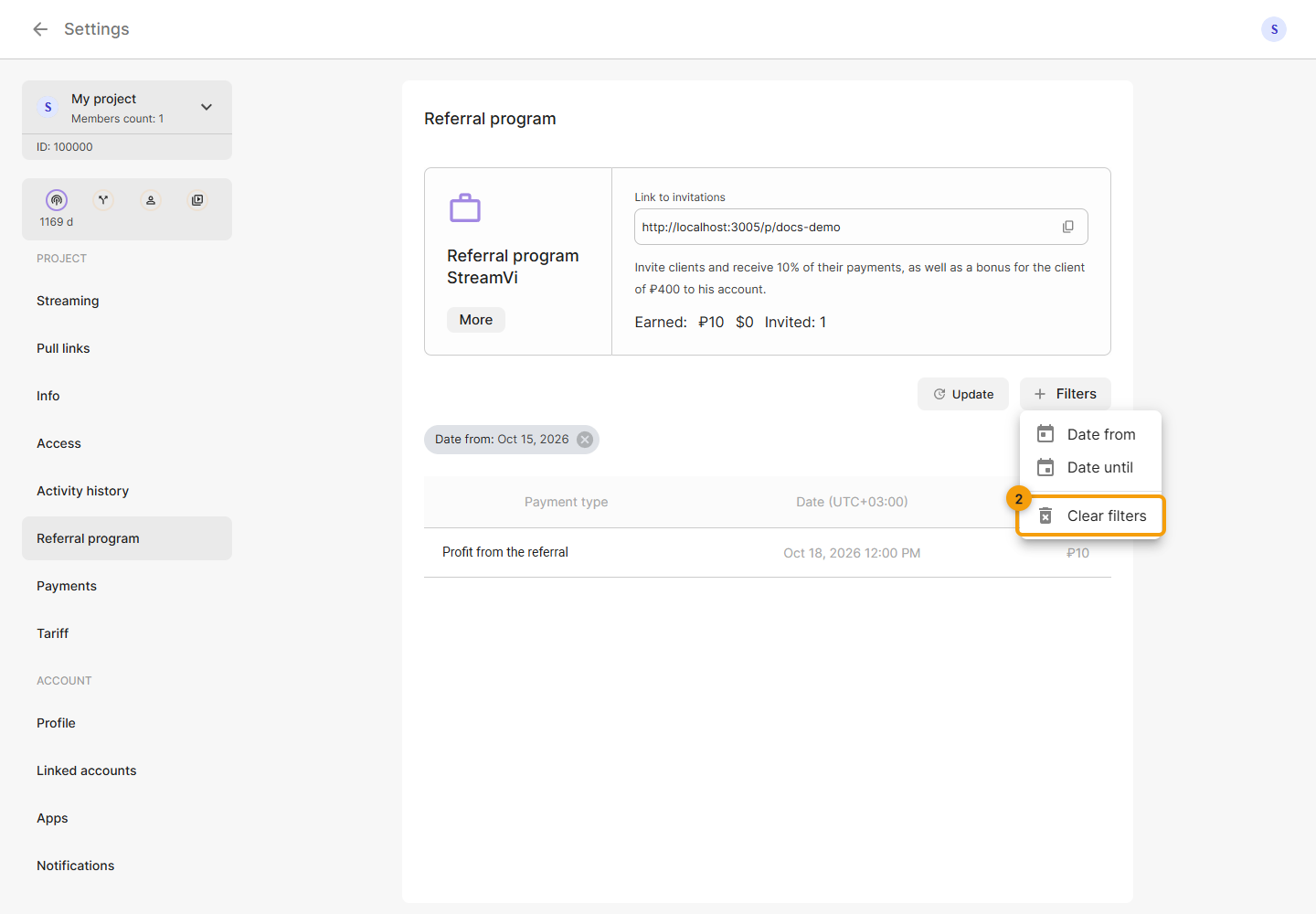
Selected dates appear as tags above the list. Click a tag to change its date or the cross to remove one boundary. In Filters, click Clear filters to remove both dates. Update reloads the history with the current filter.
Opening a link does not itself earn a reward: the program's conditions must be met. Earned funds belong to the project balance; check the withdrawable amount and payout details in Payments.