
Separate chat window
Install StreamVi Desktop and sign in.
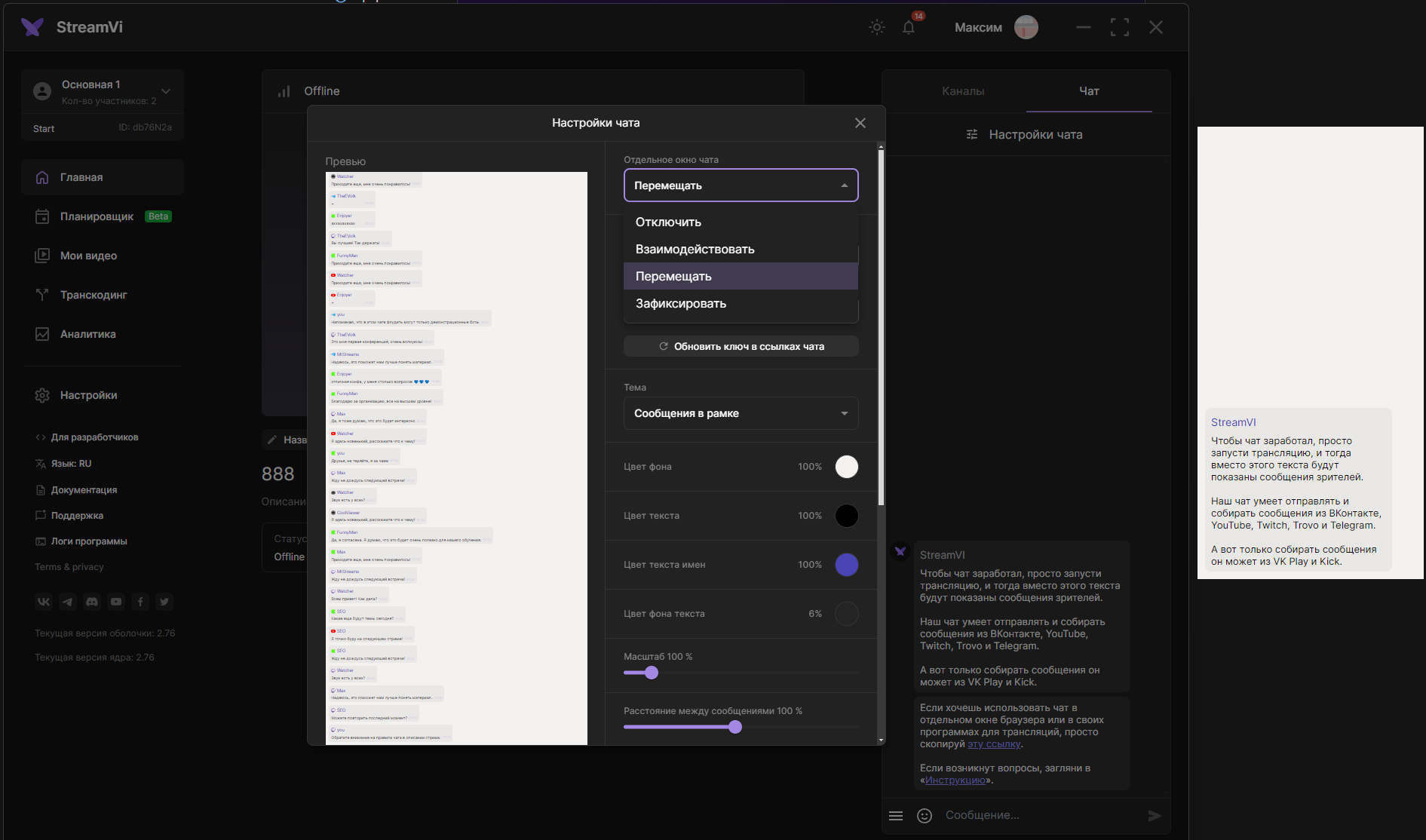
On the main page, open Chat → Chat settings. The application adds a Separate chat window field. Choose a mode:
- Disable - hide the separate window;
- Interact - keep its position and size while allowing interaction inside it;
- Move - change its position and size;
- Lock - keep its position and size and disable interaction.
The separate window lets you place chat above other windows. Change colors, transparency and text size through appearance settings.
If the separate window does not work as expected, check its mode and the selected project, then return to chat settings.