
Sign in
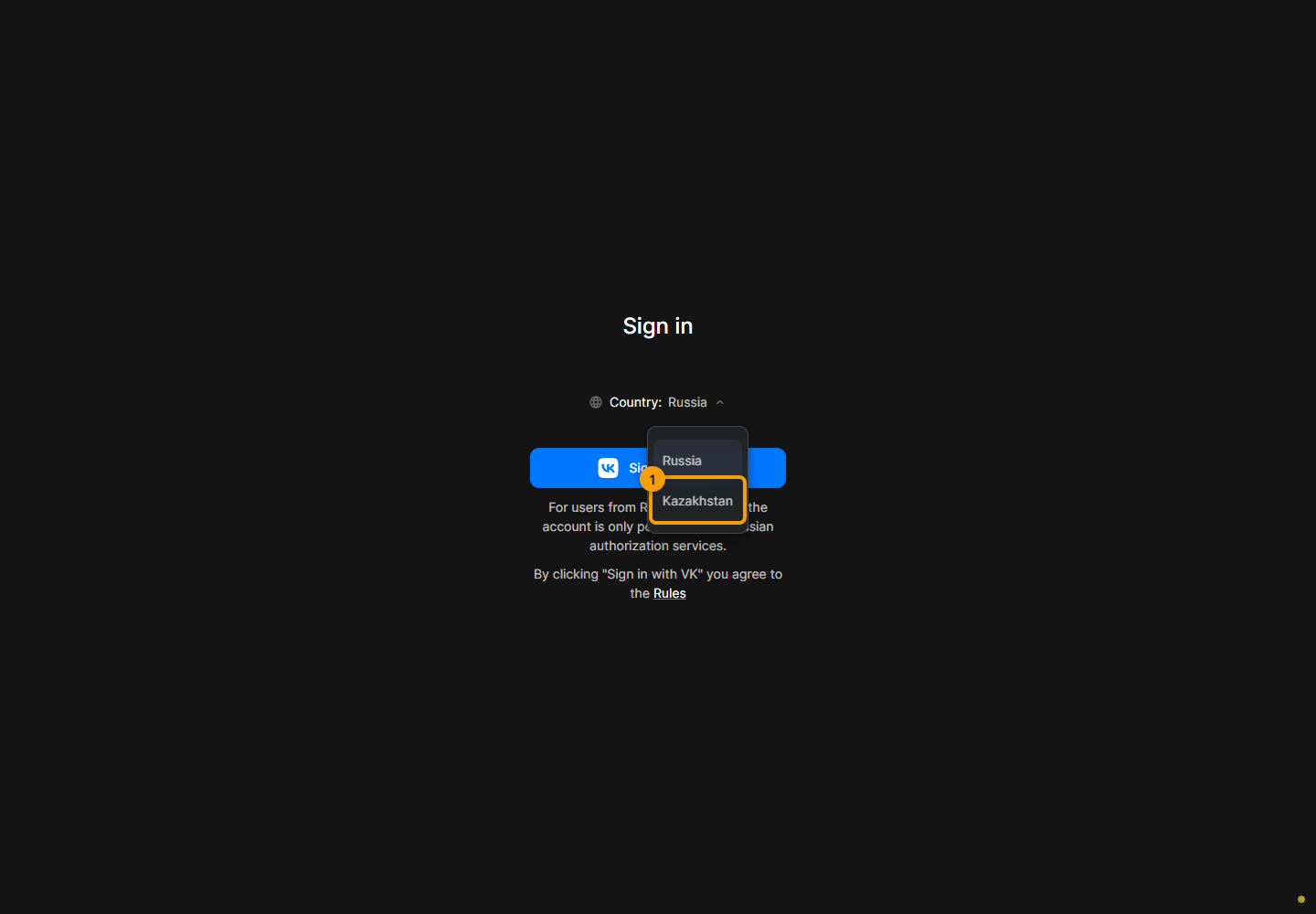
On the sign-in page, open the country list and select your country. It determines the available sign-in methods.
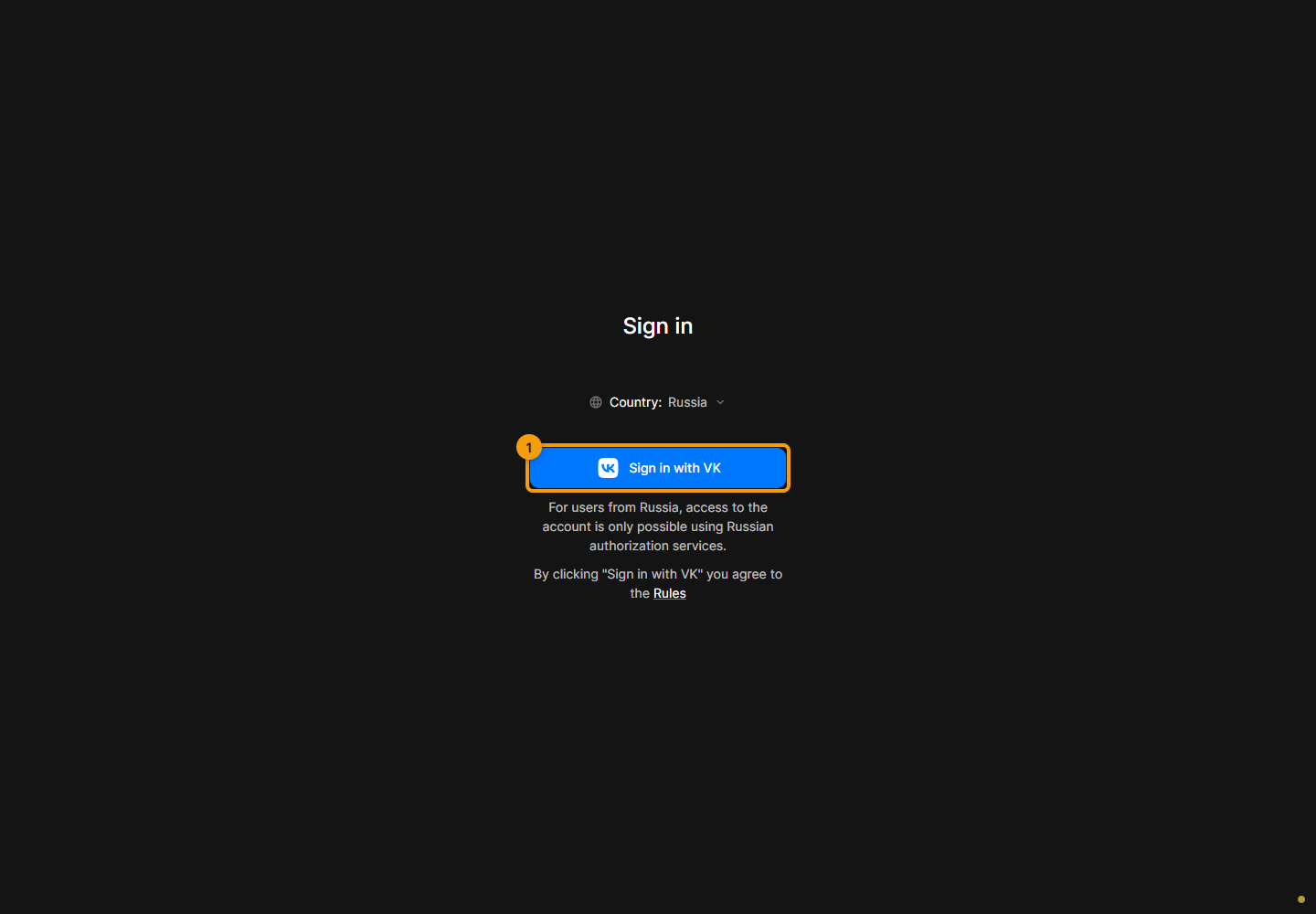
Click the button for your sign-in service and complete sign-in in the window that opens. This example shows VK; other services may be available to you.
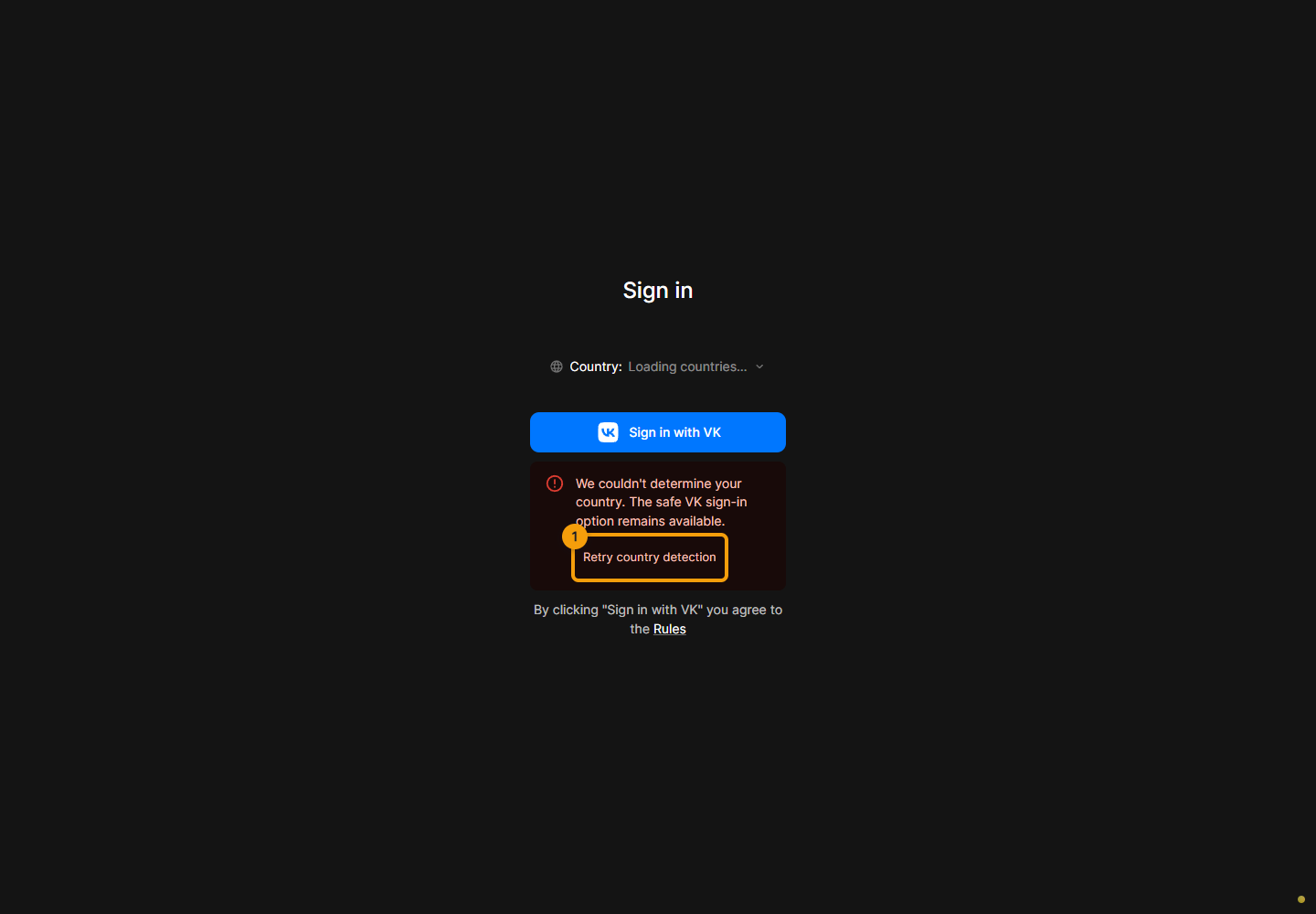
If loading the countries or detecting your country fails, click the retry button below the error message. If the error repeats, check your connection and try again later.
Invitations and connected projects belong to the account you sign in with. If a project is missing, check the account and invitation acceptance. Use the project list to switch between accessible projects.