
Payment settings
Open Settings → Payments in the intended project.
Click Payment settings, select the country and an available payment system, and enter the email for receipts. The country determines the currency and available methods. Where an address is required, fill in the region, city, street, house number and postal code; add a company name and additional information if needed. Click Save and wait for confirmation.
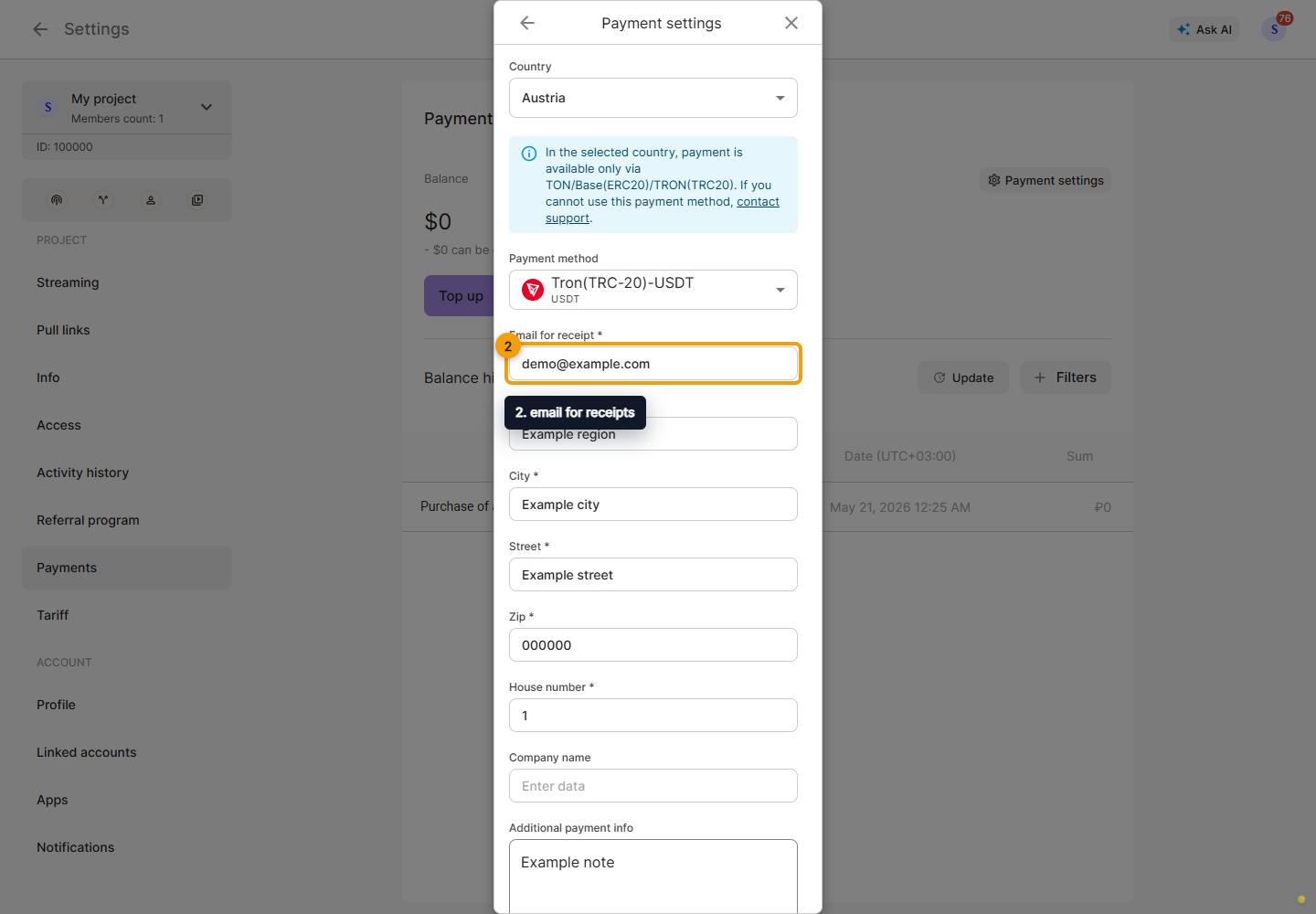
Selecting a country or method does not itself pay for a plan. Check the currency and required fields before continuing. If the methods fail to load, resolve the loading error and reopen the form.
Next, top up the balance.