Administrators
Open For developers → your application → Administrators.
The screenshots show a demo application with fictional data.
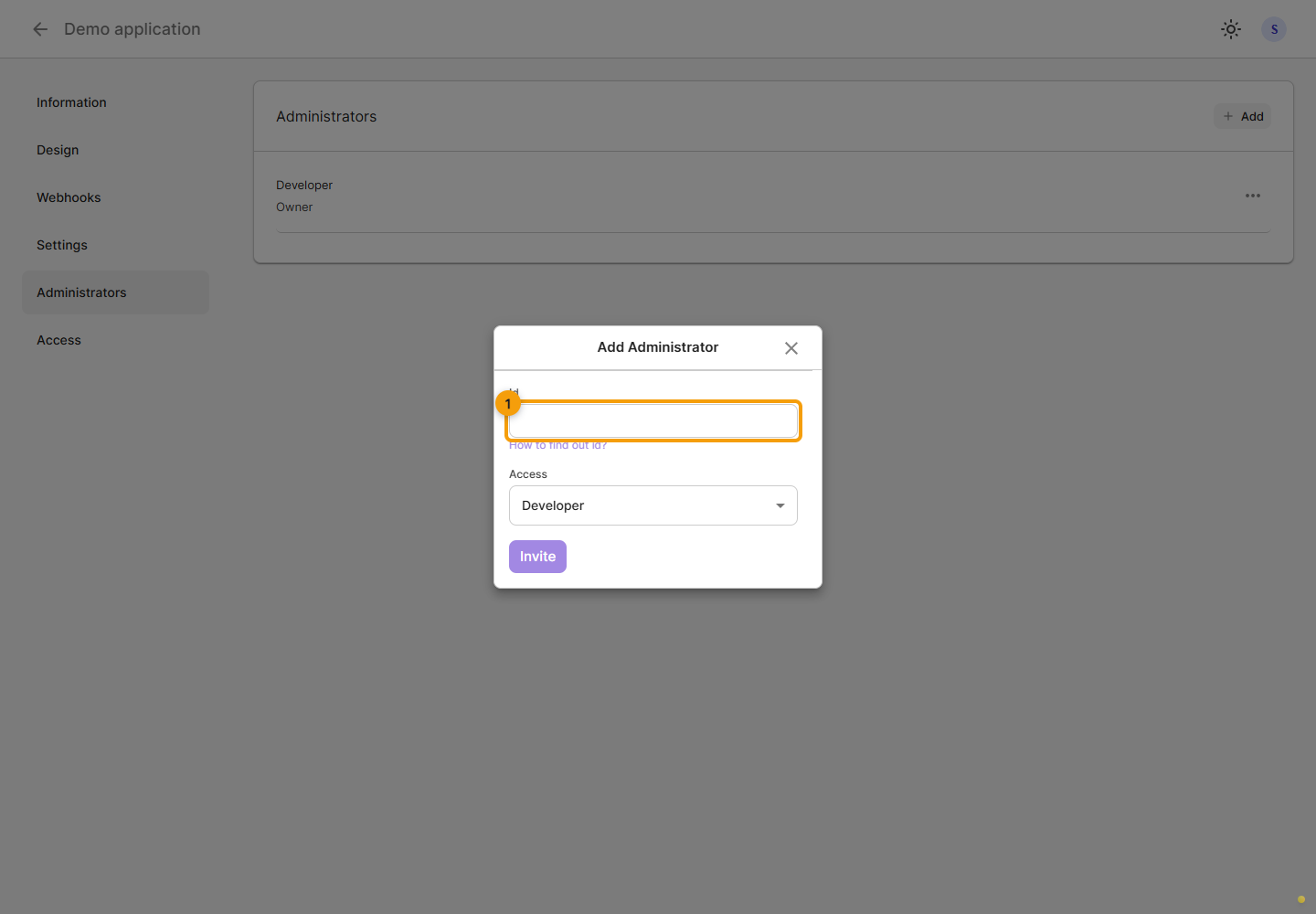
Invite a developer
In Administrators, click Add, enter the recipient's StreamVi identifier and check the Developer access level. This is currently the only level offered by the form. Verify the ID with the recipient and send the invitation; its state appears in the list.
To send the link to the recipient, open the invitation's ⋯ menu and click Copy invite link. Its row also shows the status and expiry; check these before sending the link again.
The recipient opens the invitation under their own account, checks the application name and clicks Accept or Decline. If the link is unavailable, the Cabinet displays an error; check the account and contact the sender. Invitations also appear under For developers → Invitations. Application developers are managed separately from project members.
Manage access
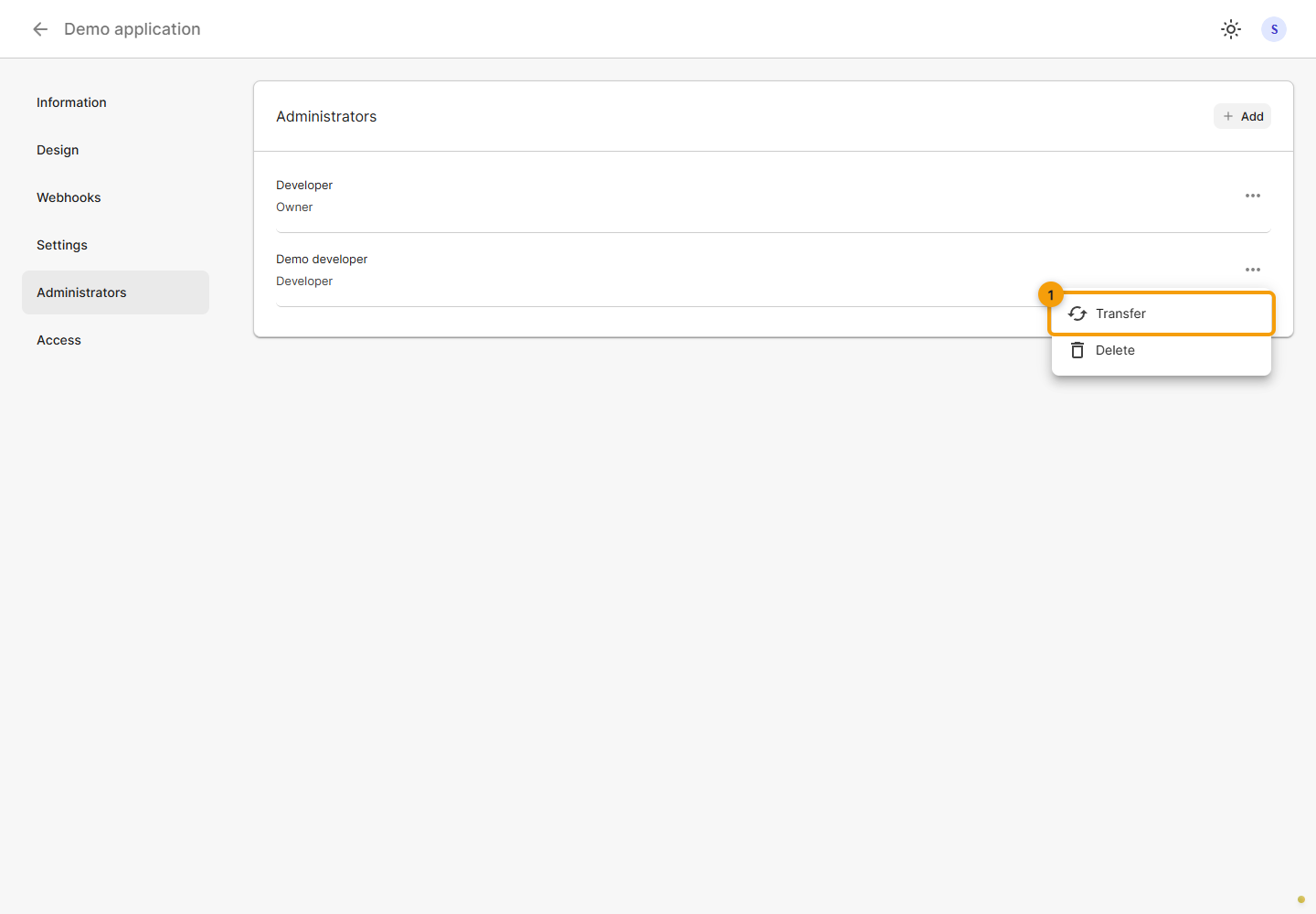
Open the intended administrator's ⋯ menu. It offers Transfer and Delete. Check the user row before choosing an action.
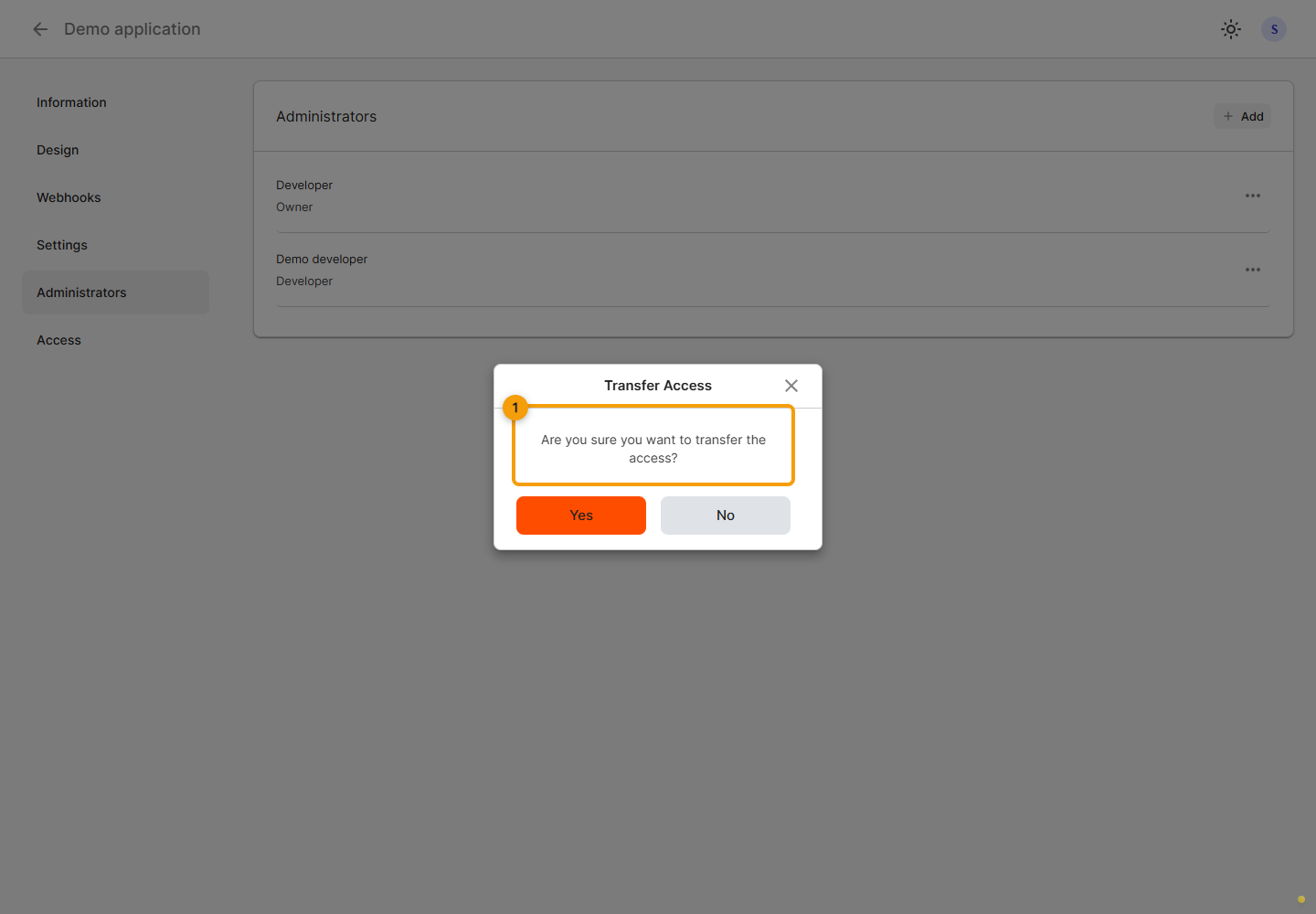
Transfer access
For a transfer, read the Transfer Access confirmation. Confirm only if you intend to transfer rights to the selected user. No closes the dialog without transferring access.
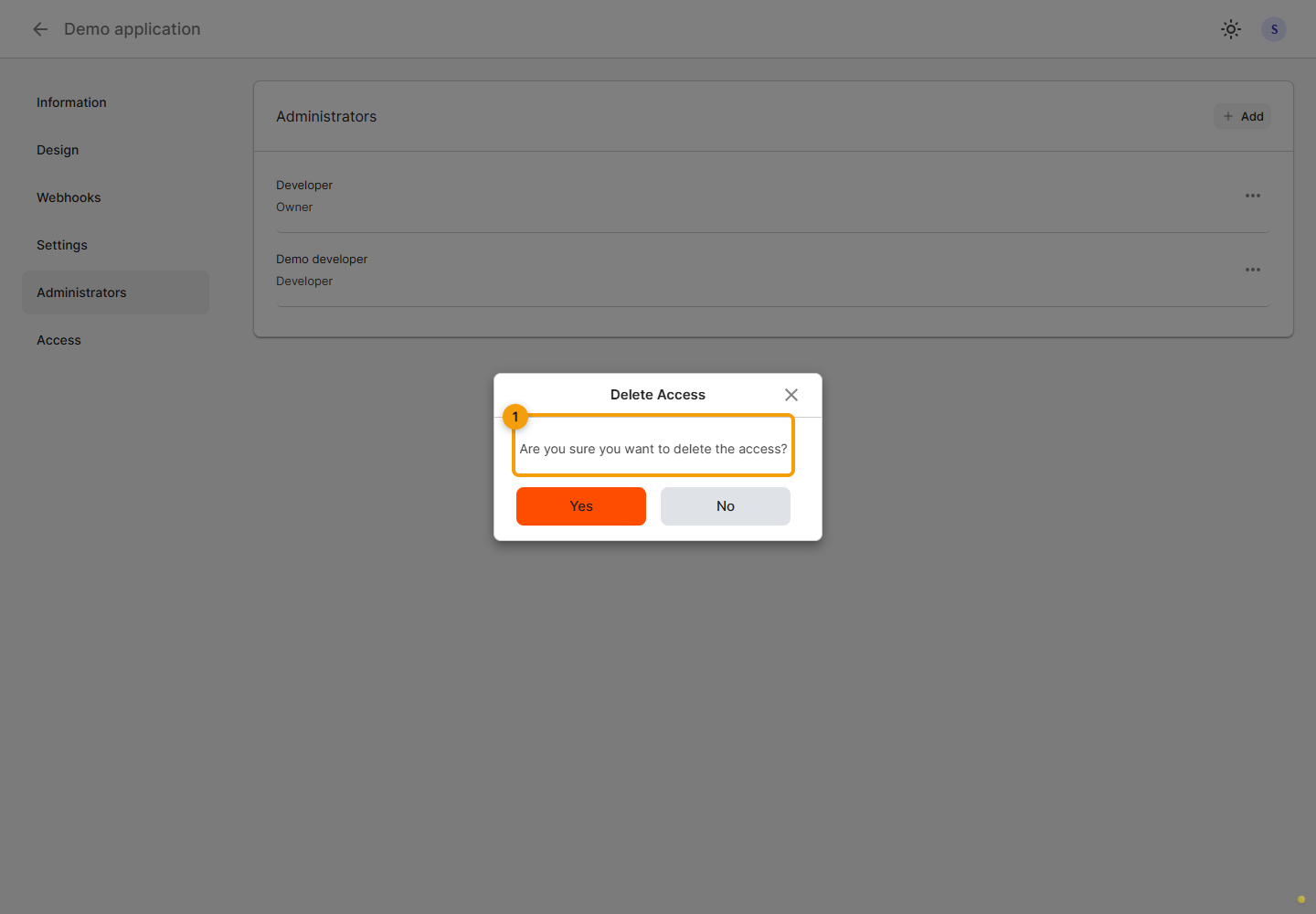
Remove access
For removal, check the Delete Access dialog. After confirming and receiving a successful response, check the updated administrator list. For an unwanted pending invitation, use Revoke invite in that invitation's own menu.