
Profile
Open Settings → Account → Profile. These changes affect your StreamVi user and how your personal project is displayed.
Profile lets you change your avatar, first name and last name. The image field specifies PNG or JPEG with a minimum size of 200 × 200 pixels. Both name fields are required and each is validated for at least three characters. Click Save and wait for the update notification.
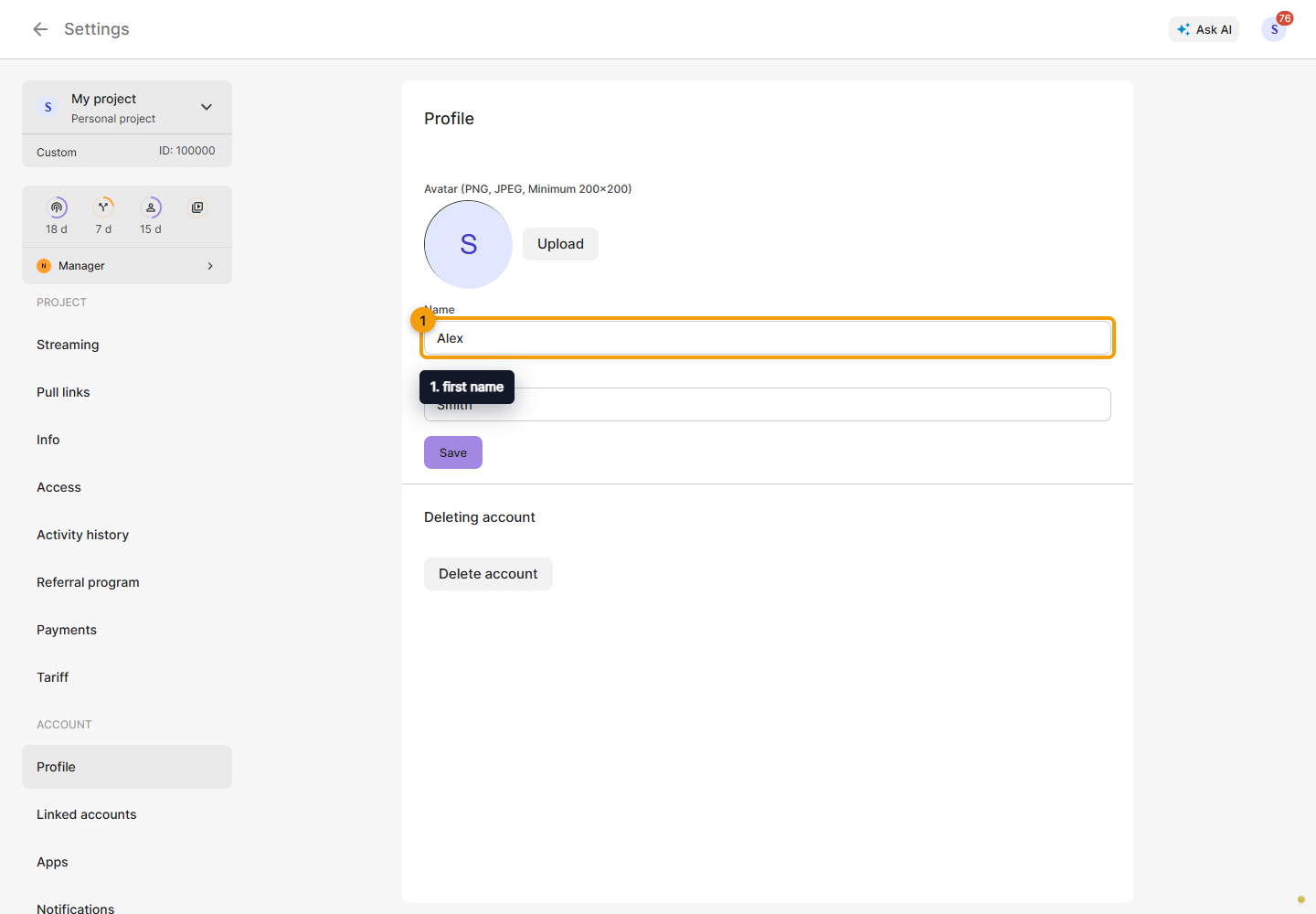
Delete account is at the bottom. Confirmation permanently deletes the account's data. To sign out, use the profile menu; to leave a team project, use Leave project in that project's settings.