
Project plans
Select a project and open Settings → Tariff. This page brings together the project's active services, expiry dates and automatic renewal settings.
Check the restream expiry and auto-renewal. Other services have separate cards below. Illustrations are examples; check current prices and dates in your own project.
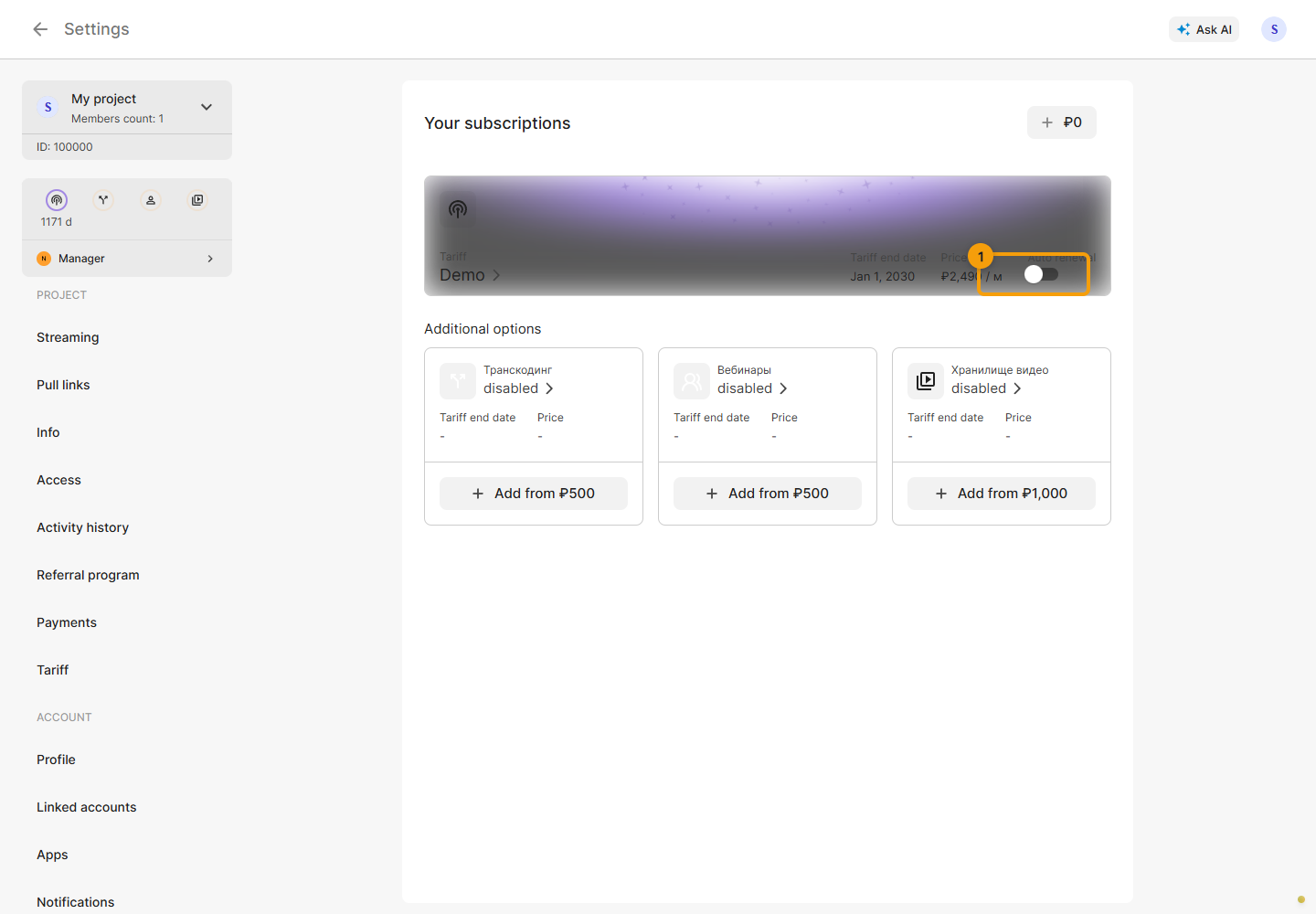
Choose a service
- Restream - simultaneous channels, bitrate and the main plan's features.
- Transcoding - incoming video resolution and the number of conversion streams.
- Storage - additional space for the project's videos.
- Webinars - resolution and participant limits for a browser room.
Open a service, compare the available options and review the calculation before payment. Its guide explains the selection steps and limits. Balance, payment methods and transaction history are in Payments.
Services for your task
| Task | Services | What to check |
|---|---|---|
| Stream from OBS or a phone | Restream | Channel count, bitrate |
| Different quality for each platform | Restream and transcoding | Input resolution, stream count |
| Broadcast a recording | Restream with video support; storage space | Video availability, free space |
| Host a browser broadcast with guests | Webinars and restreaming for platform delivery | Participants, resolution, channels |
Separate storage is unnecessary if your restream plan includes enough space. Transcoding converts a stream; simply sending the same video to several platforms does not require it. Check current prices and available limits in the selected project's service cards.
Expiry and automatic renewal
Check each service's expiry date and automatic renewal separately. The renewal switch applies immediately; wait for the request to finish after changing it. Paying for one service does not automatically activate the others.
Before purchasing or changing a plan, check the project card above the menu. For independent broadcasts in different projects, check the settings and paid services in each project.