Notifications
Open Settings → Account → Notifications. There are two categories: Important covers payments, errors and warnings; Broadcasts covers stream starts and stops.
For each category, choose the available delivery channels: Cabinet, Mobile application or Telegram. Changes are saved immediately when you toggle a checkbox; there is no separate Save button. Controls may be temporarily unavailable while the request completes.
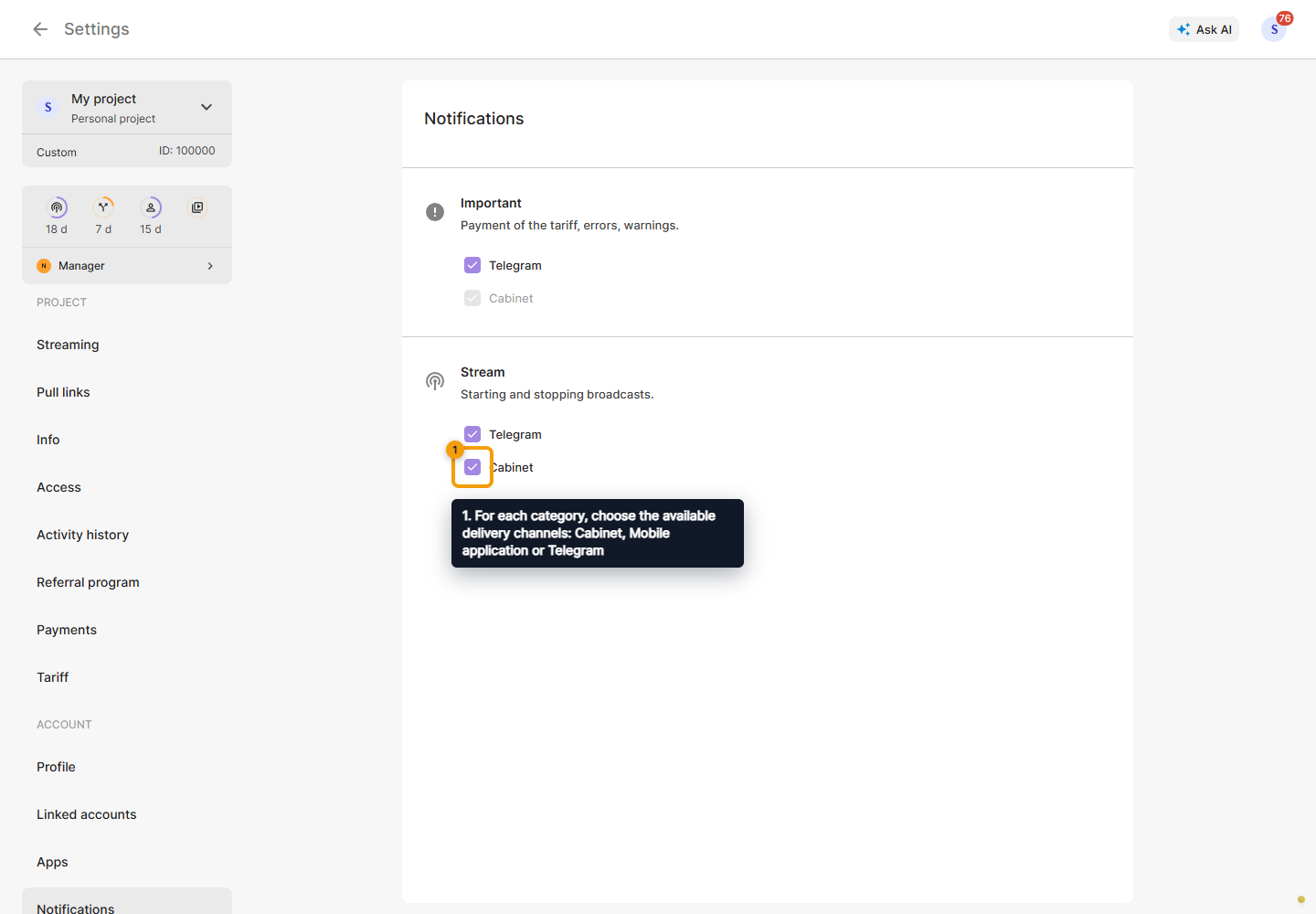
Important notifications in the Cabinet cannot be disabled. Other unavailable delivery channels may require connecting the corresponding application or account. For Telegram, click its label and complete authorization, then check the selected categories.
If an error appears, wait for connectivity to recover, refresh the page and check the checkbox state. A failed request does not confirm that a setting was saved.
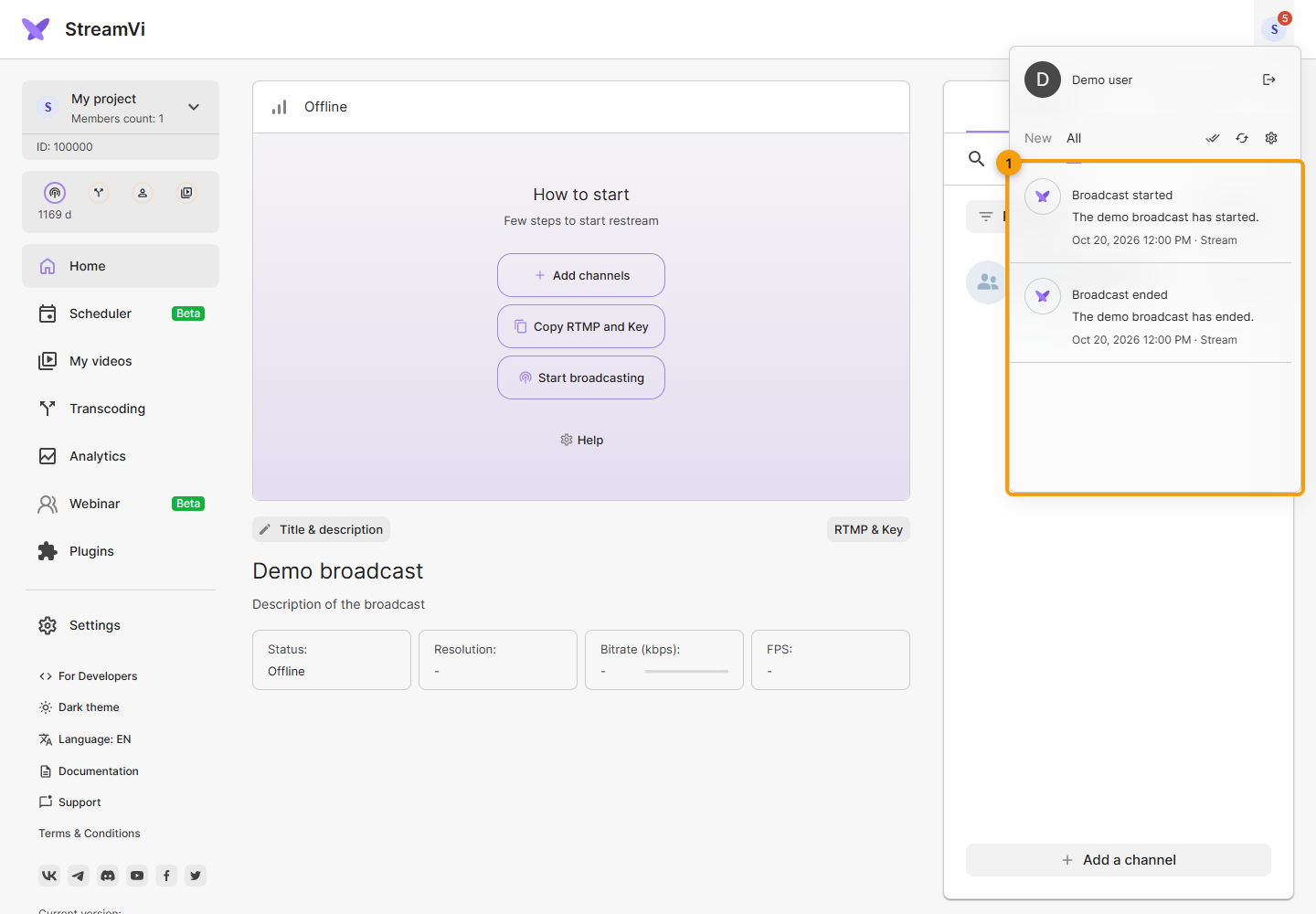
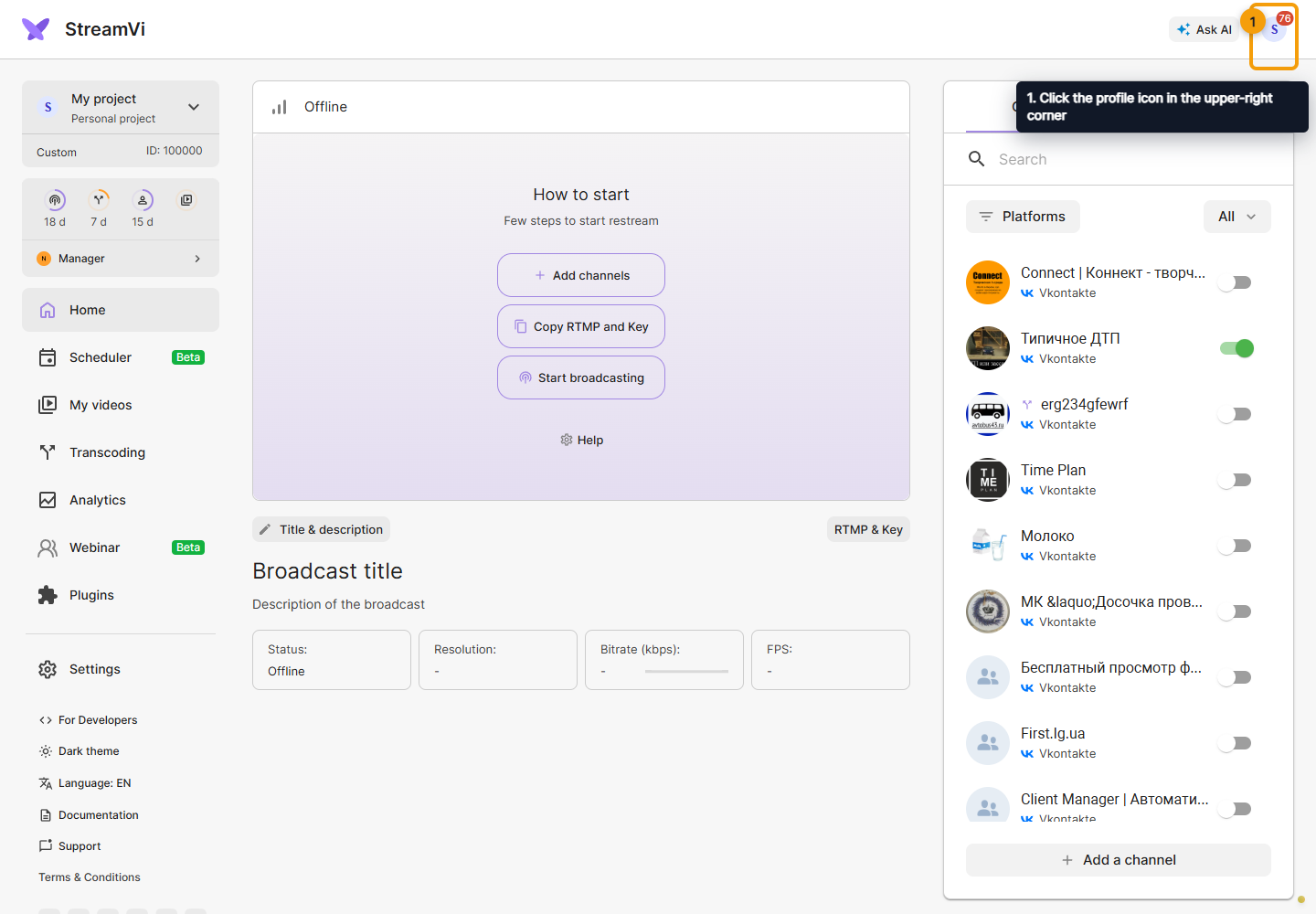
Click the profile icon in the upper-right corner to open Cabinet notifications. Its badge shows the unread count. In the panel, you can view a message and use its available action. Project and channel invitations require separate acceptance; enabling notifications does not grant access.
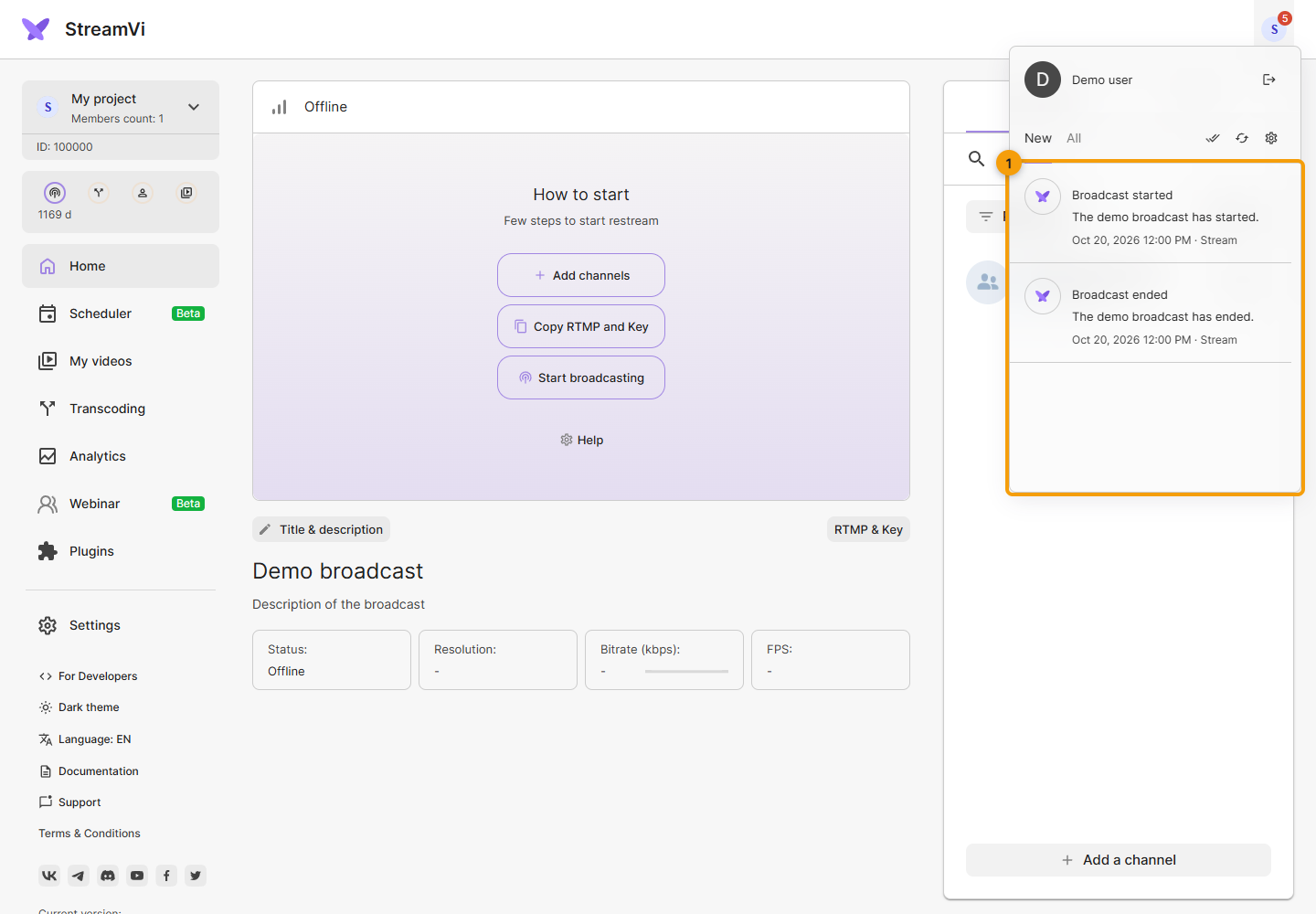
The open panel shows Cabinet messages. The tabs above the list are New and All. The panel opens on New. A notification is marked as read when almost all of it remains visible for about two seconds; clicking its text is not required.
Mark all as read applies to all notifications and appears when unread messages exist. Update refreshes the list and count. Settings opens delivery options. These buttons are to the right of the tabs. Marking a message as read does not perform its action: an invitation still needs separate acceptance.
Switch to All to find messages you have already read. The screenshots show demo notifications.