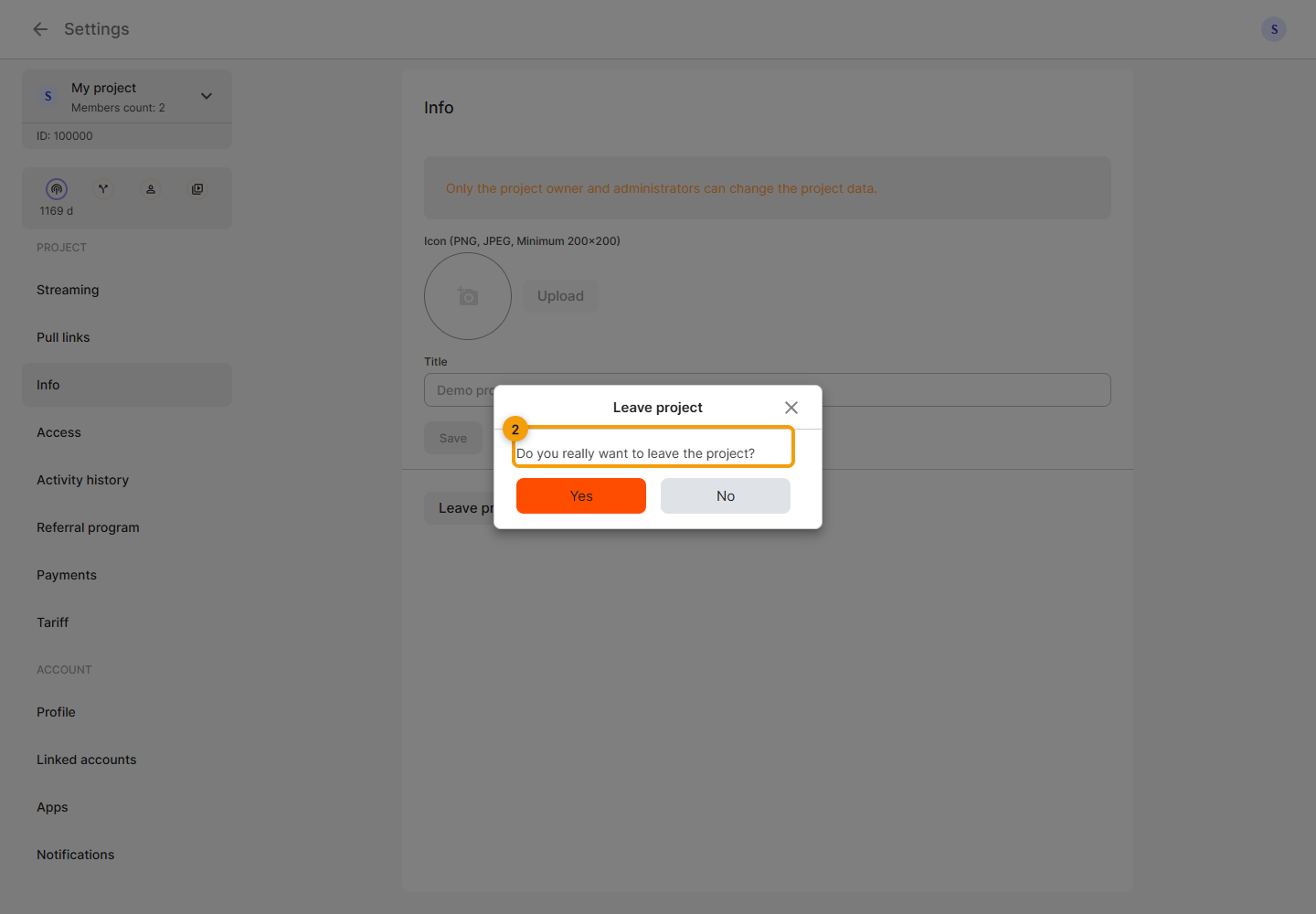
Project information
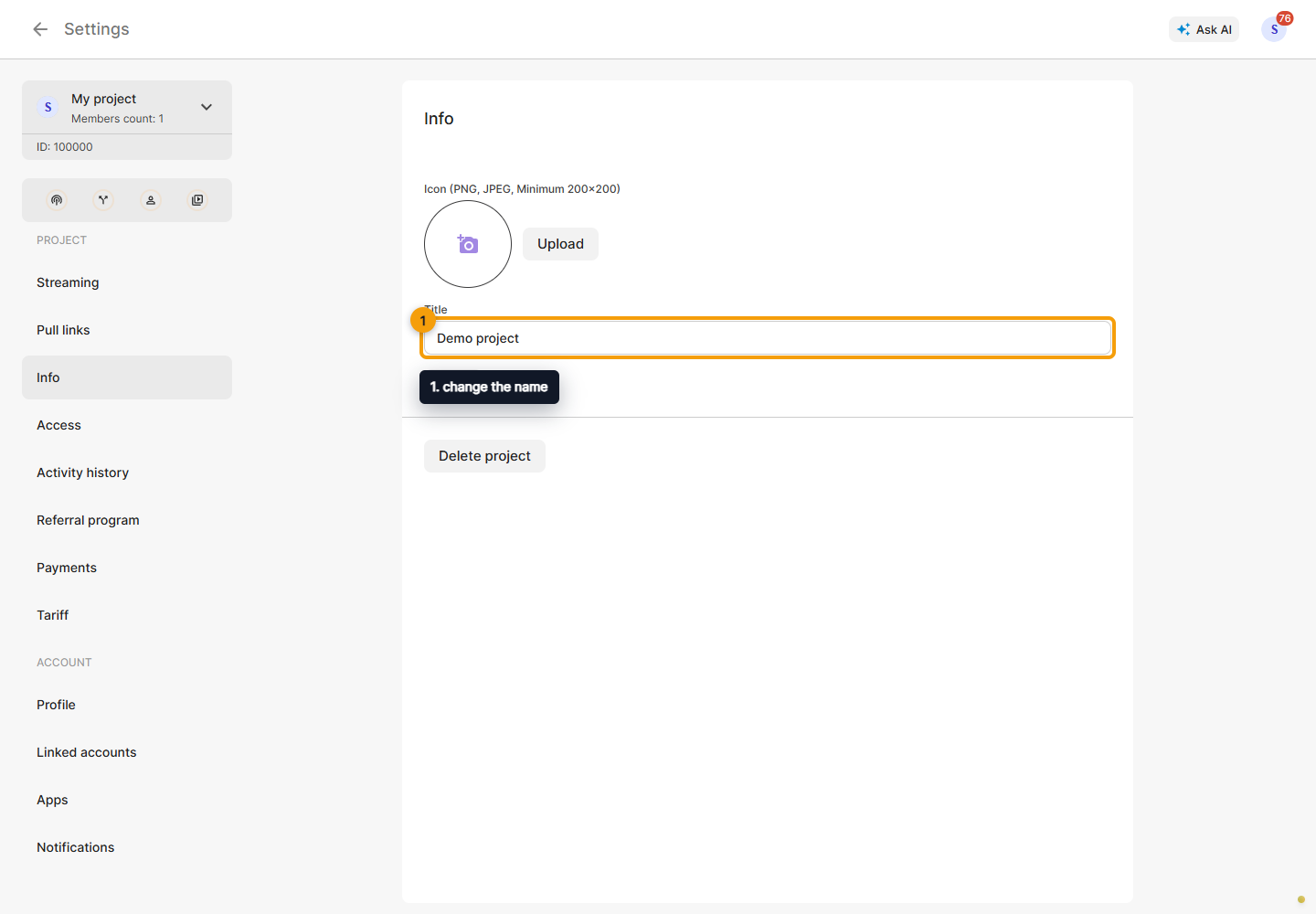
Select the intended team project in the card above the left menu and open Settings → Information.
Owners and administrators can change the name and icon. A name must contain at least three characters; the icon field specifies PNG or JPEG, minimum 200 × 200 pixels. Click Save after making changes. The button is unavailable when nothing has changed or your role lacks permission.
For a personal project, the page directs you to Account → Profile: its name and image come from your user profile.
Manage members on the separate Access page. Connection settings are under Streaming, services under Plans, and balance under Payments.
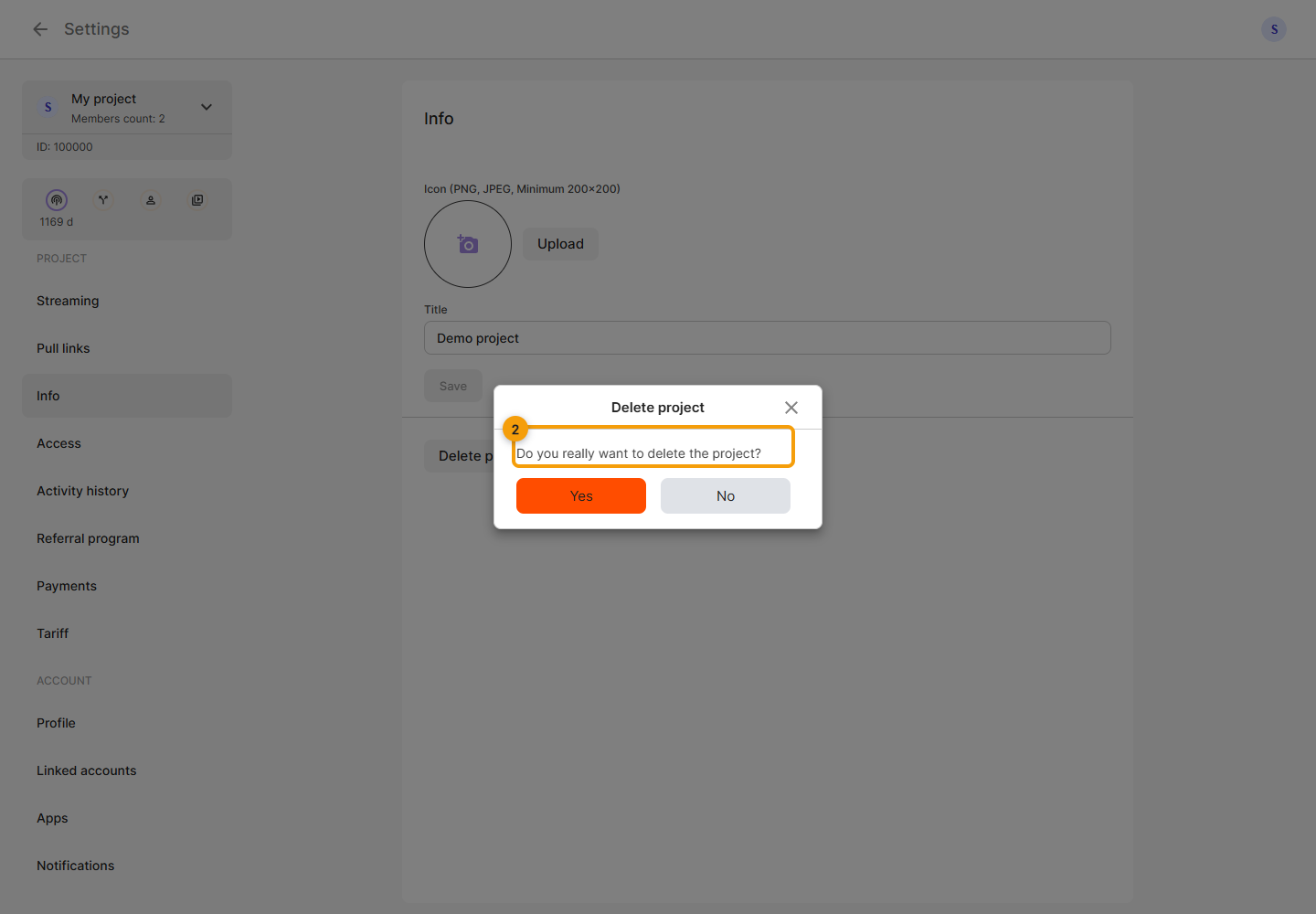
At the bottom of the information page, click Delete project or Leave project. The first action is available to the owner, the second to other members. Read the confirmation before continuing.
Deletion affects the project itself. The screenshot shows the owner’s warning.
Leaving only ends your membership in the project. It has a separate confirmation.