
Access
Open For developers → your application → Access. Here you can allow individual projects to install a private plugin. To list it in the public catalog, see publication.
The screenshots show a demo application with fictional data.
Grant access
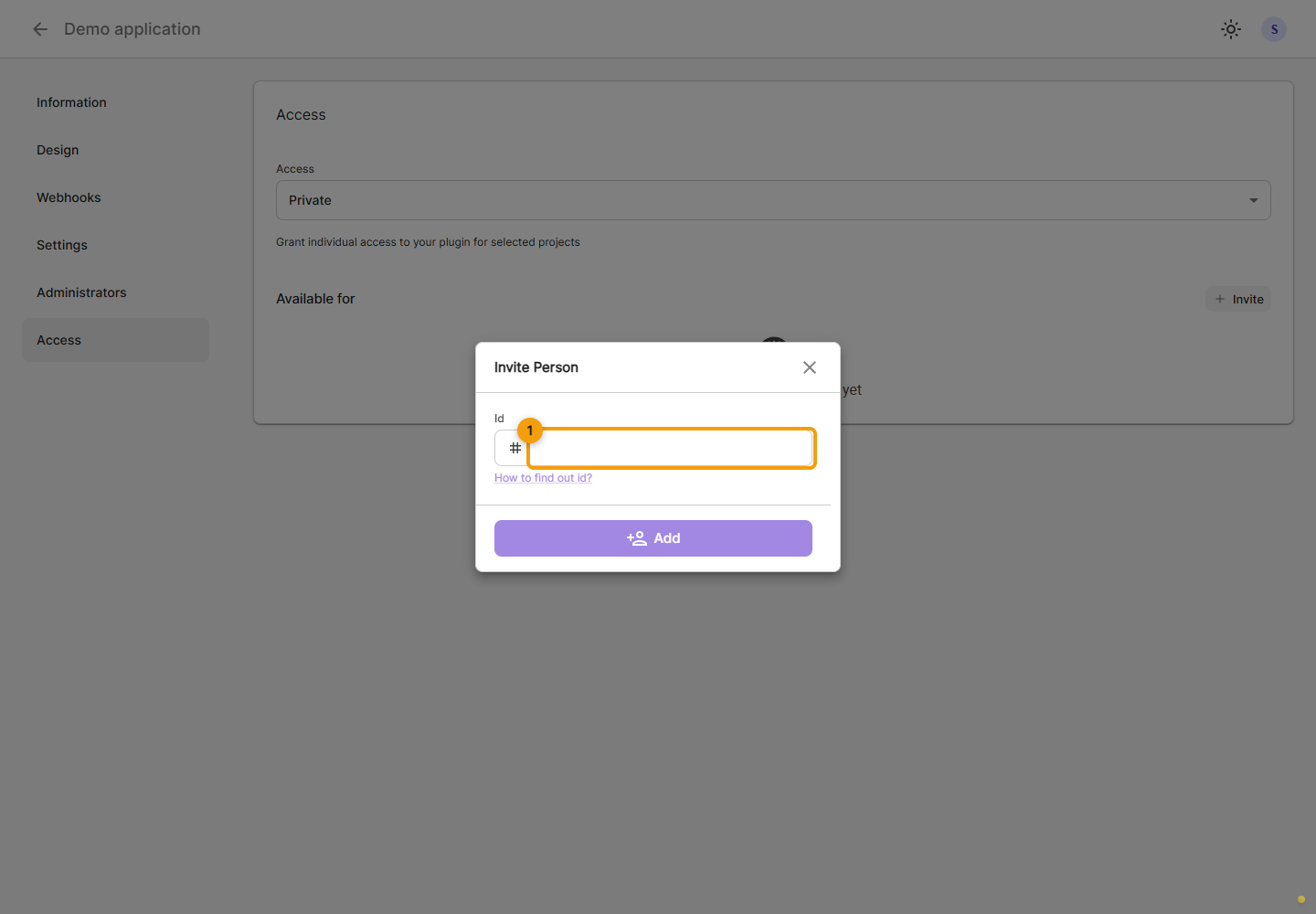
In Access, check the application status. For private use, click Invite. In Invite Person, enter the project identifier in Id. Check the matching project name before confirming. The application then becomes available in that project's private catalog; installation and permission consent are separate steps.
Remove access
To remove private access, find the relevant entry, open its ⋯ menu, choose Remove and confirm. Check the access list after success.