YouTube settings
If the channel is not in your project yet, connect YouTube first.
Open the connected YouTube channel and Broadcast settings. Valid access to that YouTube channel is required. If a scheduled event is selected, configure the event on the platform; additional settings may be disabled.
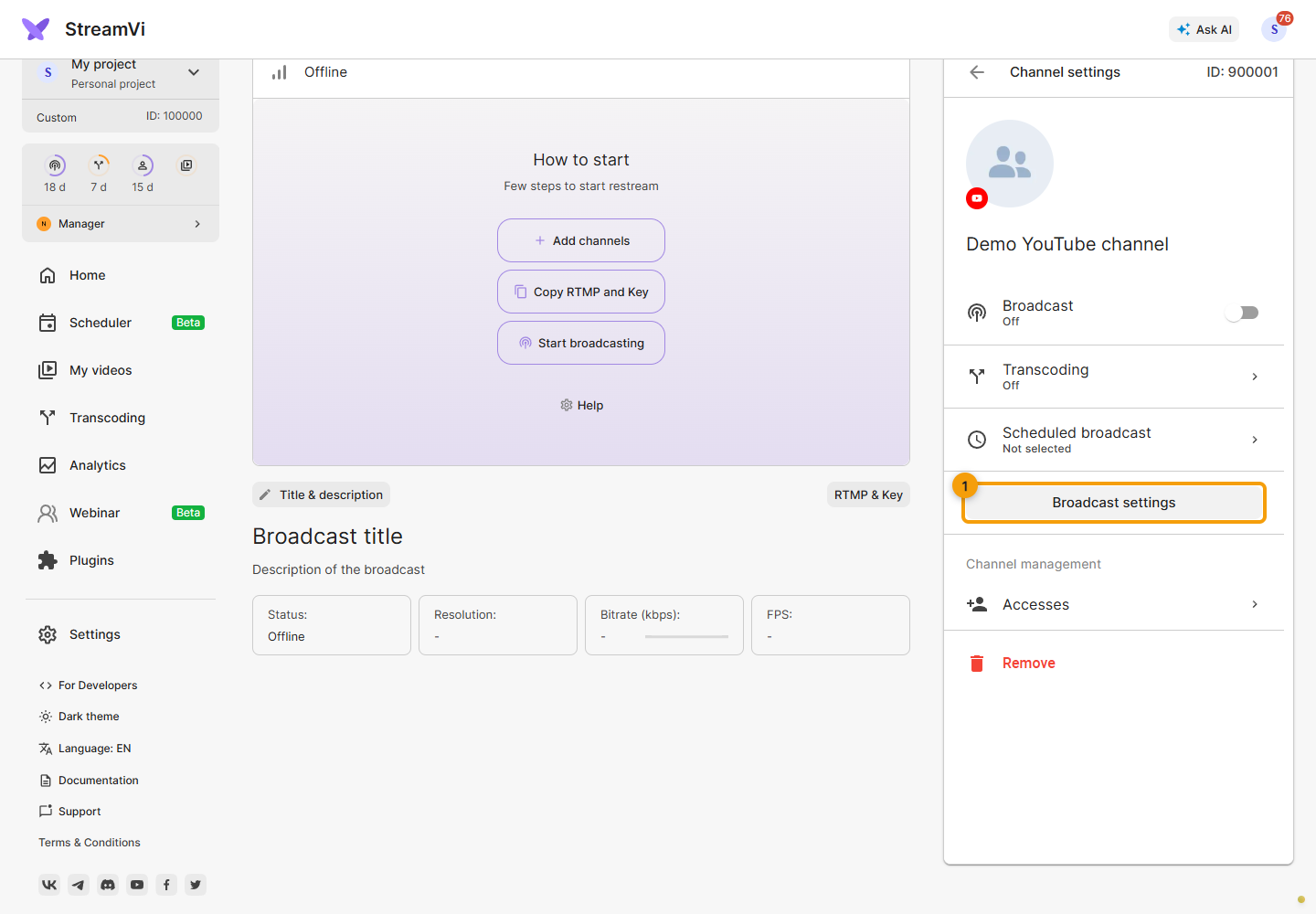
Title, description and thumbnail
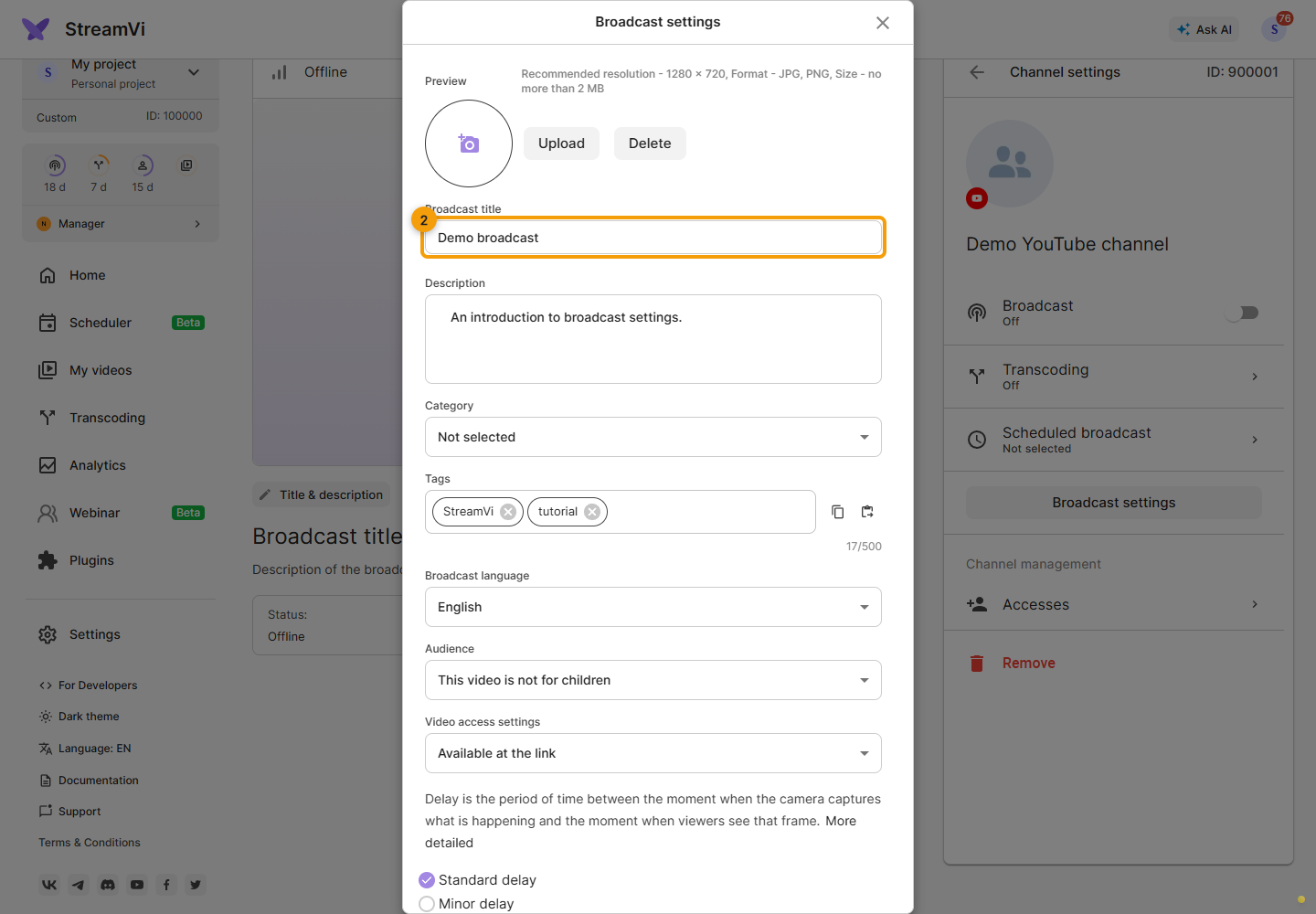
Enter a title up to 100 characters and a description up to 5000. Angle brackets are prohibited in both fields. Text changes depend on the restreaming plan.
Choose a thumbnail image smaller than 2 MB. The form recommends JPG or PNG at 1280 × 720. Check that the preview changes: an oversized file does not replace the selected thumbnail. Selecting an image does not save the channel settings yet.
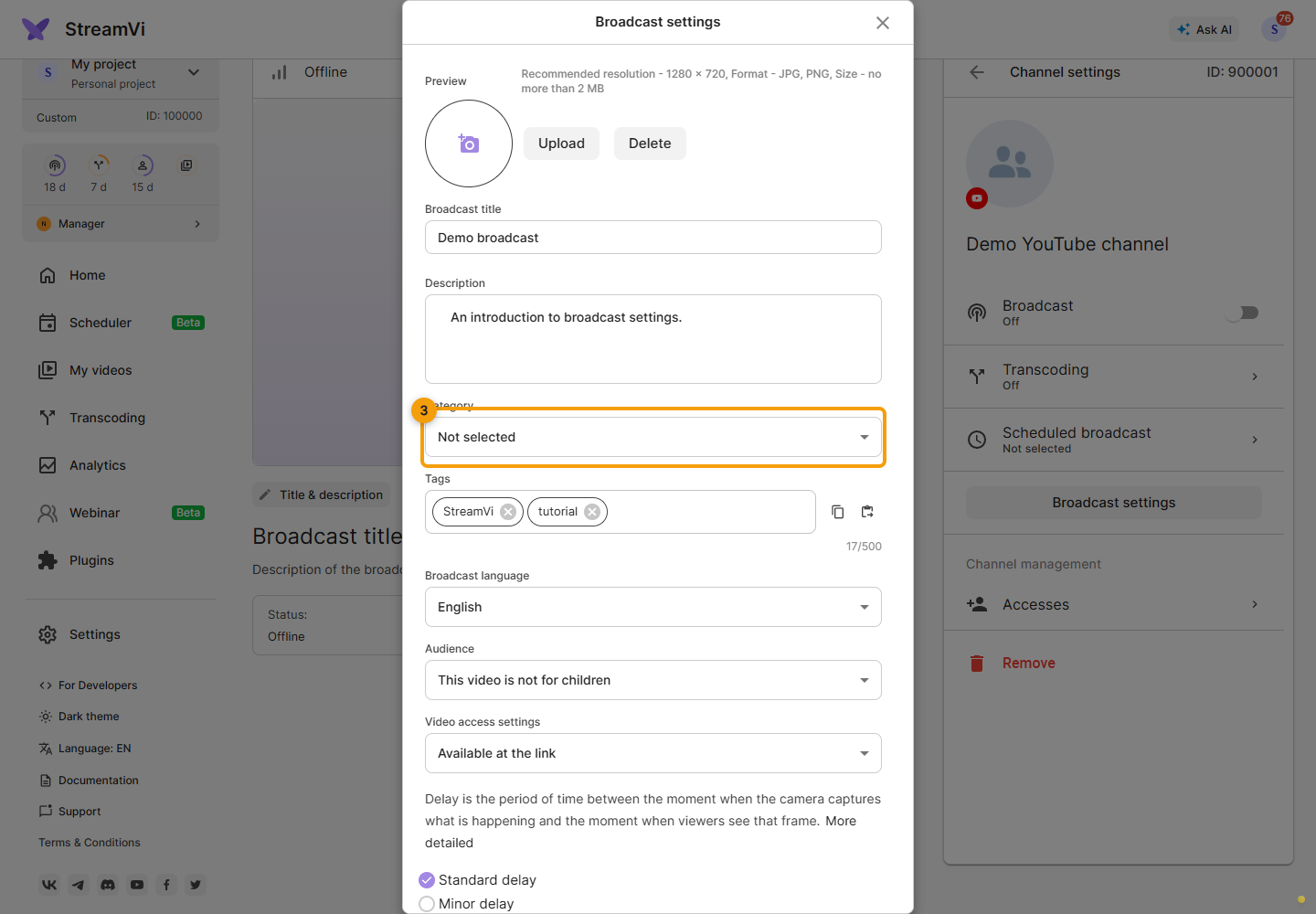
Broadcast options
Choose a category from the available list.
Add tags and watch the counter: the combined limit is 500 characters, including separators and quotes for tags containing spaces. The form accepts Latin and Russian letters, digits and spaces. Characters such as #, commas, hyphens and other symbols within a tag cause a format error. Correct invalid tags or an exceeded limit before saving.
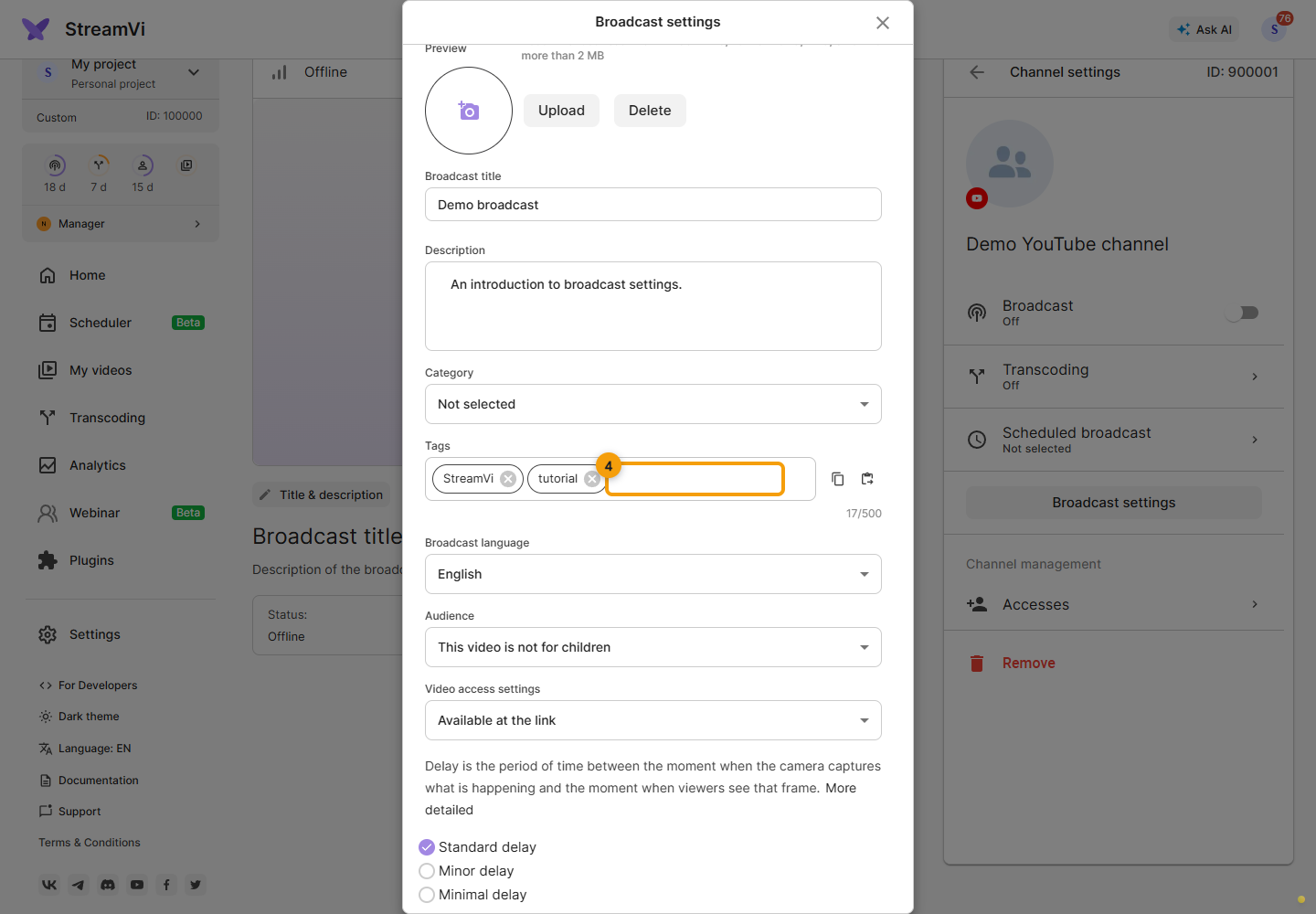
Choose the language, audience and video visibility from the available lists. Audience and visibility are separate fields: selecting a child audience does not determine whether the video is public.
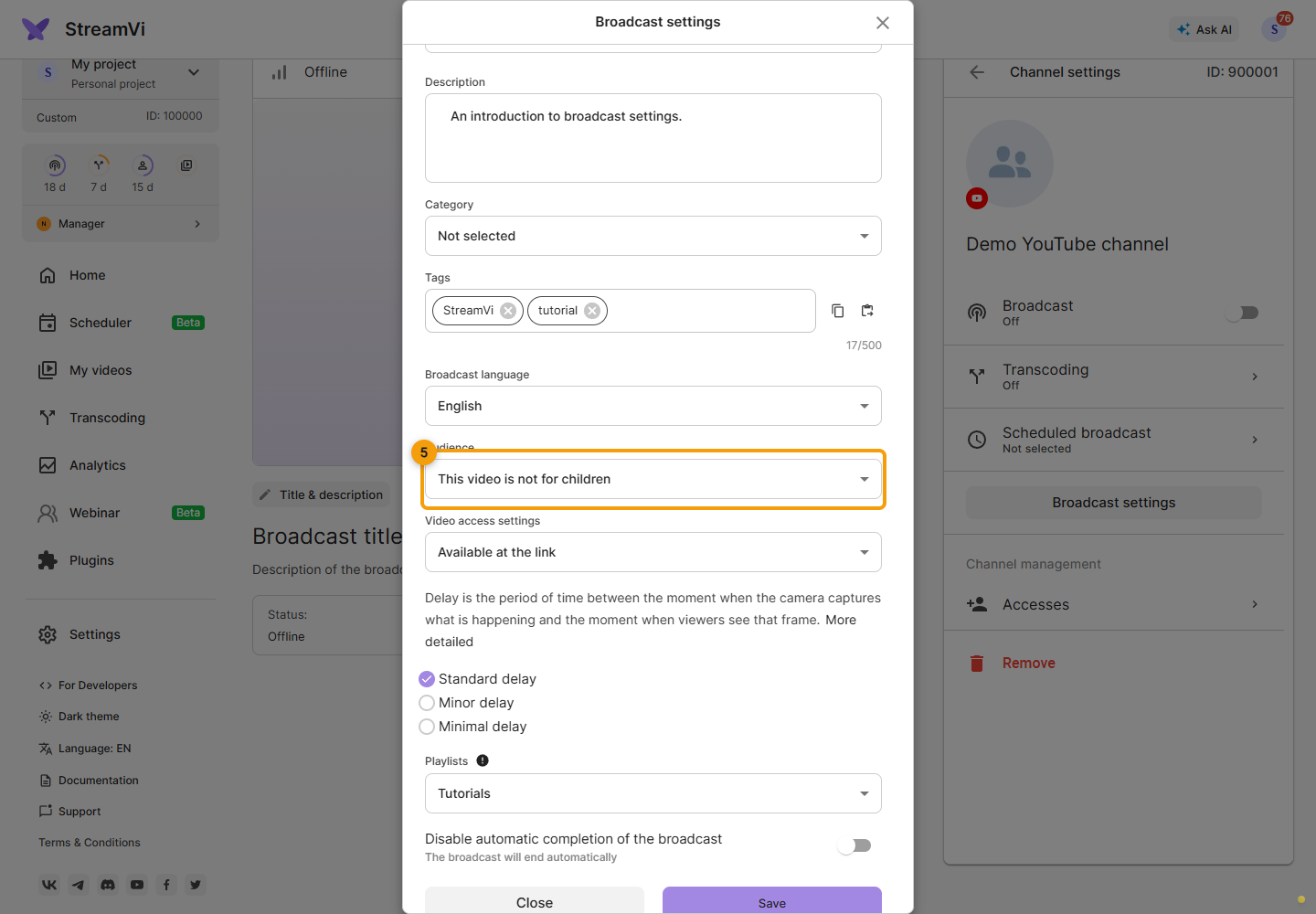
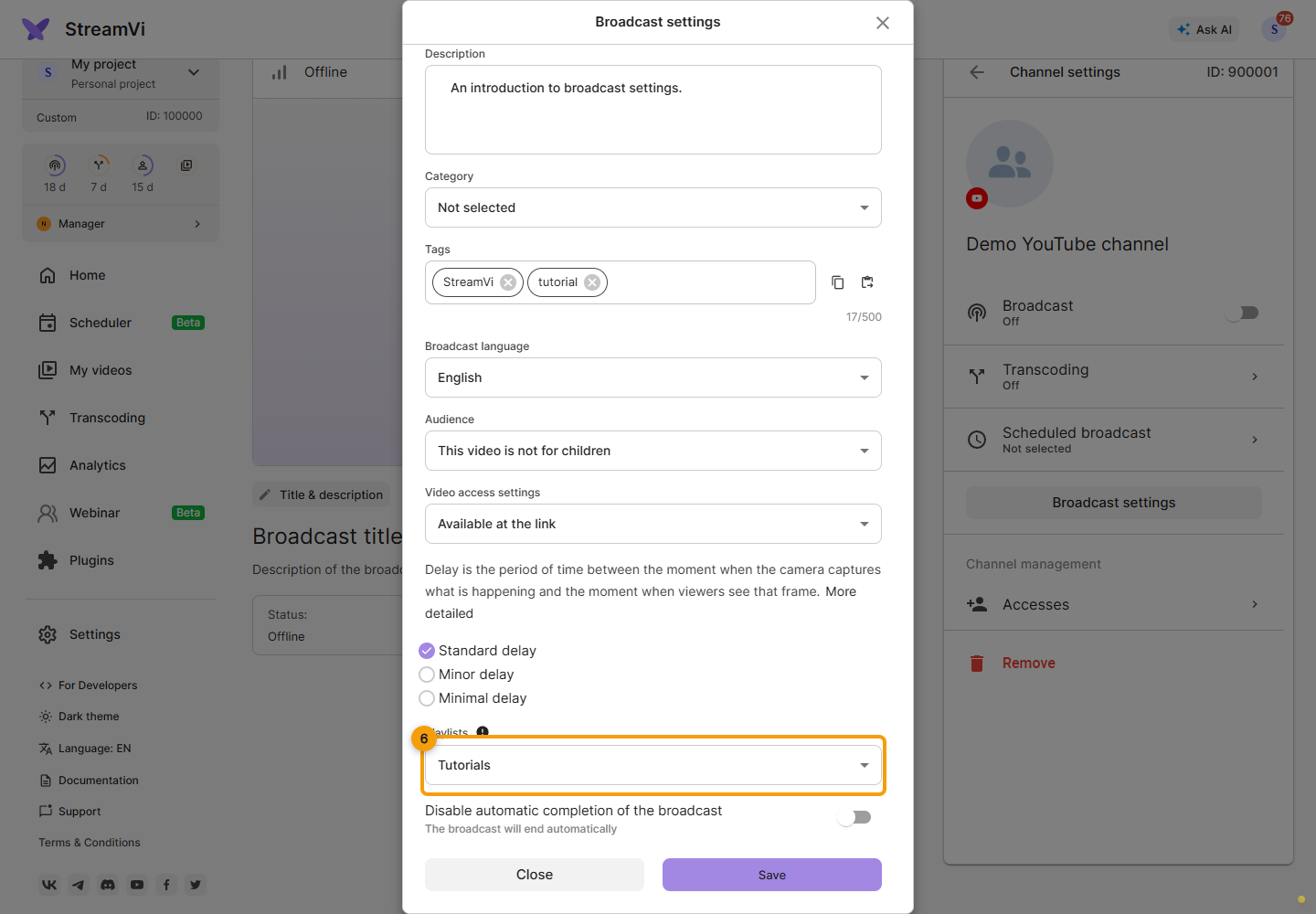
Choose latency and a playlist. The playlist is not updated during an active broadcast; set it before starting. Turning on Disable automatic completion of the broadcast disables automatic ending on YouTube. The text below states whether the broadcast will end automatically. Changing this switch also requires saving the form.
Click Save, wait for the result and check the settings. Close leaves the form without saving current edits. For a different YouTube event, separately check scheduled-broadcast selection.