
Transcoding for Twitch
Twitch mode uses Enhanced Broadcasting: StreamVi receives one source video stream, creates multiple quality variants on its servers and delivers them to Twitch. Your computer encodes and sends only the source stream. StreamVi prepares and sends the additional variants.
The resolutions, codecs and bitrates of the output quality variants are determined automatically. The Custom form's manual bitrate, resolution and codec fields are not shown in this mode.
Setup
In your broadcast software, enter the StreamVi server URL and stream key using the broadcast setup guide. You do not need to enable direct multitrack broadcasting to Twitch in OBS to use this mode: StreamVi creates the additional quality variants.
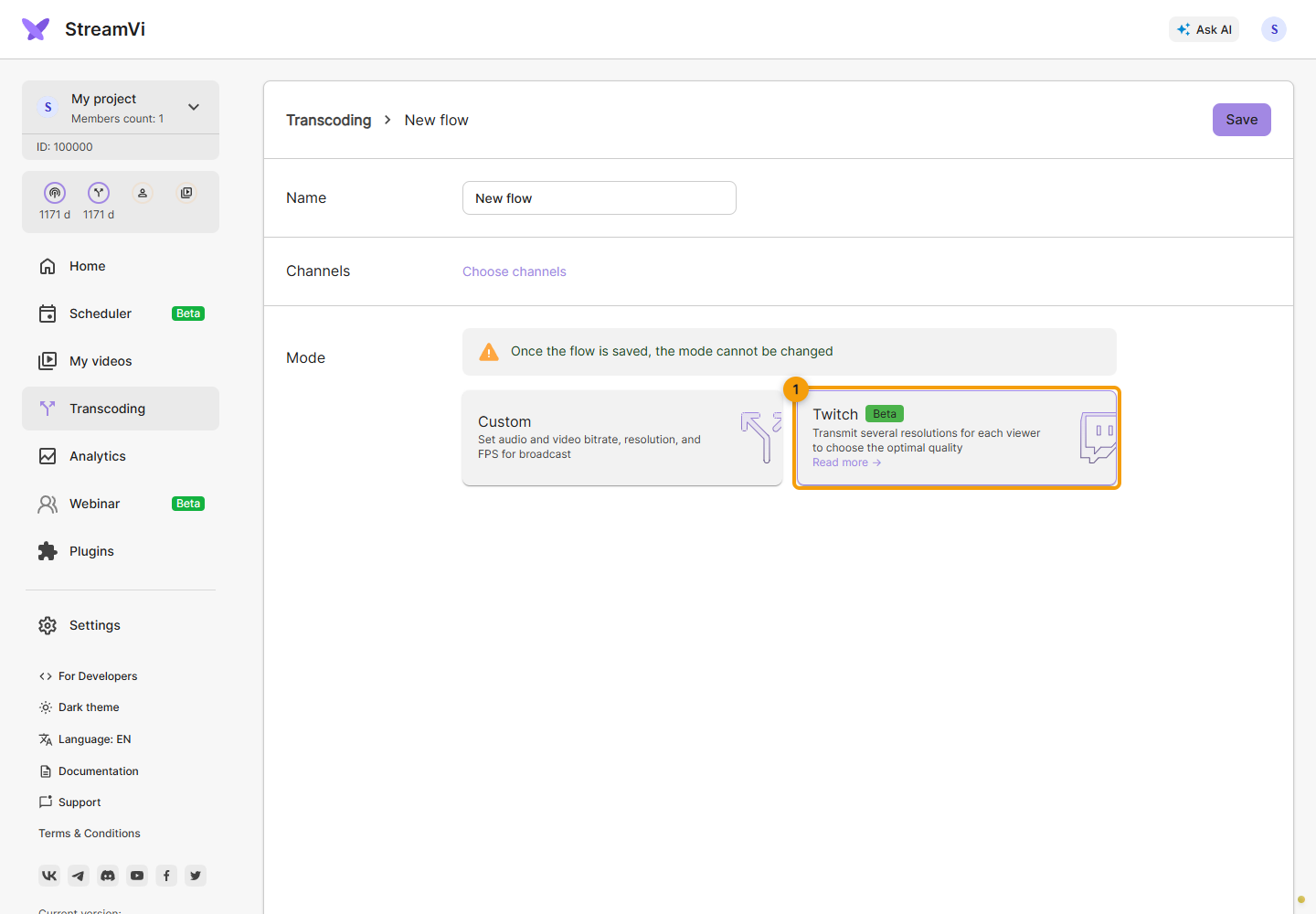
Open Transcoding → New flow, enter a name and choose Twitch mode. Its card is marked Beta. The manual Custom settings disappear.
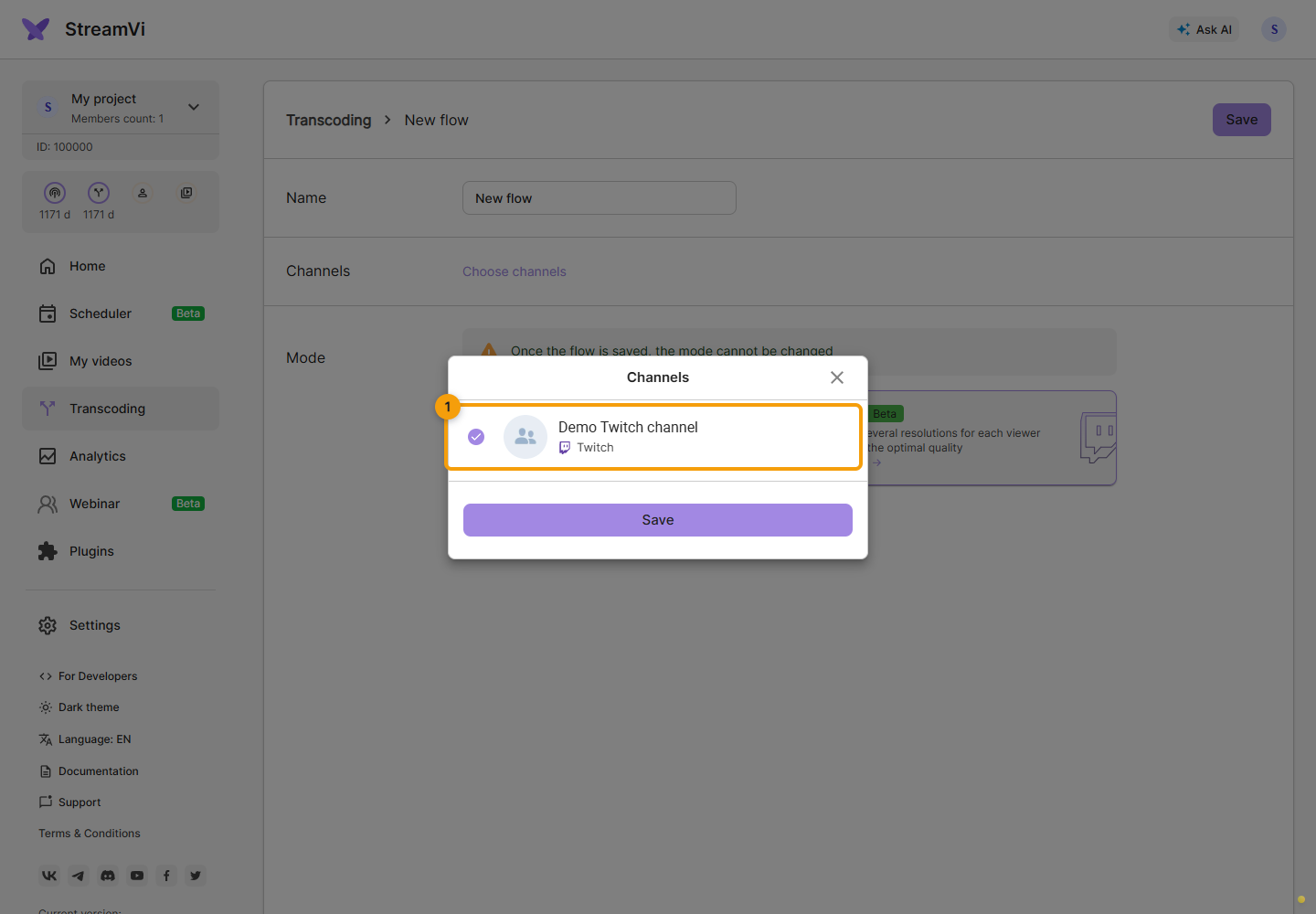
Open channel selection. Only Twitch channels appear. Select one channel: selecting another replaces the previous choice. Click Save in this dialog to apply the choice to the form.
Check the name, selected channel count and mode. Click Save at the top of the page to create the flow. Saving channel selection alone does not create a transcoder.
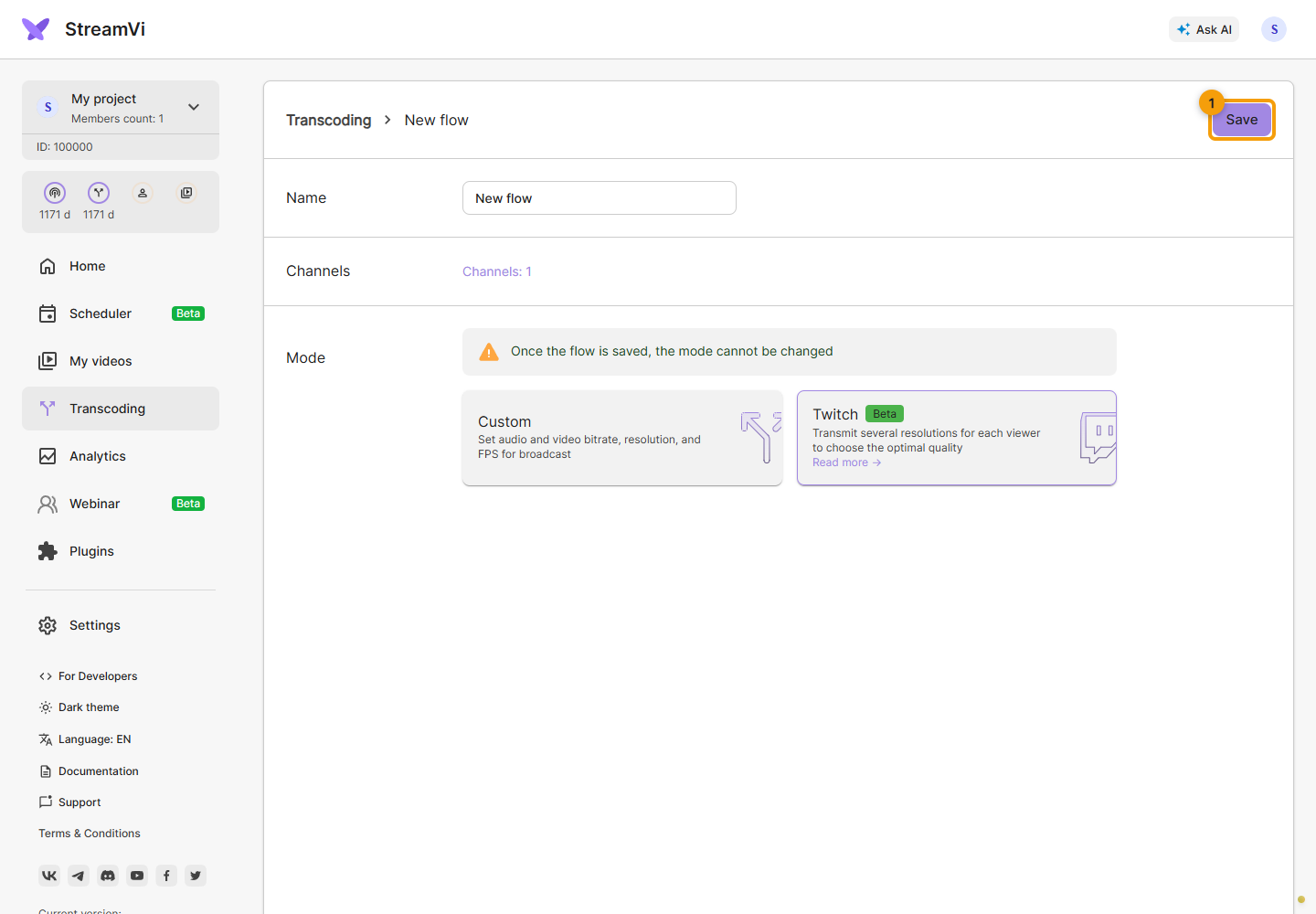
The screenshots use a demo channel. You can also assign an existing flow in channel settings.
The mode is chosen at creation and cannot be changed during editing. To switch between Custom and Twitch, create a different flow and reassign the channel. Check your stream count and input resolution in the transcoding plan.
Checking the broadcast
Enable the channel and send source video to StreamVi. Saving a configuration does not start a broadcast.
Open the broadcast in the Twitch player and check the available resolutions in the quality menu. Switch quality and confirm that the video plays with sound.
If your audience is in Russia, also check the available quality from the perspective of a viewer in that region. The resolution you send can differ from what viewers can watch. See Twitch parameters for 1440p eligibility and regional restrictions.