
Withdraw funds
Open Settings → Payments in the intended project. Click Withdraw.
The total balance can include deposited funds, bonuses and earned rewards. In Withdraw, Available shows the amount eligible for withdrawal; it can be lower than the total balance.
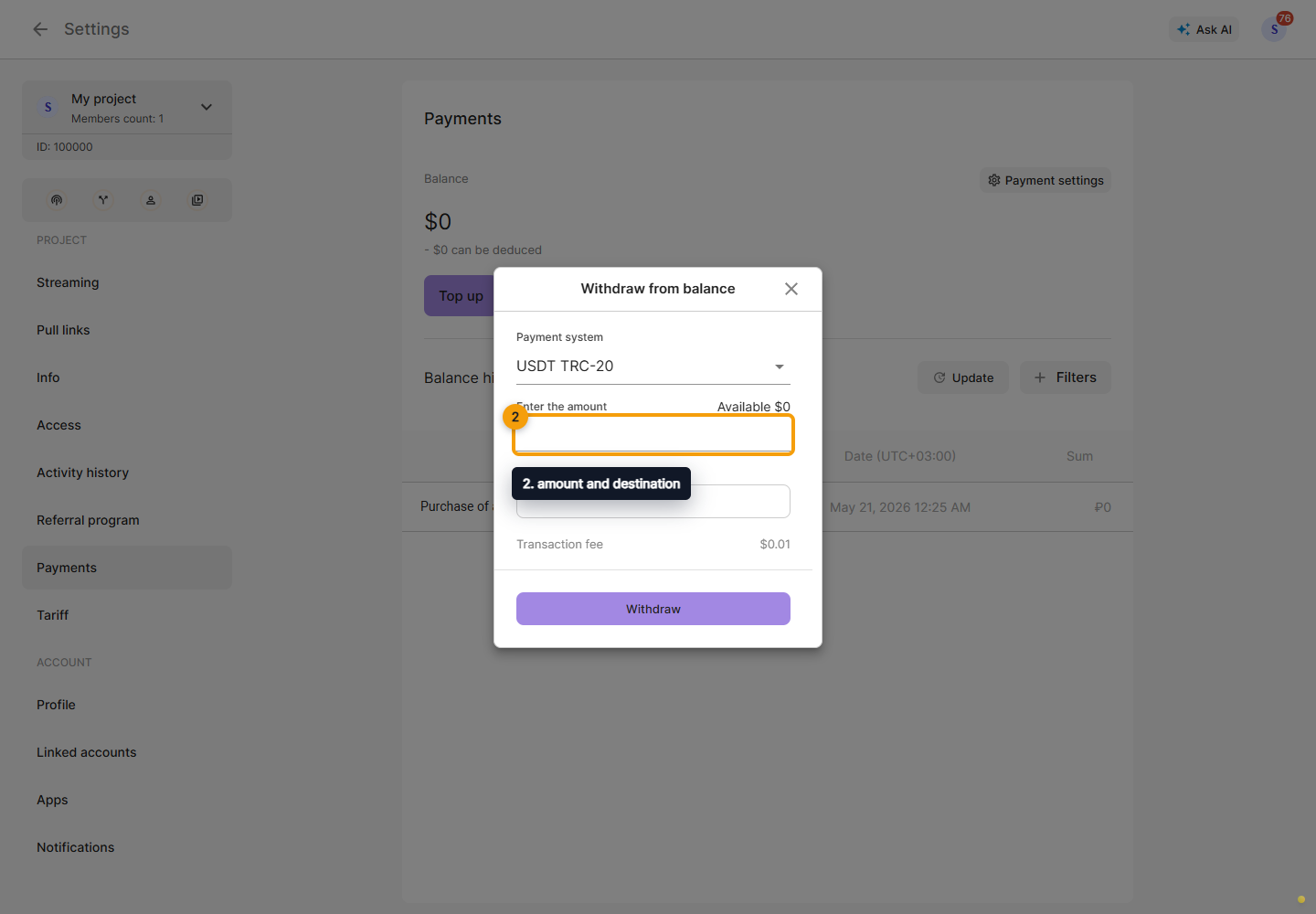
Choose an available payout system, amount and destination. Depending on the country, the Cabinet displays a card form or a wallet address. Check the requested amount, displayed commission and destination details, including the network for a wallet. Missing permissions or an unavailable system prevent a payout request.
After a successful request, the Cabinet confirms that a withdrawal has been created and displays the amount after commission. This confirms creation of the request; check receipt of the funds separately.