
VK Video Live
Open a channel → Broadcast settings. Fields depend on the platform, valid authorization and plan. If the window is unavailable, check the connection, role and selected scheduled broadcast. Apply edits with Save.
Enter a title up to 100 characters. Under Category selection, choose Video games, Lifestyle or Sports. The category field is disabled until you choose a section.
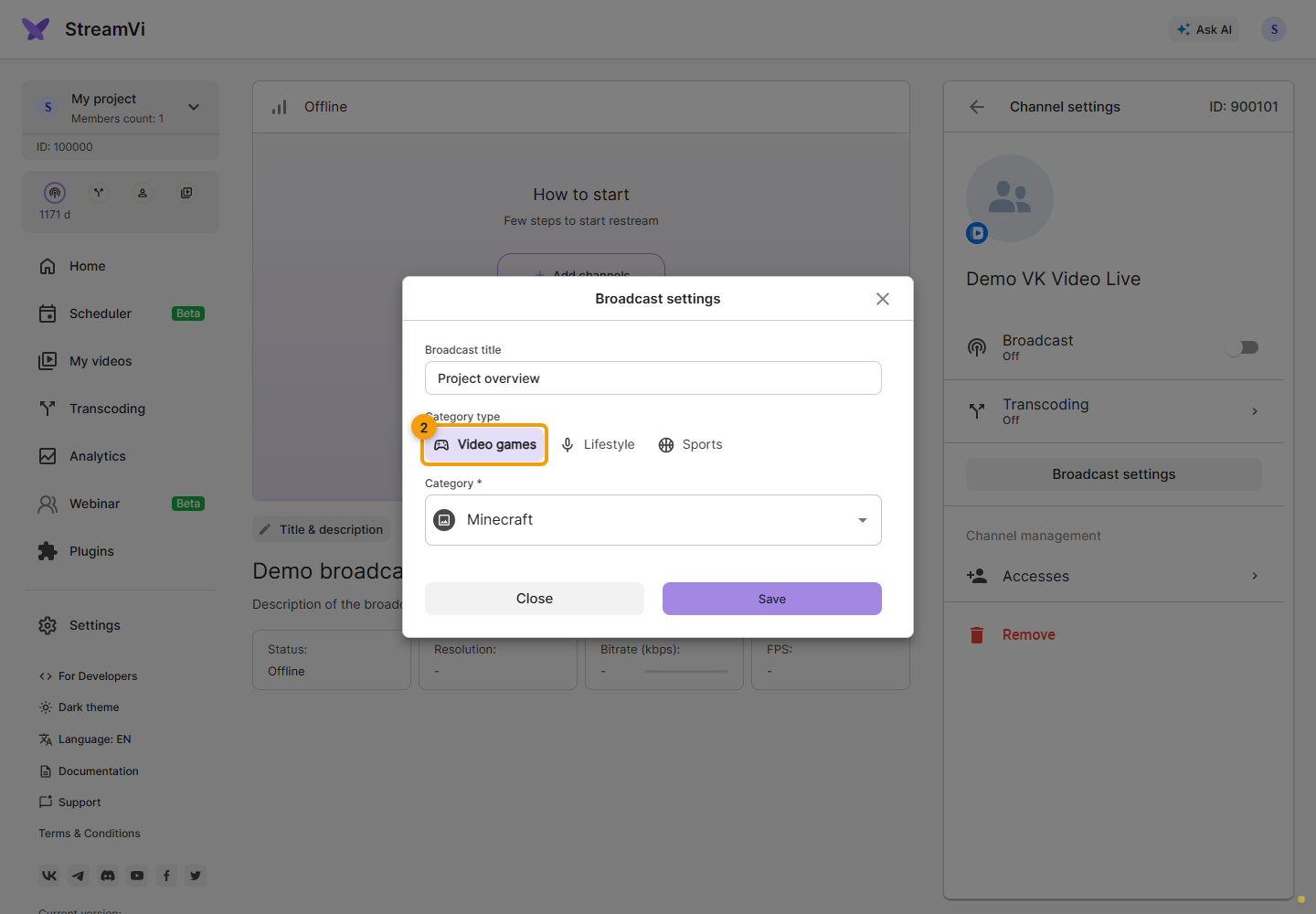
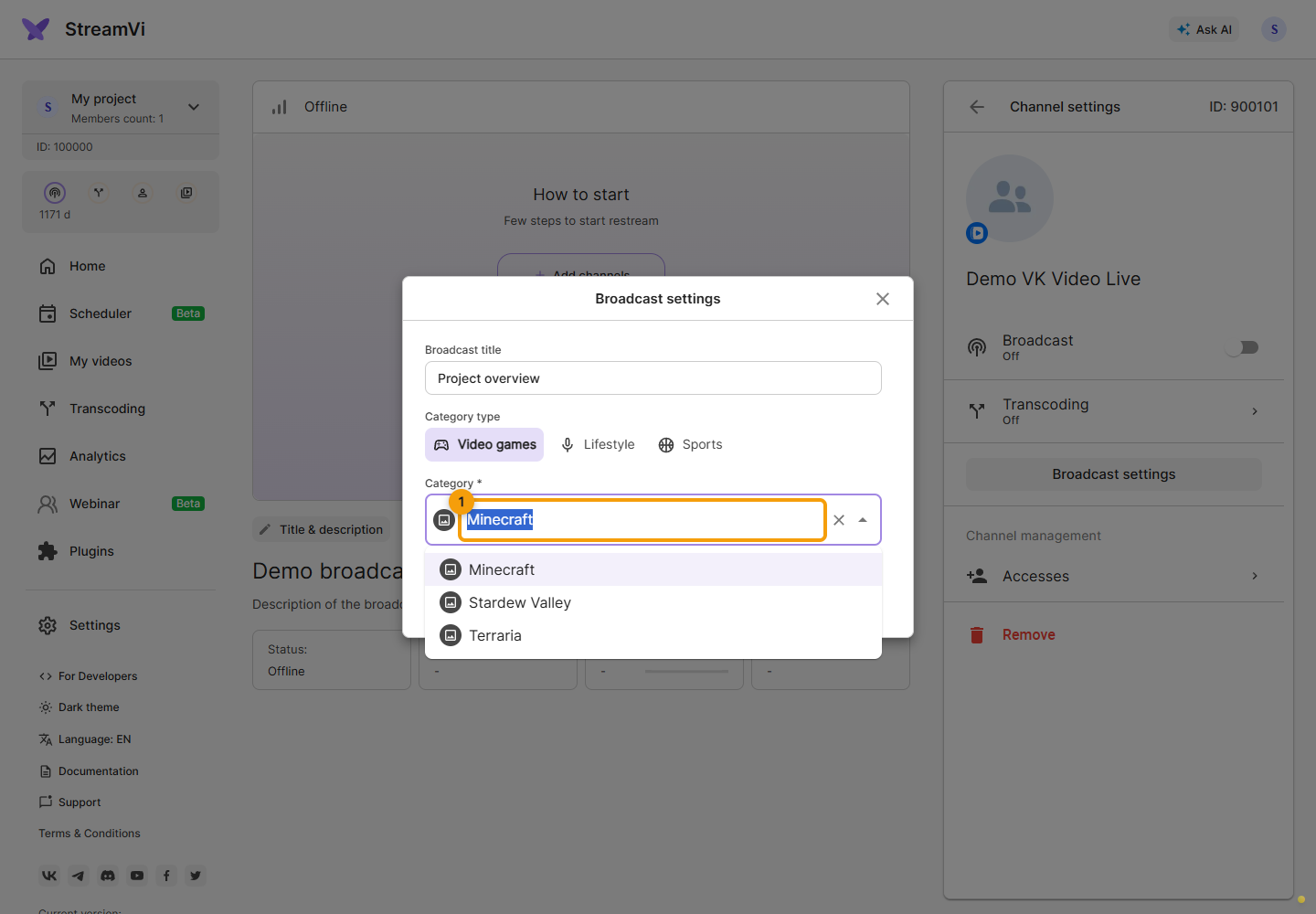
Start typing a category name and select a result from the list. Search text alone does not select a category. More results load as you scroll; use Retry if loading fails. Changing the section clears the category. Select it again and click Save.
If a legacy VK Play Live connection offers a link to the platform settings, use that link. Its capabilities may differ from VK Video Live.