
Telegram
Telegram video and messages are connected separately. First add Telegram to the channel list, then open its settings → Chat.
Connect a group
You need administrator rights in the Telegram group. For channel comments, connect the linked discussion group, not the Telegram channel itself.
Click Connect, select the correct group in Telegram and add the offered bot.
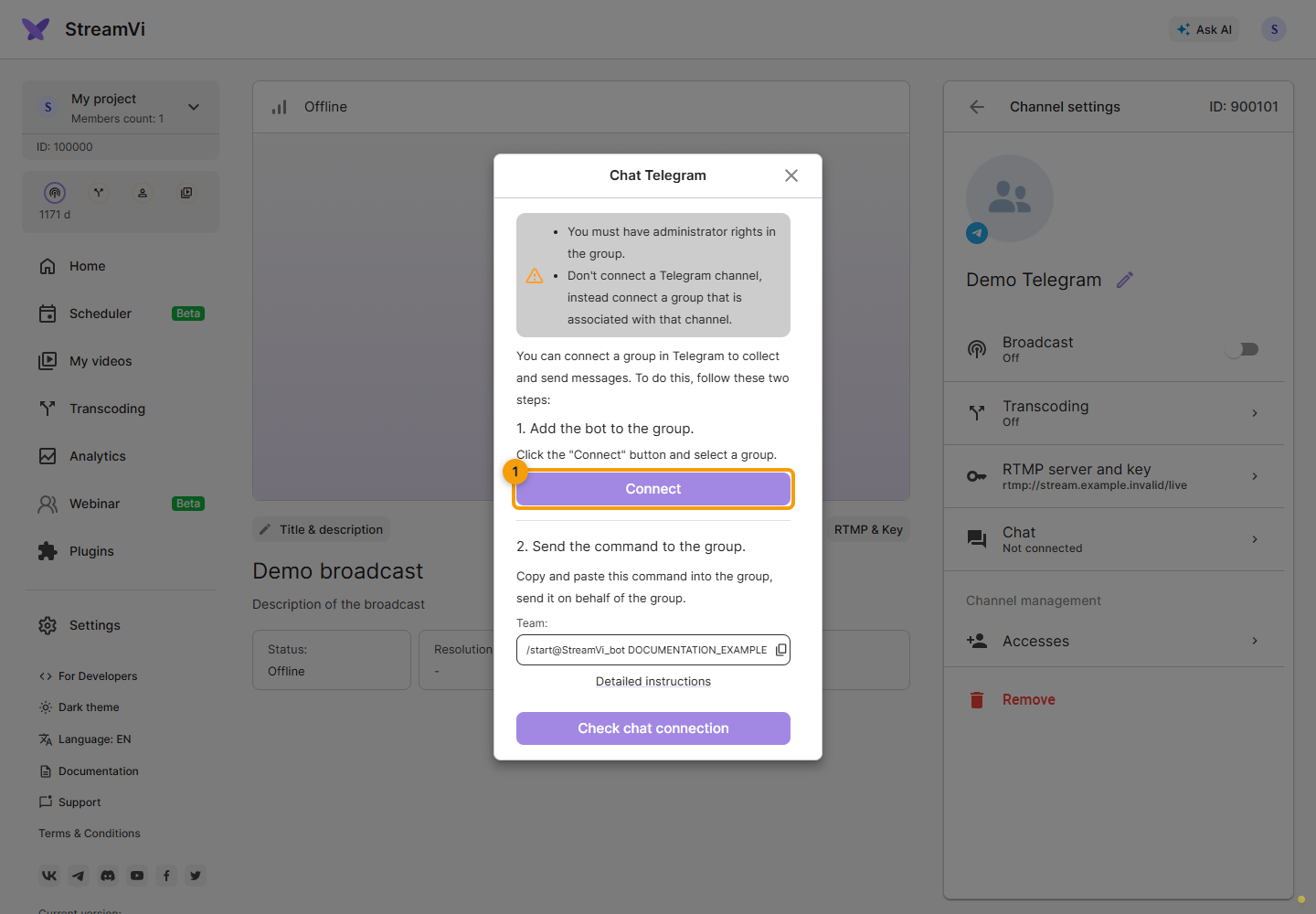
Copy the command from the second step in StreamVi and send it to that group on behalf of the group, as the form instructs. Use the exact issued command: it links the selected StreamVi channel to the chat.
Return to the Cabinet and click Check chat connection. Wait for Connected and the group name. If checking fails, verify the group, administrator rights, bot membership and sent command; check again after correcting them.
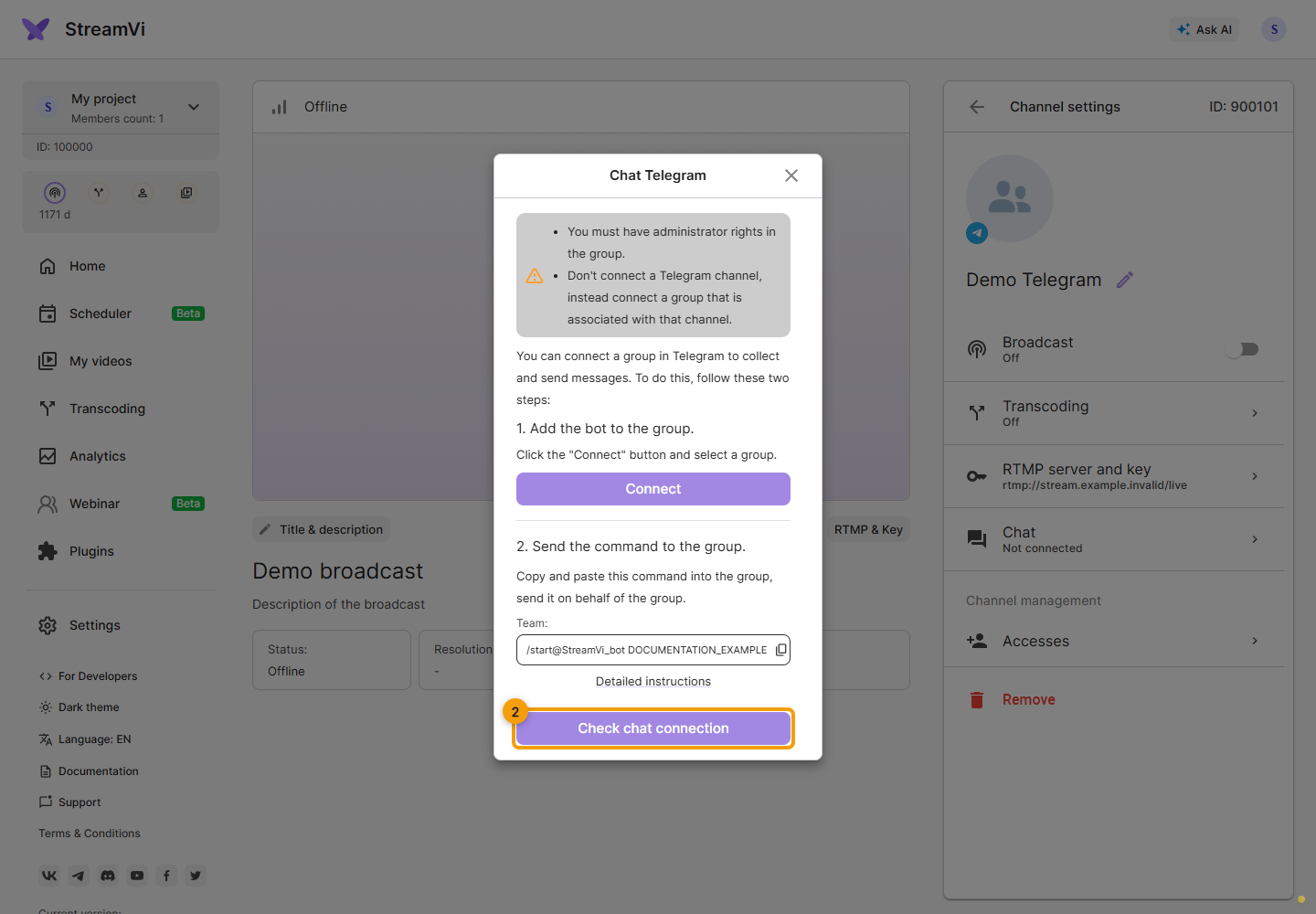
The screenshots show a demo group and command. Use the command from your own Cabinet to connect. Once connected, configure the message filter.