
Developers
Open For developers in the Cabinet menu. This area contains applications you create or manage as an invited developer. Tabs show all available applications, those you created and invitations. See Plugins for installing an existing application in a project.
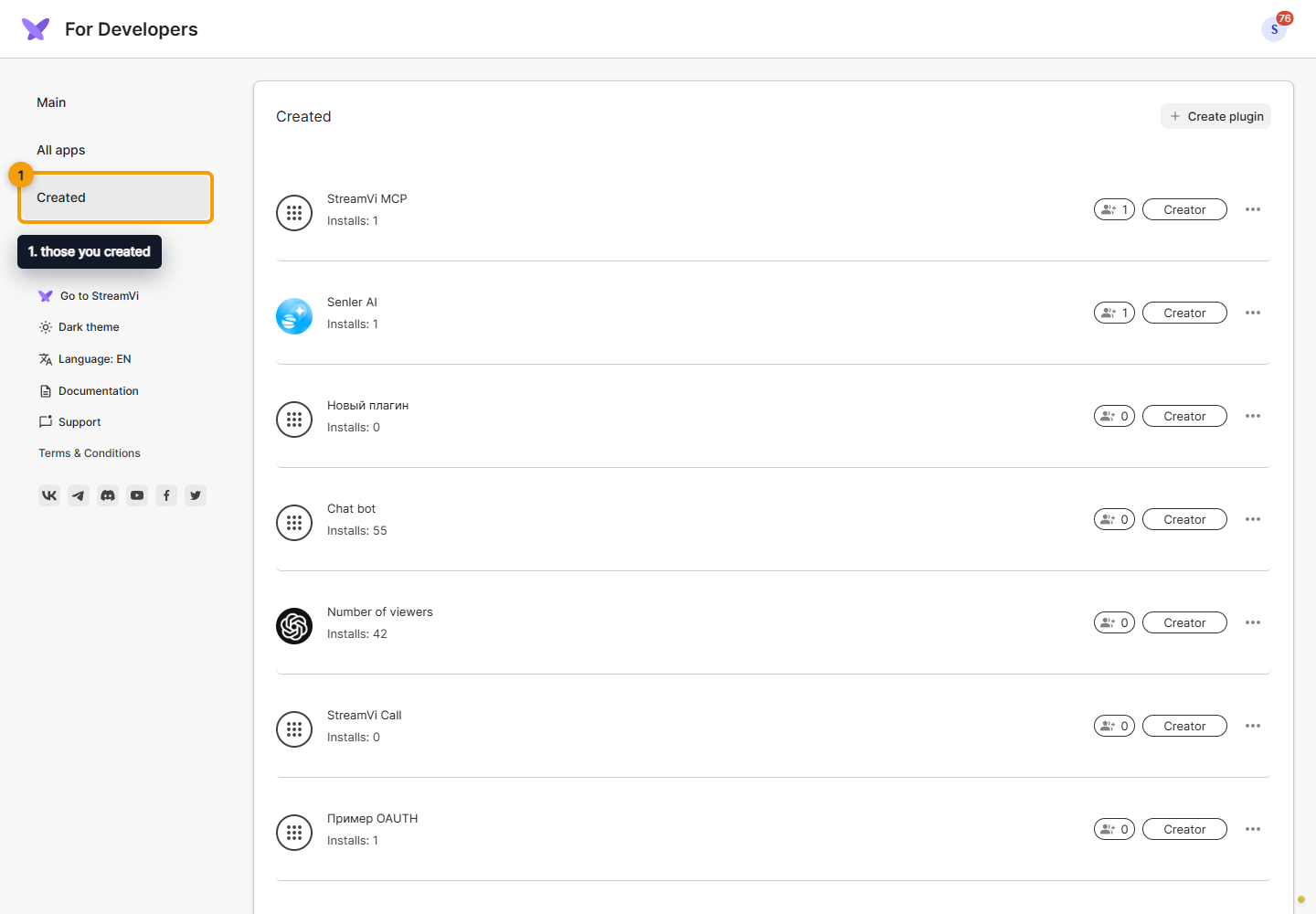
Open an application row to access its information, design, settings, webhooks, administrators and access. Available actions depend on your role. Accept an application-management invitation to use it; this does not replace a project invitation.
Manage the list
An application's ⋯ menu lets you open editing or choose Delete. Deletion opens a confirmation dialog: check that the correct application is selected. Deleting a developer application and removing an installed plugin from a project are different actions; the latter is done under Plugins.
Guides
- Plugin types: OAuth, Widget, Embedded page.
- Create a plugin.
- Information.
- Design.
- Settings.
- Webhooks.
- Administrators.
- Access.
- Publication.
Start with a private application and grant access to the required project. Public catalog listing uses a separate moderation request.
The Main button returns from the developer area to your personal Cabinet.