
Cabinet interface
On a phone, first open the sidebar using the header menu button. At the bottom of the menu, click Dark theme or Light theme. The button names the appearance it will enable.
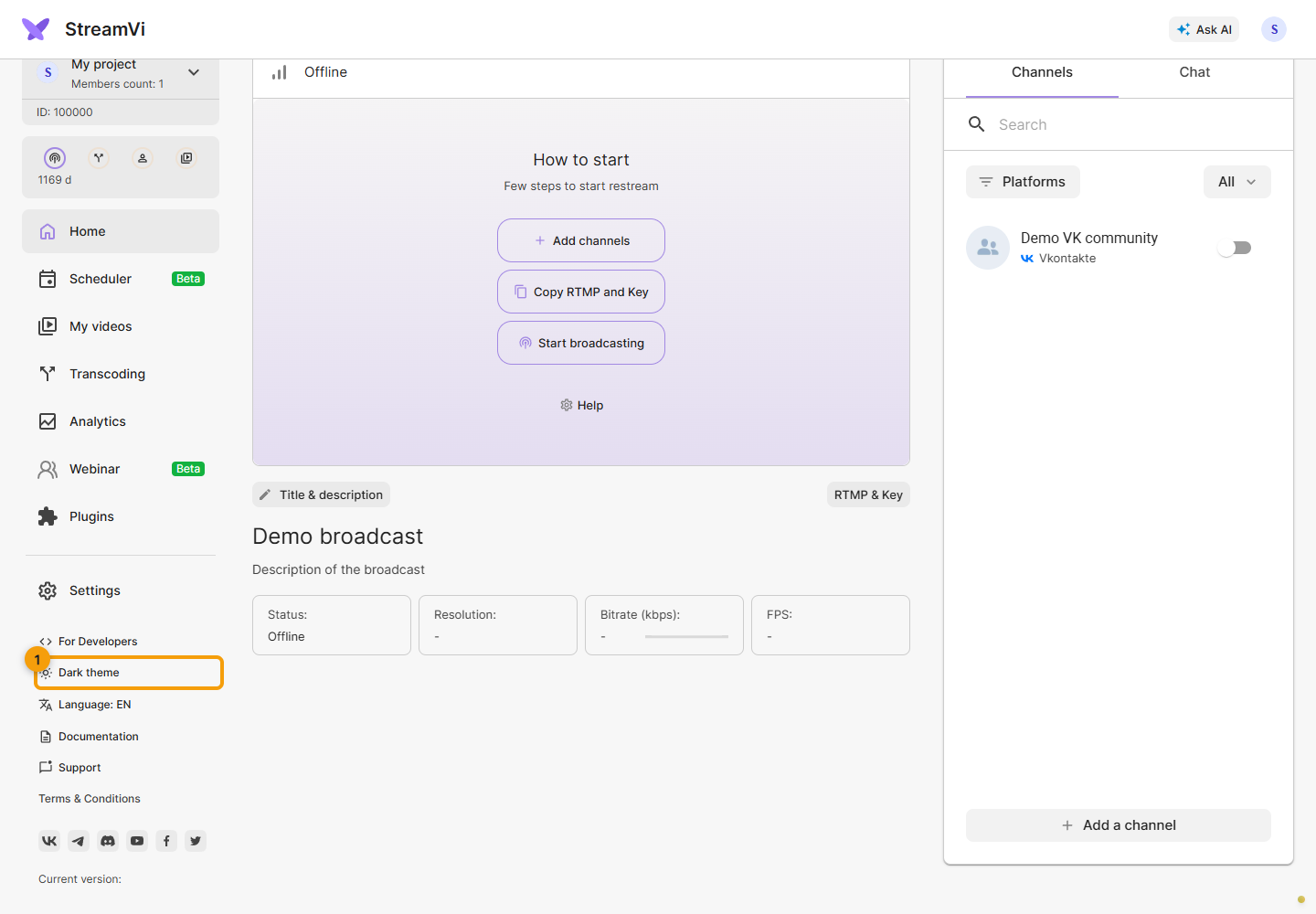
Click Language: RU / EN to change the Cabinet language.
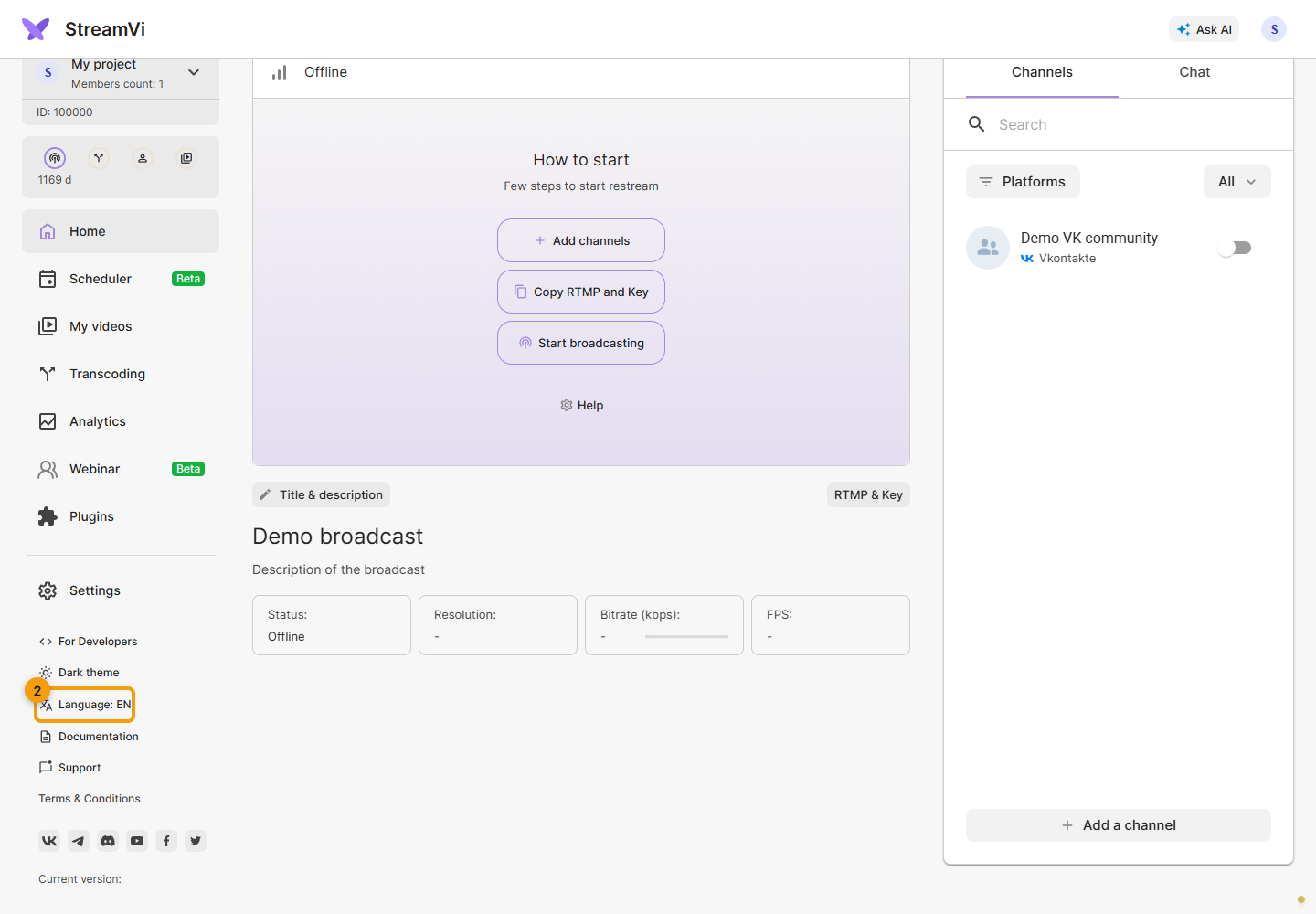
These settings change the Cabinet interface; chat appearance for viewers is configured separately.