Report a plugin
Open the intended application card under Plugins.
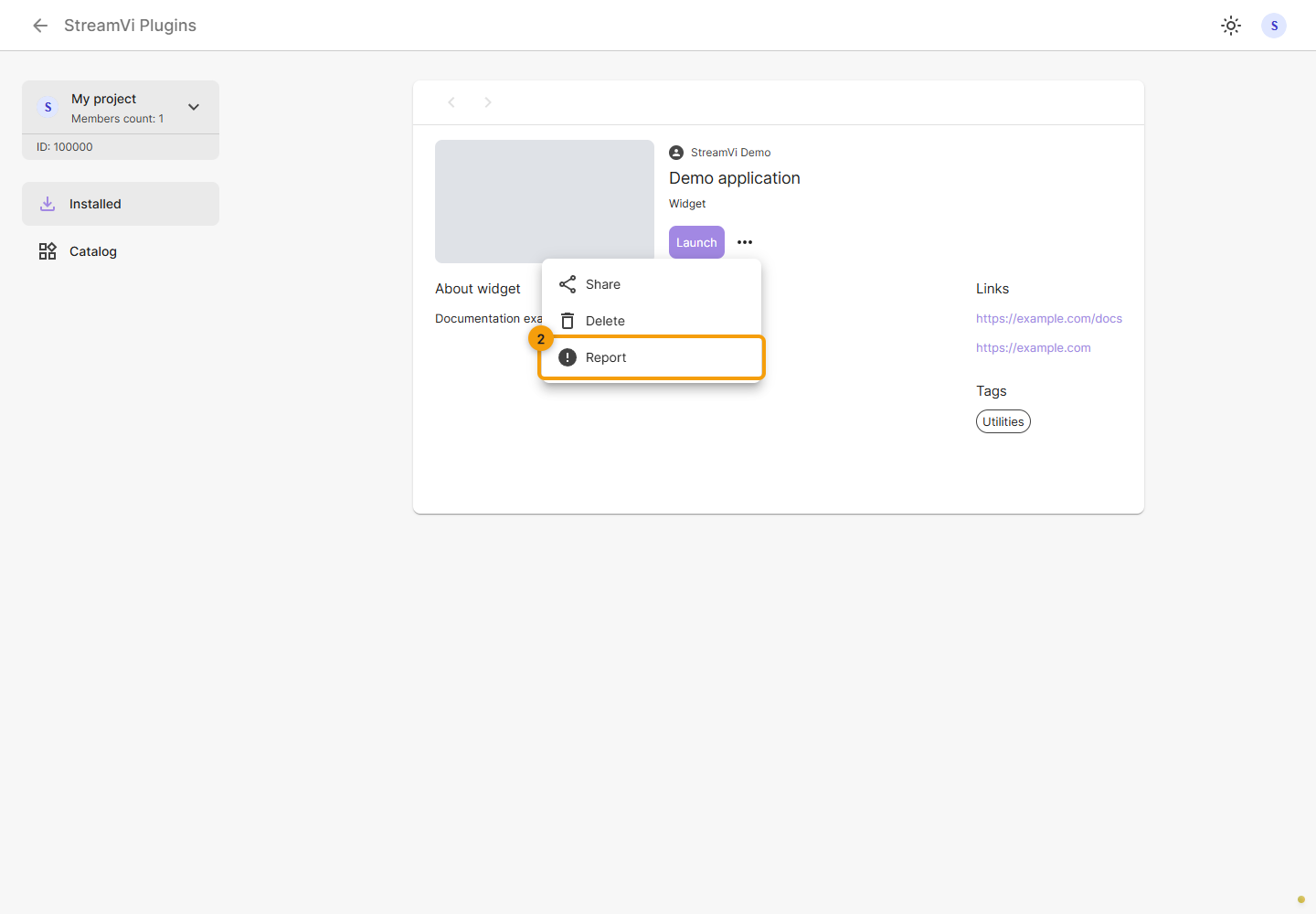
Open the card's ⋯ menu and choose Report.
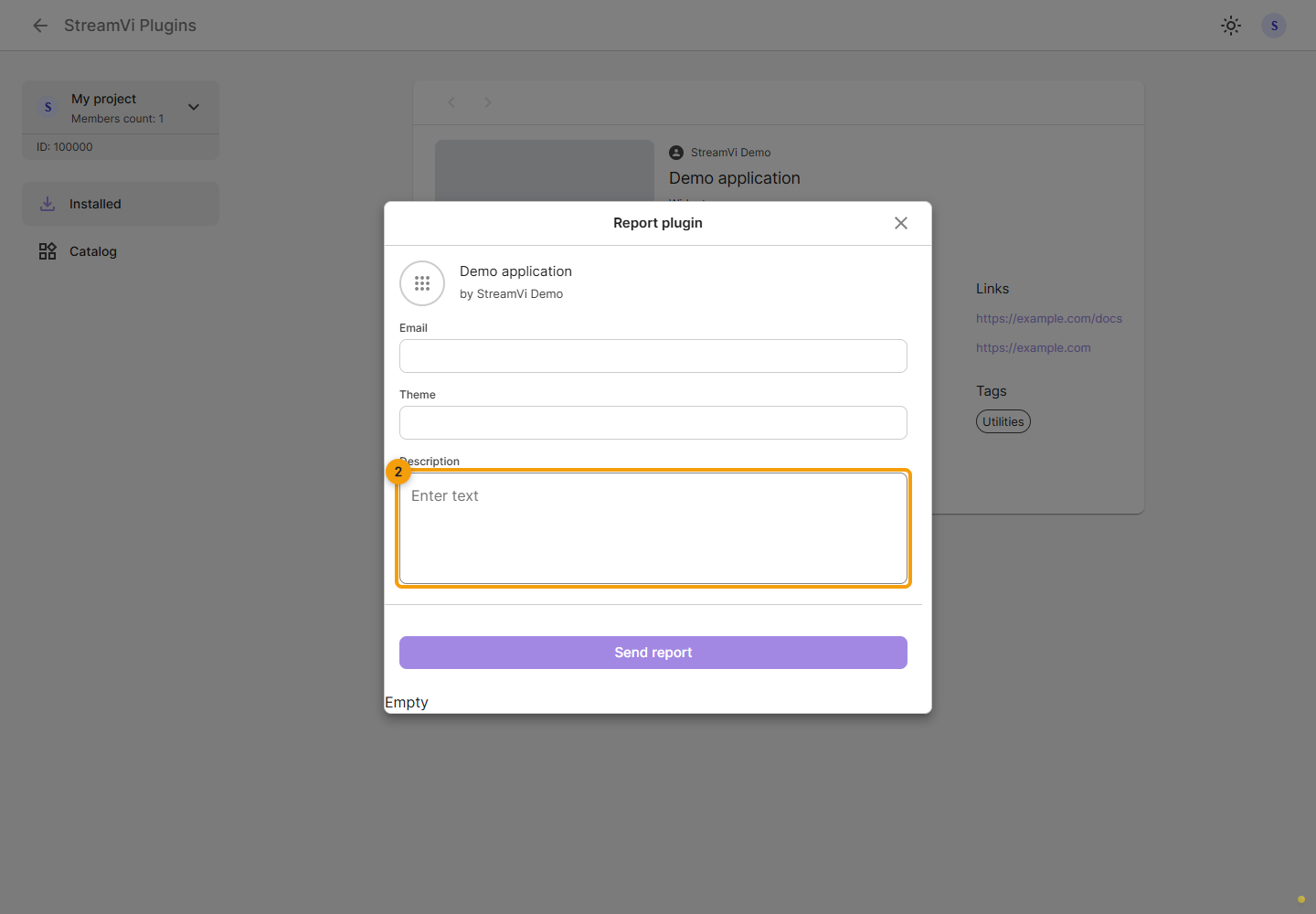
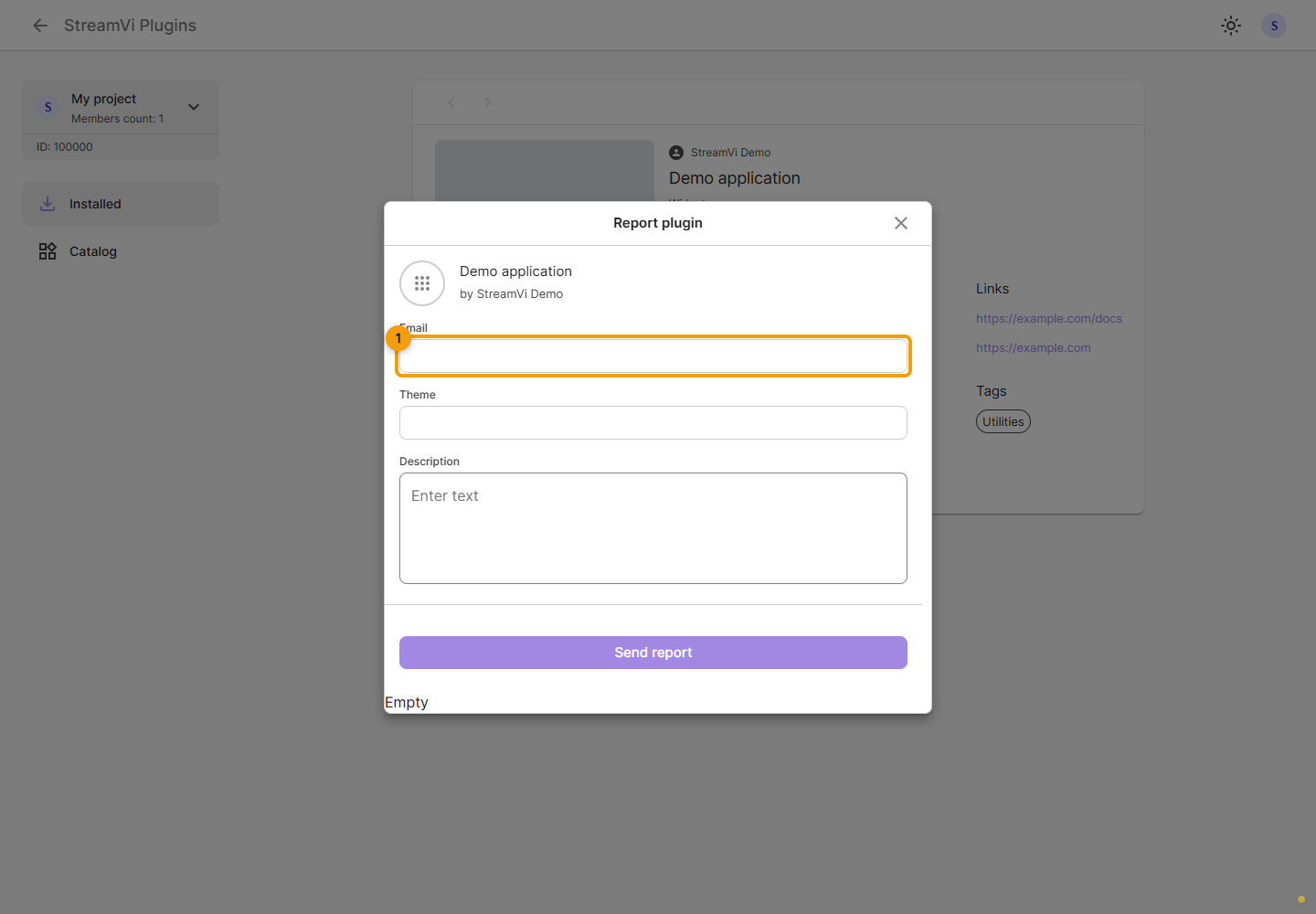
Enter your contact email and the report subject. Check the application name above the fields to make sure you are reporting the intended plugin.
Describe the problem: what you did and what happened. The form checks entered descriptions for a length of 10 to 1000 characters. Click Send report and wait for confirmation. On an error, correct the indicated field or retry after resolving the cause; closing the form does not send it.