
Storage
Storage holds the selected project's videos for file streaming and the scheduler. Files are under My videos; capacity and additional-space billing are under Settings → Plan → Storage.
Capacity and upgrades
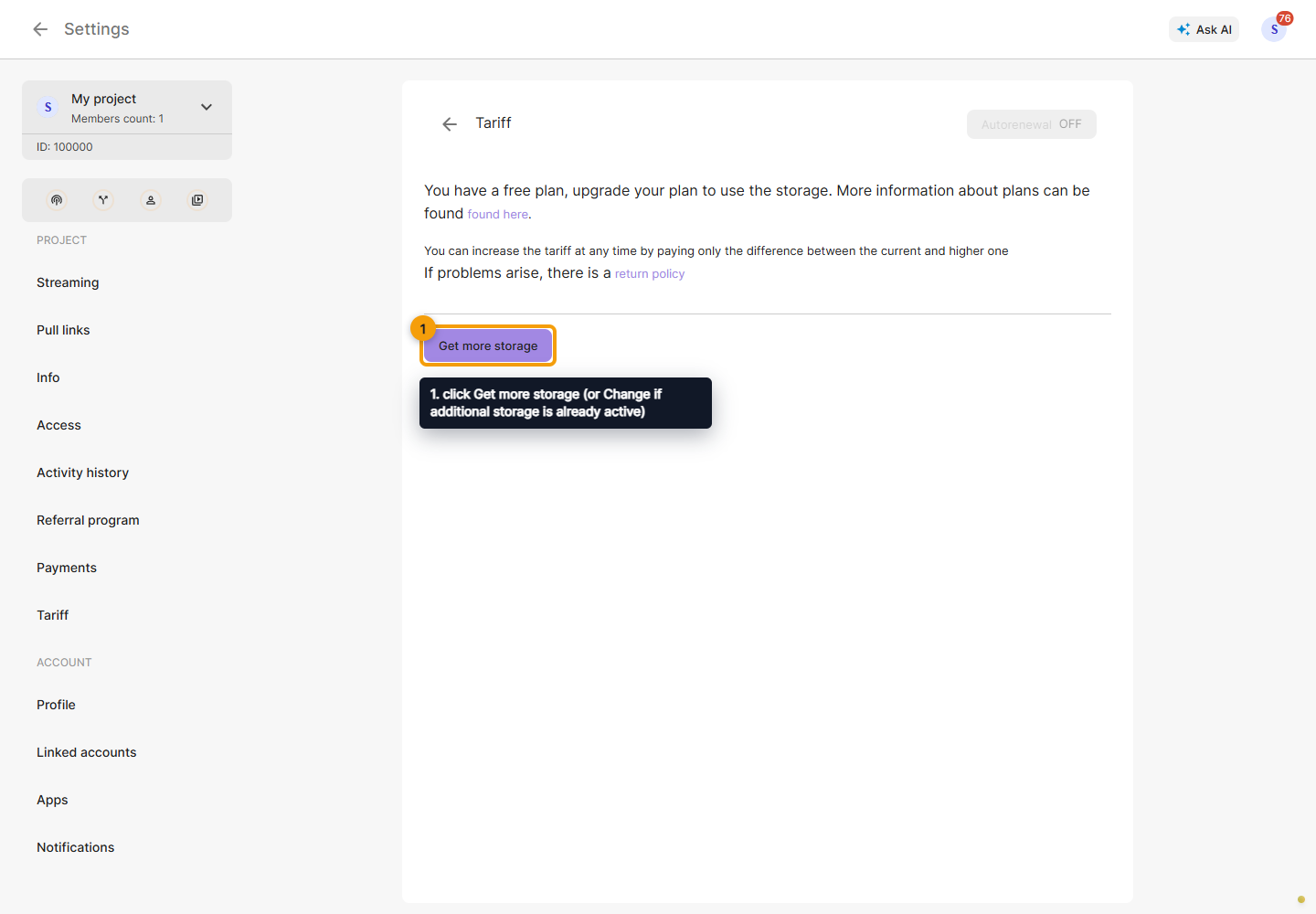
Check used and available space. If more is needed, click Get more storage (or Change if additional storage is already active).
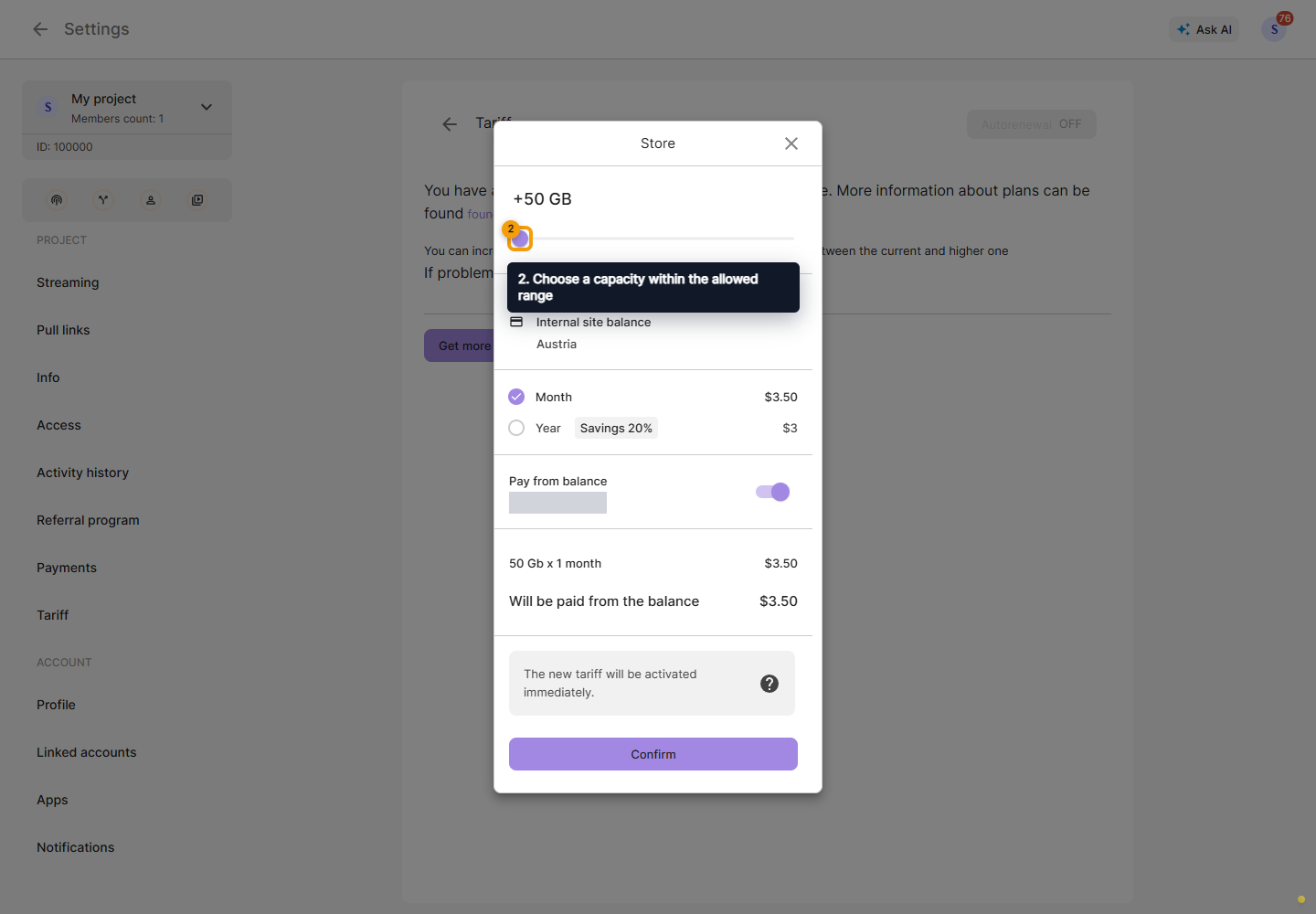
Choose a capacity within the allowed range and a period. Review the price calculation; when changing an active service, check any credit and the final amount. Then choose a payment method and confirm the purchase. See Payments.
Additional space increases project capacity. Uploading and streaming files also depend on an active restreaming plan. Check the service expiry date and Auto-renewal so that used space does not exceed the available capacity after expiry.
Upload and processing
In My videos, choose Add a video and wait for transfer to finish. A successful-upload message means the file has been received; processing still follows. Schedule it once it is ready and its duration is available.
If the Cabinet reports a capacity overrun, follow the notice before the displayed deadline: increase storage or remove unneeded videos. Do not assume a fixed retention period above the limit. Before deleting a file, check whether a scheduled stream needs it.