
Placeholders
Open Settings → Stream in the intended project.
Connection loss and manual pause use separate placeholders. Click “View all” in the pause block or in the connection-loss block. The gallery shows the current placeholder and available files.
To upload your own file, click “Choose file” or drag it into the upload area. Upload availability and the number of custom files depend on your plan. The dialog lists supported formats, a 300 MB size limit and a 30-second video limit.
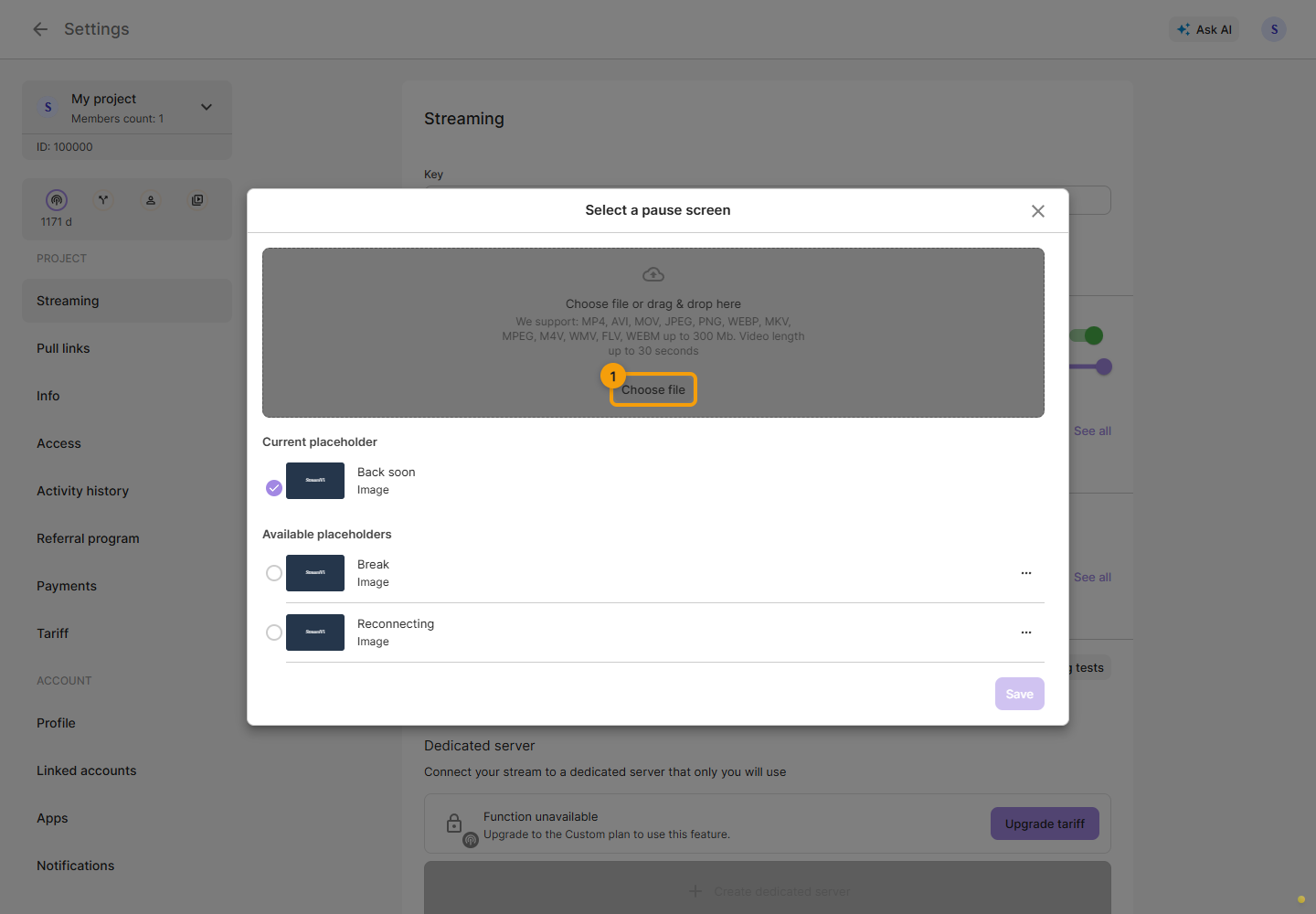
Wait for processing, then select the required placeholder in the list. You can use a ready-made file or your own processed image or video.
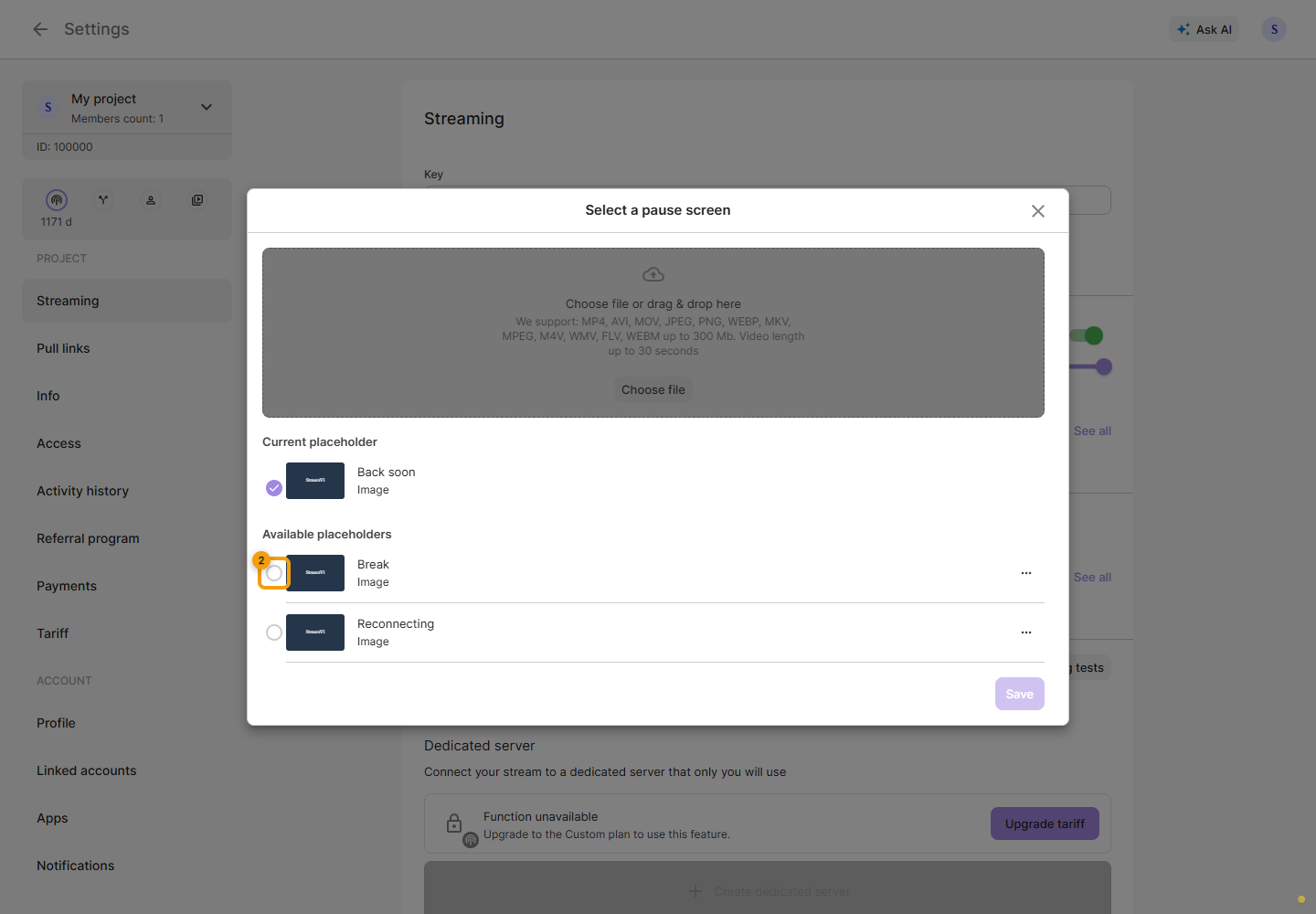
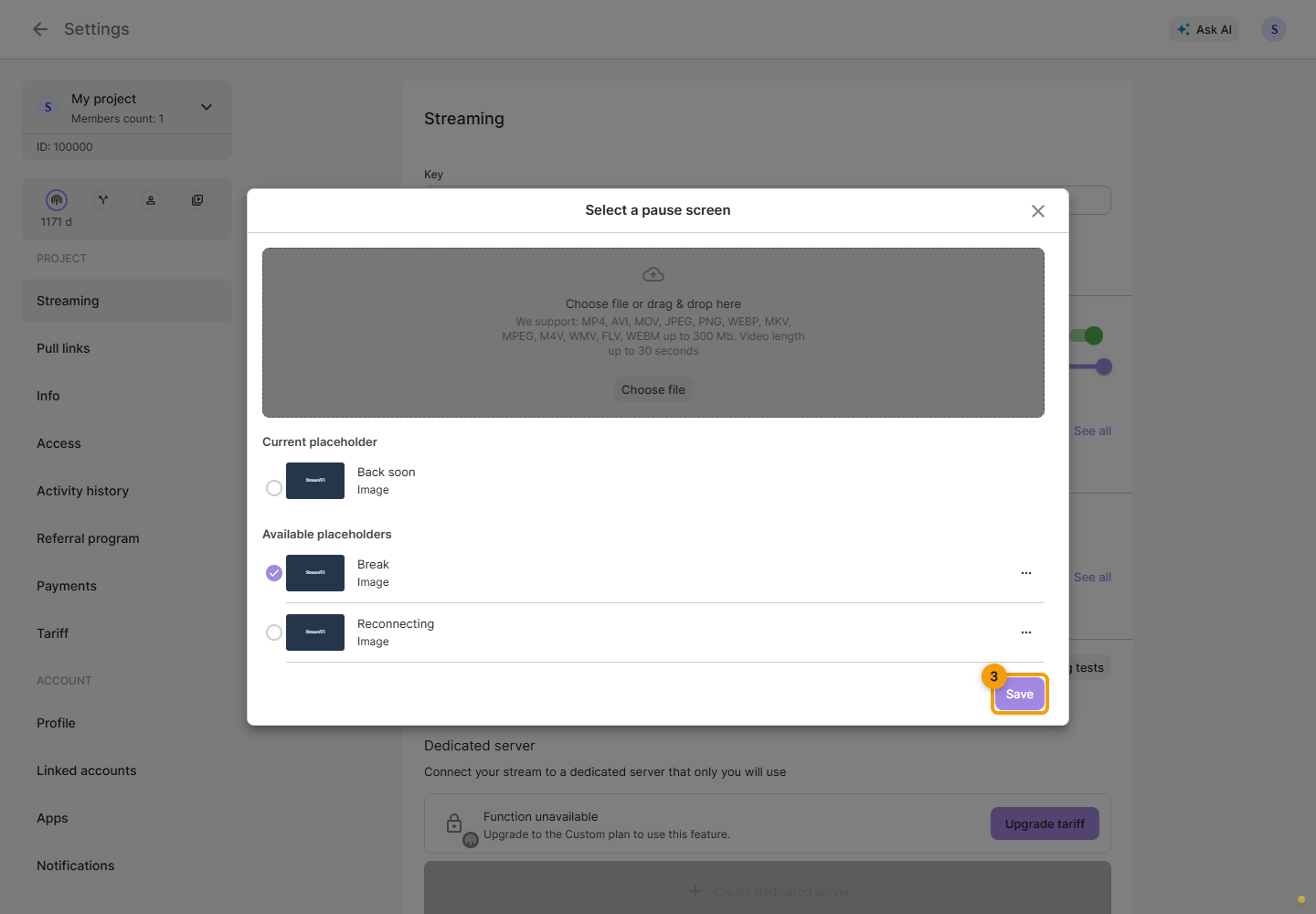
Click “Save”. Selecting a file without saving does not change the current placeholder.
Editable files can be renamed or deleted. A placeholder currently used for pause or connection loss cannot be deleted until another one is selected. These short files do not replace videos for the scheduler.