
Stream title and description
On the project's main page, click Title and description. The shared form sets text for supported project channels. Editing is unavailable on the free plan; the dialog offers a paid-plan upgrade.
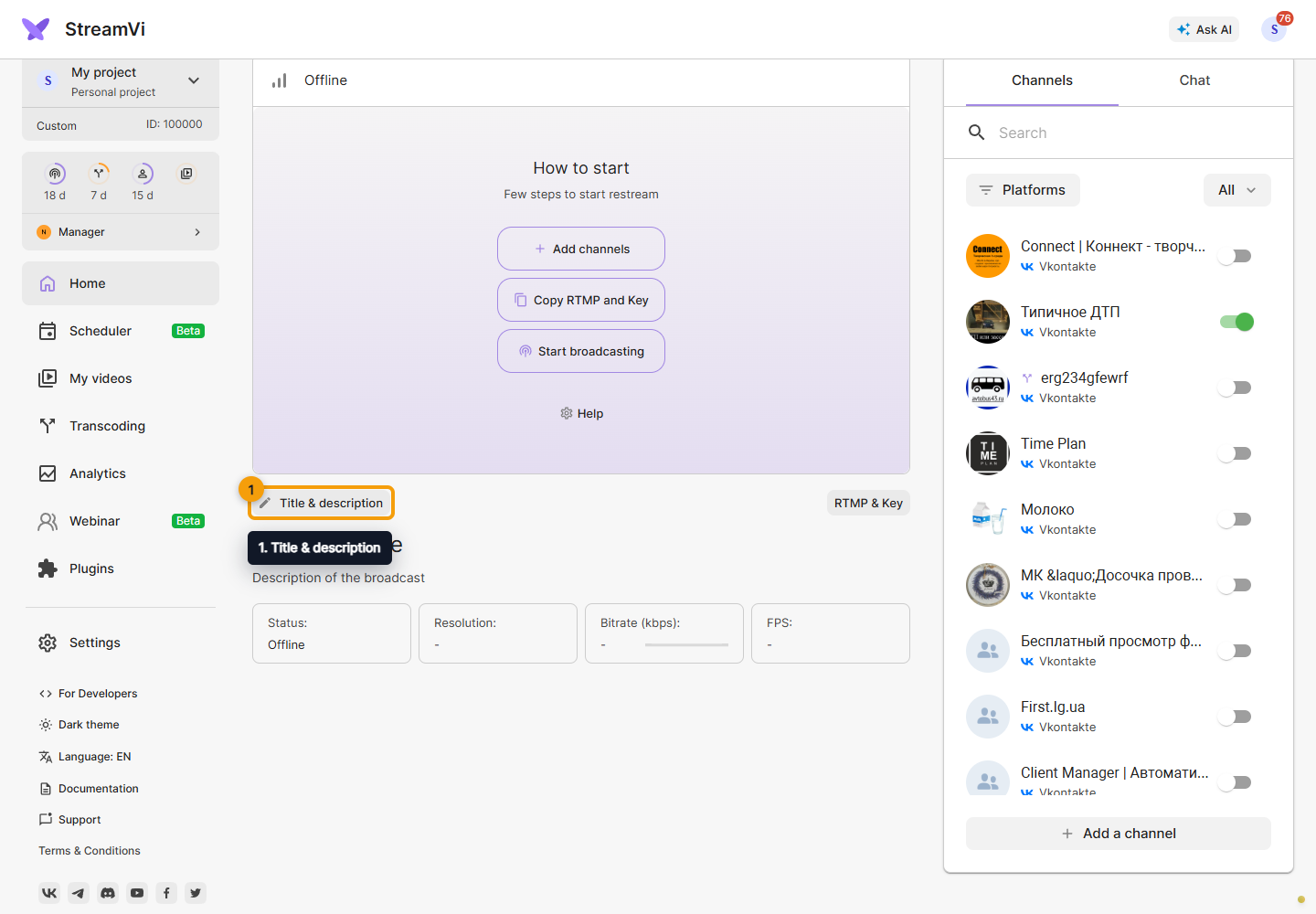
Enter a title up to 100 characters. Do not use angle brackets for YouTube.
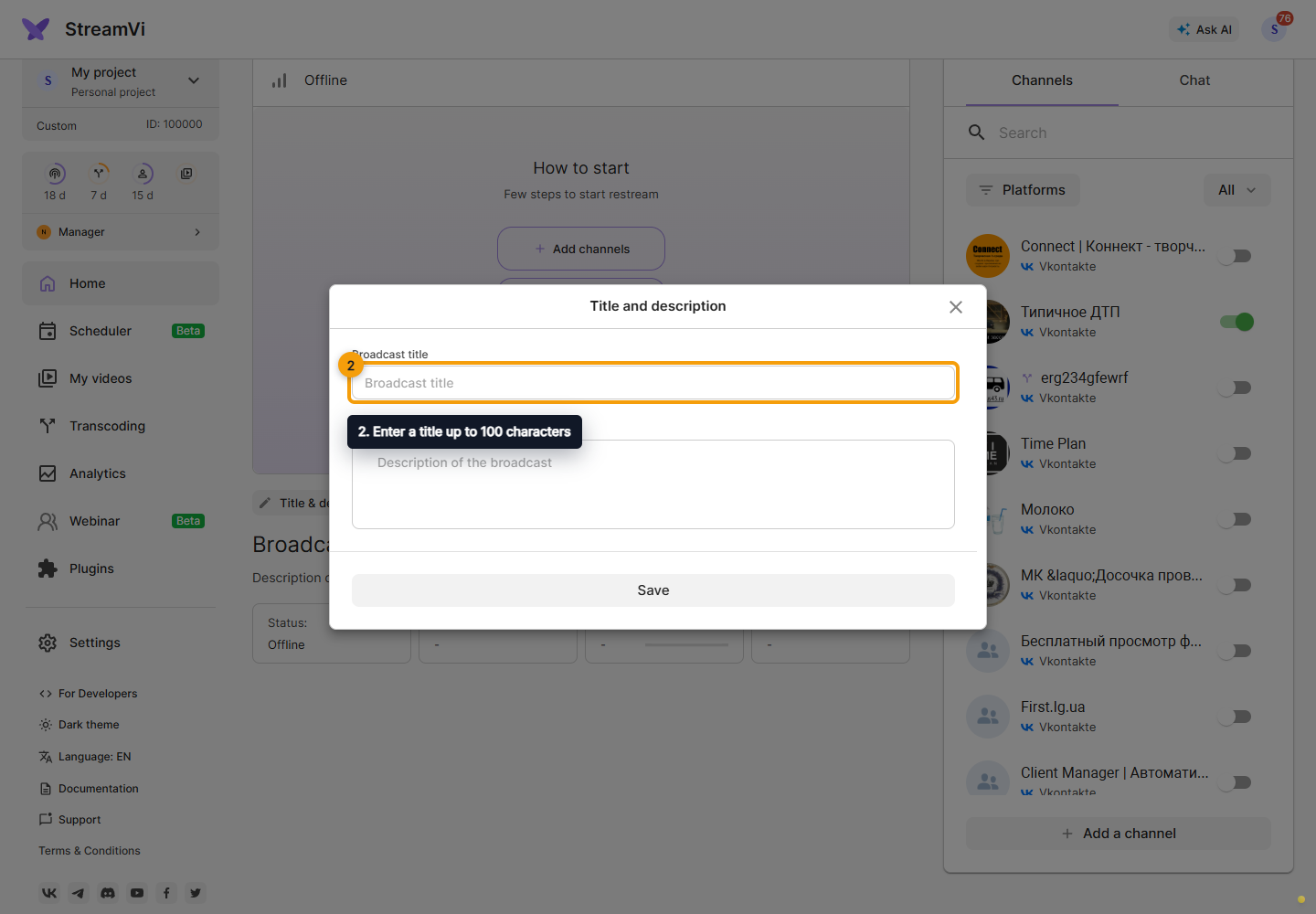
Enter a description up to 5000 characters, then click Save. Correct field errors before submitting and check the result on the destination platform.
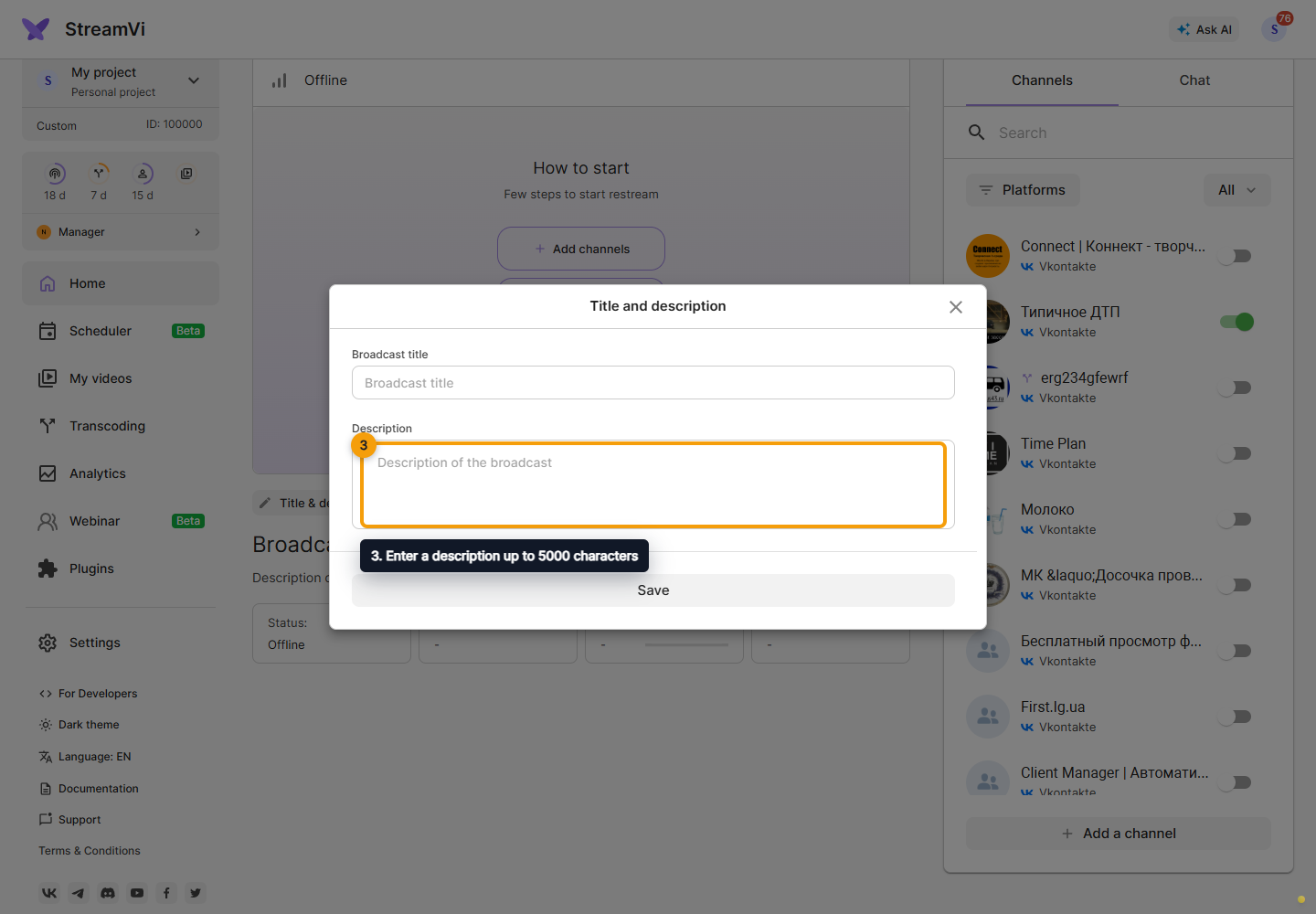
Individual platforms have different fields and limits. Twitch additional settings include a title; YouTube, VK and Odnoklassniki also include a description. For channel-specific text, open the channel → Broadcast settings. See YouTube and other platforms.
For a scheduled event, its parameters may be managed on the platform. A manual RTMP/SRT connection may have no API-based text control. The channel name in StreamVi's list is different from the broadcast title viewers see.
In individual channel settings, fill in the broadcast title and, when offered by the platform, the broadcast description. Save the form to apply the text to that channel.