Русский
 Английский

Telegram
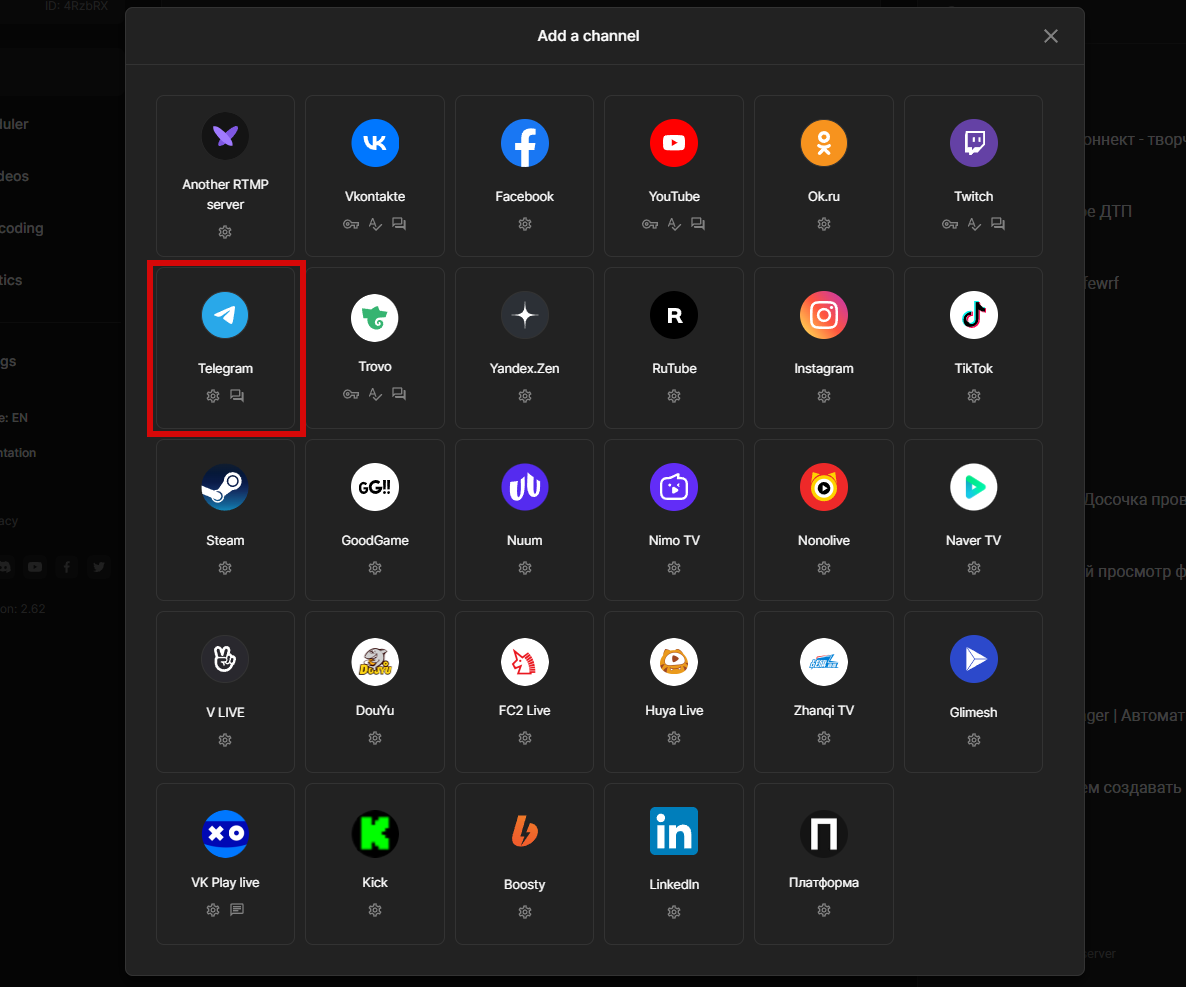
> Select "Telegram”
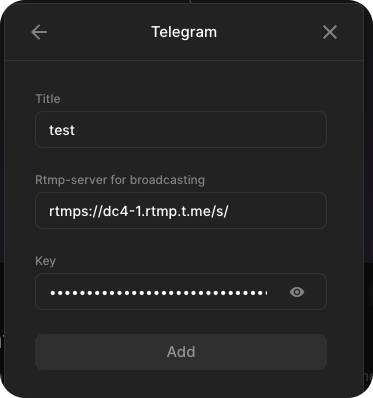
A window opens in which you need to insert data from Telegram. You can specify any name, only you will see it.
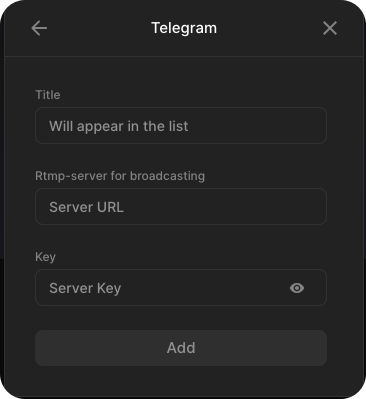
Let's leave this page open and go to your group or Telegram channel.
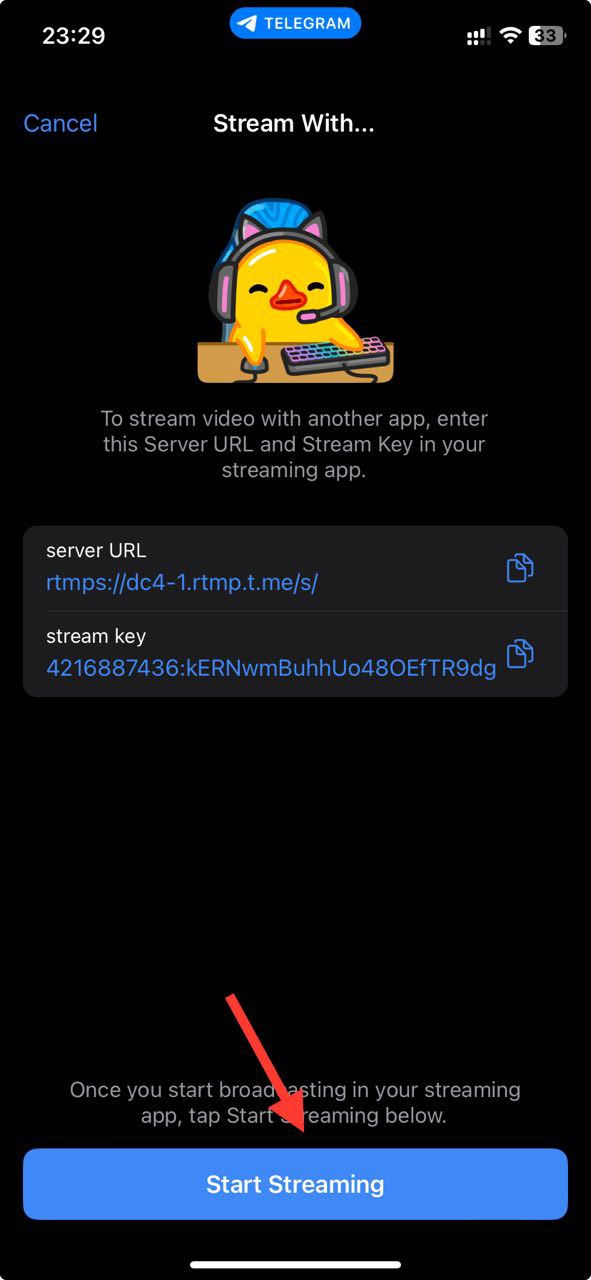
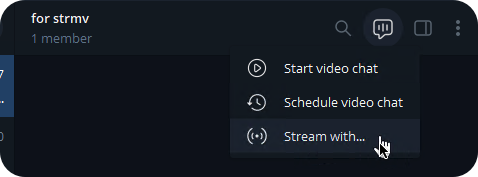
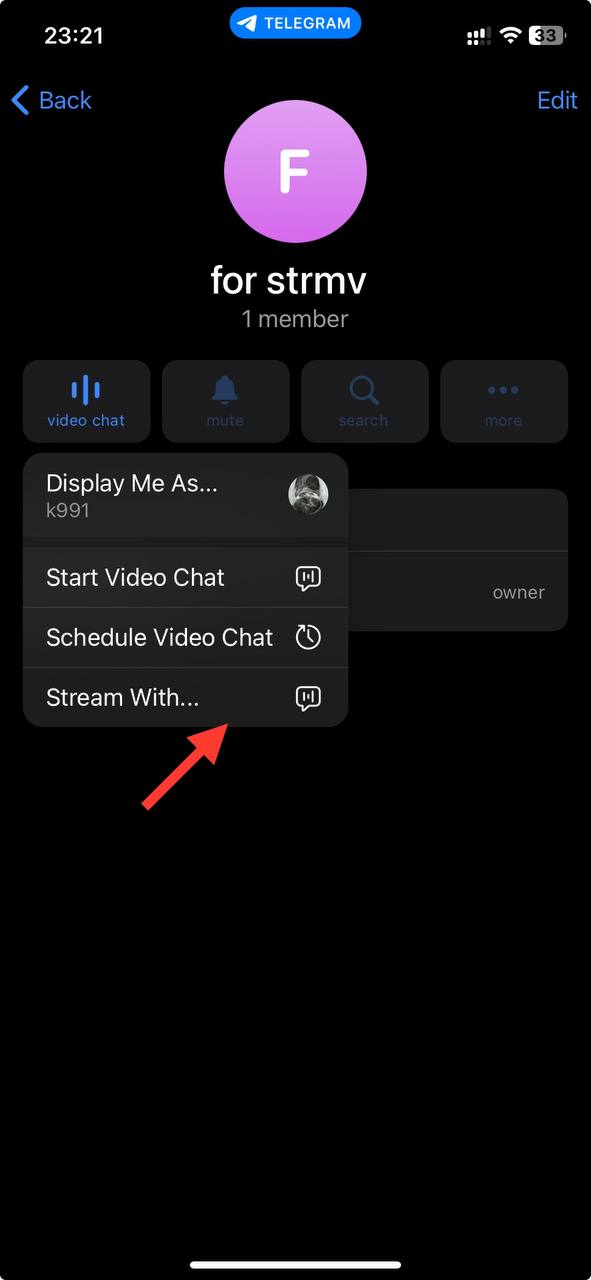
The menu item "Stream with..." is currently available only on PC and iOS
Click on the broadcast button and select "Stream with...”
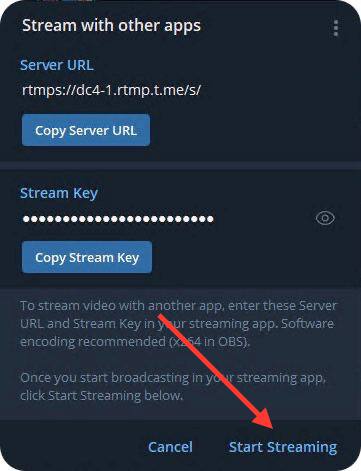
The “Server URL” and “Stream Key" will be shown. This data needs to be inserted into the channel settings
Copy the Server URL and Stream Key
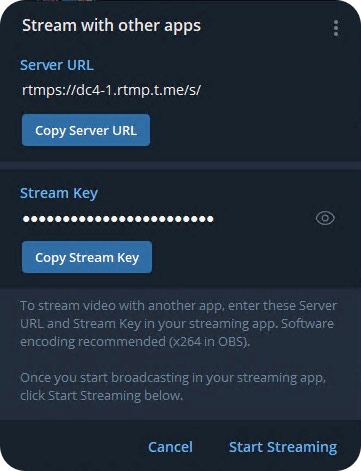
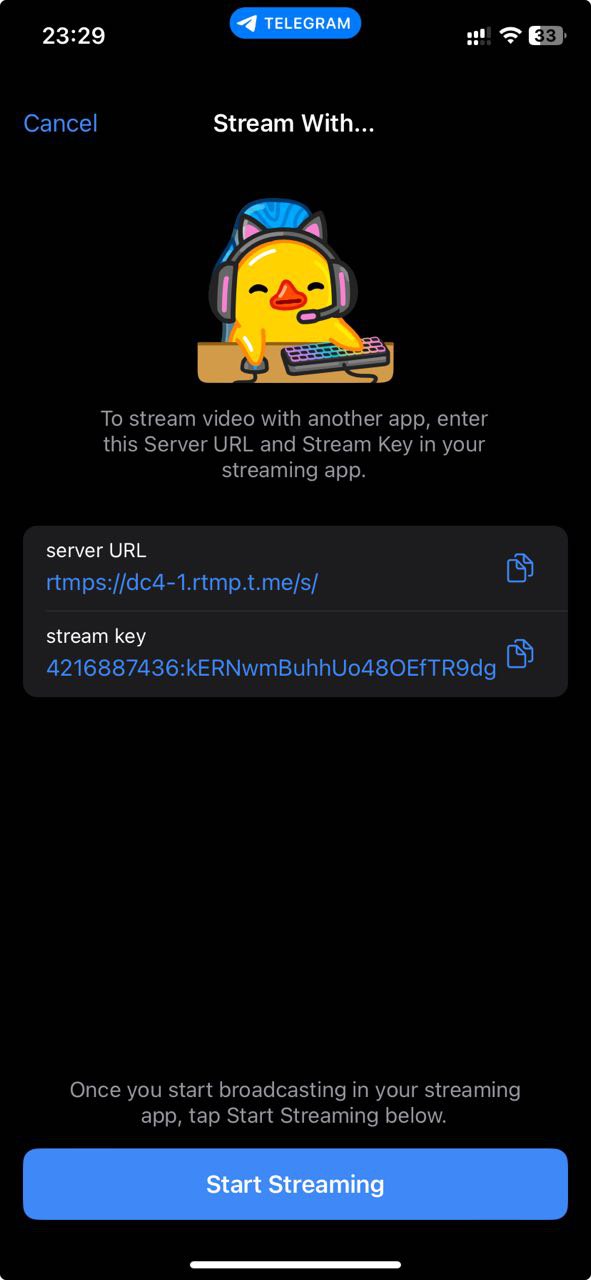
Paste the data in the open StreamVi tab