
Applications
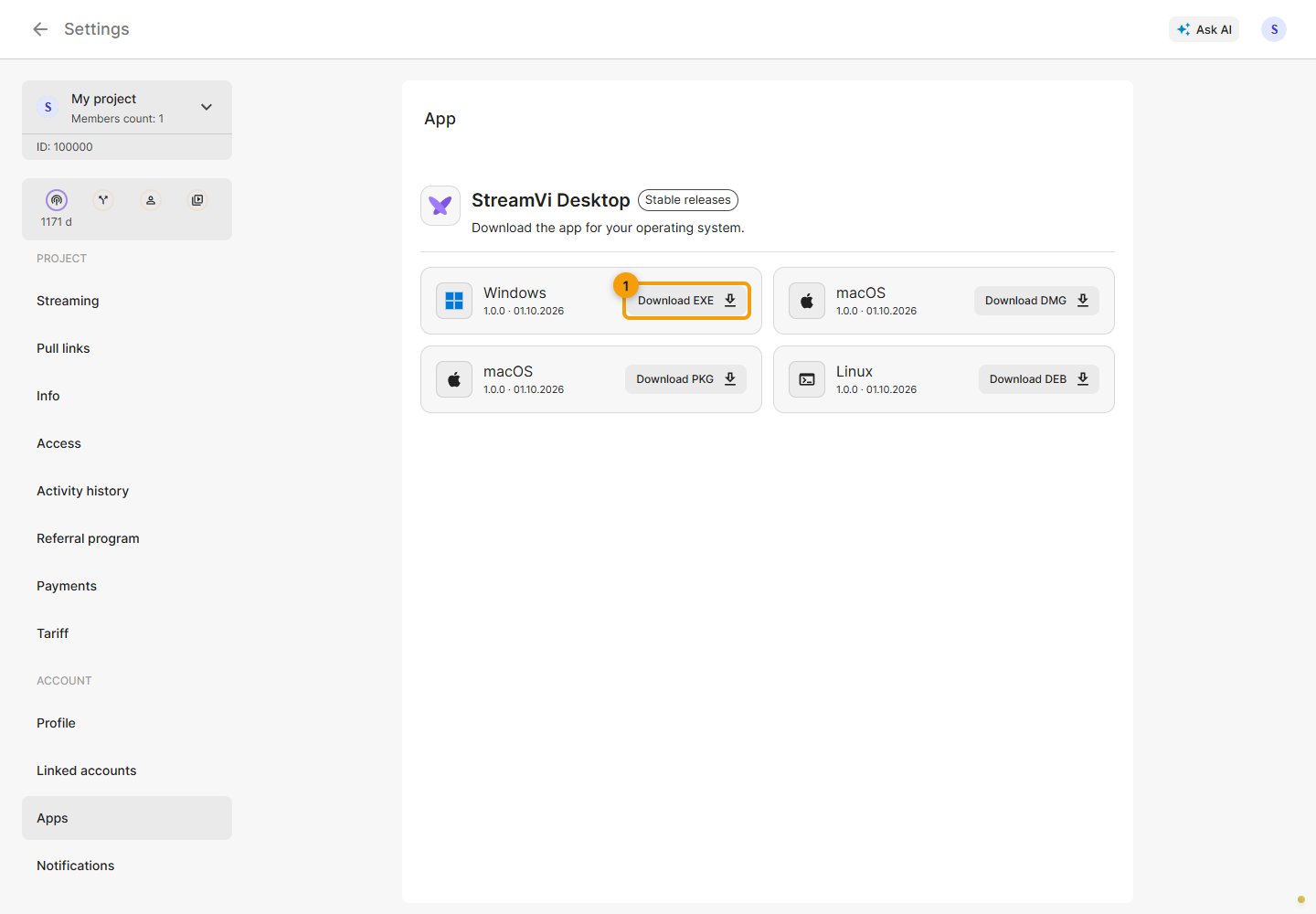
In the Cabinet, open Settings → Account → Applications. Under Stable releases, choose your system's card: Windows, macOS or Linux, if it is included in the loaded list. The card shows the version, release date and available installer format; click its Download button. The files depend on published builds, so use links from the current Cabinet rather than a version number from an old screenshot.
If the list fails to load, the Cabinet displays a warning. Reload the page later or reopen the section. Other releases are available on the application's releases page.